Cloudflare Proxy vs DNS-Only: When to Use Each

%203.png&w=256&q=75)
What the orange cloud proxy actually does
The orange cloud means Cloudflare answers DNS queries for that record with its own IP addresses, not yours. Every visitor connects to a Cloudflare edge server, and Cloudflare opens a second connection back to your origin. Your record might say 203.0.113.42, but the world sees a Cloudflare address — your real server IP never appears in a public DNS answer.
Because traffic passes through the edge, everything Cloudflare sells rides on that hop: static assets get cached close to visitors, the WAF inspects requests before they reach you, DDoS floods are absorbed by a network built to eat them, and TLS terminates at the edge so even an origin without a perfect certificate setup presents valid HTTPS to browsers. The toggle in the DNS tab is not a DNS setting at all — it is the switch that decides whether Cloudflare is a bystander or a middleman for that hostname.
What DNS-only (grey cloud) means
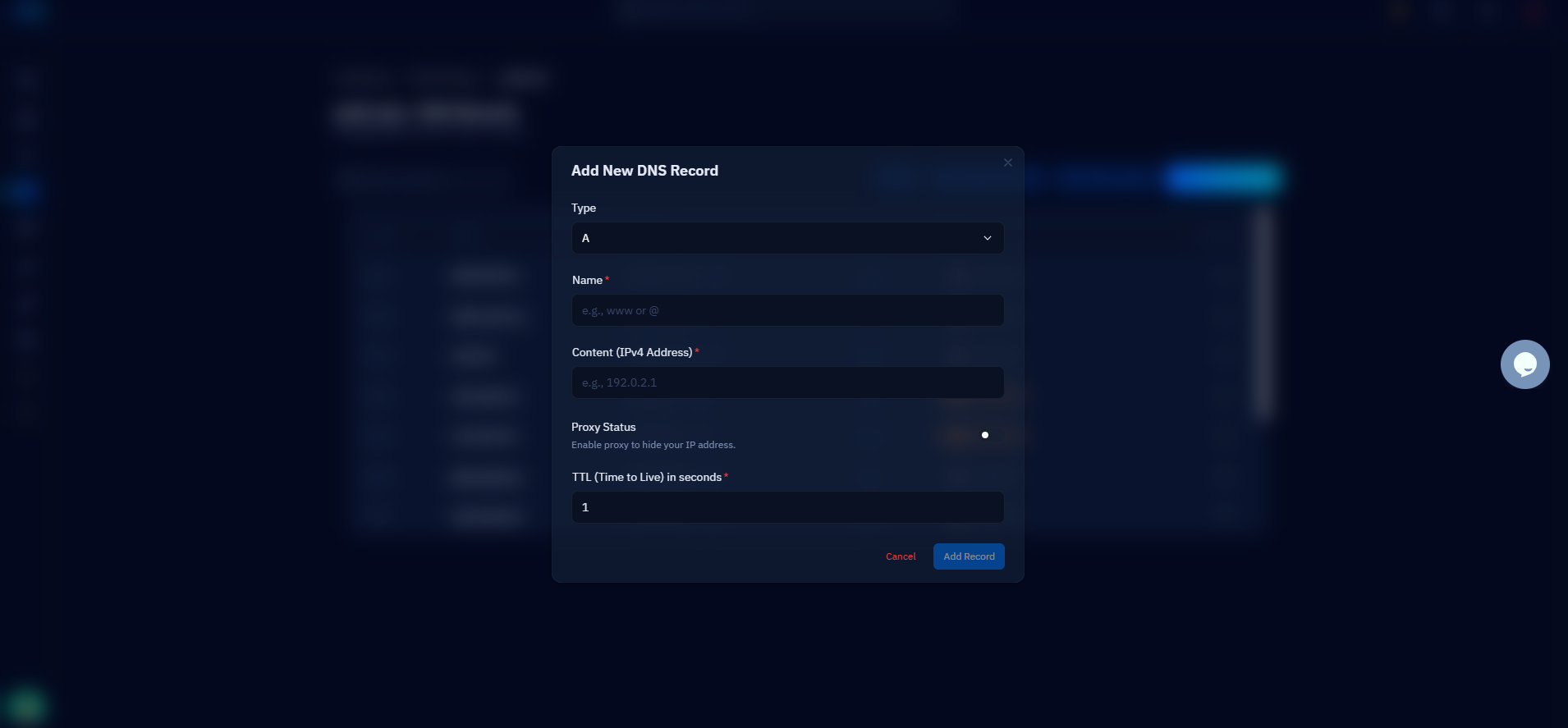
Grey cloud is pure name resolution: Cloudflare returns exactly the IP you typed into the record and then steps out of the way. Clients connect straight to your server on any port, with any protocol — HTTP, SSH, SMTP, a game server, anything. No caching, no WAF, no DDoS absorption, no IP masking. Cloudflare is acting as a fast authoritative nameserver and nothing more.
That is not a downgrade — it is a different job. Plenty of records must behave this way to work at all, and the fastest way to see the difference is to query both kinds and compare the answers, which is exactly what the next section does.
When the proxy is the right call
Proxy any hostname that serves a public website over HTTP or HTTPS. That is the short rule, and it covers the root domain, www, and most app subdomains. A WordPress site behind the orange cloud gets its images, CSS, and JavaScript served from a cache a few milliseconds from the visitor, sheds bot traffic at the edge before PHP ever wakes up, and hides the origin IP from anyone scanning for servers to attack directly. If the site has ever been hit by a scraper swarm or a layer-7 flood, the proxy is the difference between a Cloudflare graph spiking and your server falling over.
You can watch the toggle work with dig. A proxied record answers with Cloudflare edge IPs; a grey-cloud record answers with your actual origin:
Those 104.21.x and 172.67.x addresses belong to Cloudflare, and they are what every visitor, bot, and attacker sees. The 203.0.113.42 answer is your server, fully exposed. Both are correct — for different records.
When DNS-only is required
Mail comes first because it breaks loudest. The hostname your MX record points to — mail.example.com, say — must be grey-cloud. Sending servers connect to it on port 25 with SMTP, and Cloudflare's proxy does not forward SMTP. Proxy that A record and inbound mail starts bouncing with connection timeouts, usually discovered days later when someone asks why the contact form went quiet. The same applies to hostnames used for IMAP, POP3, and SMTP submission on 465 or 587.
SSH and SFTP are next. If you connect with ssh deploy@server.example.com, that hostname needs to resolve to the real machine — the proxy will not carry port 22, so a proxied record leaves you staring at a hung connection. The general rule: any service on a port outside Cloudflare's supported HTTP list (80, 443, 8080, 8443, 2052-2096, and a few others) needs a grey-cloud hostname or a direct IP.
Two quieter cases round it out. Domain-verification records — the A or CNAME targets some providers ask you to expose during validation — often need the real answer visible, so keep them DNS-only until verification completes. And if your application genuinely needs the client's real IP address but you cannot touch the web server config, grey cloud is the blunt fix: behind the proxy, your access logs show Cloudflare's IPs unless you restore the original from the CF-Connecting-IP header.
The proxy toggle is a routing decision, not a security setting. Orange cloud means "Cloudflare speaks to the world on my behalf" — which is exactly right for a website and exactly wrong for a mail server. Decide per record, never per zone.
Gotchas that bite in production
The classic mistake is proxying the record behind your MX. Cloudflare's dashboard warns you, but the warning is easy to dismiss during a bulk import — and mail fails silently from the sender's side, so you get no error, just absence. Whenever mail goes quiet after a DNS change, check the cloud icon on the MX target before anything else.
Second: turning on the proxy does not retroactively hide your origin. DNS history services archive old answers, so anyone can look up what your A record said before the orange cloud went on. If IP secrecy matters, move the origin to a new IP after enabling the proxy, and firewall ports 80 and 443 so they accept connections only from Cloudflare's published IP ranges — otherwise attackers simply bypass the edge and hit the leaked address directly.
Third: the port list surprises people. A proxied hostname serving an API on port 3000 or a panel on 8888 simply will not connect — Cloudflare only forwards its supported HTTP ports. The fix is to put the service behind your web server as a reverse proxy on 443, move it to a supported port, or give it a grey-cloud subdomain. None of these are hard; all of them are confusing the first time the symptom is just a timeout.
Per-record decisions, and your next step
The working policy is short enough to memorise: orange cloud for anything a browser visits, grey cloud for mail, SSH, SFTP, odd ports, and verification records — and check the MX target twice. Applied record by record, that one sentence prevents nearly every Cloudflare-related outage a small team will ever see.
If your server runs on CloudStick, you do not need to keep a second dashboard open to enforce it. CloudStick's Cloudflare integration manages the zone through the Cloudflare API, so you can create records, flip a hostname between proxied and DNS-only, and keep web records orange while mail and SSH hostnames stay grey — all from the same panel where the sites themselves live. The practical next step: run dig +short against every hostname in your zone tonight, note which answers show Cloudflare IPs and which show your origin, and fix the ones that are backwards before they fix themselves at 3 a.m.

