How to Use SSH Config Files to Manage Multiple Servers

%203.png&w=256&q=75)
What Is an SSH Config File?
The SSH config file at ~/.ssh/config lets you define connection settings per host. Instead of typing out the full connection string every time — ssh -i ~/.ssh/id_ed25519_production -p 2244 deploy@203.0.113.10 — you define that host once in your config and connect with a single alias: ssh prod.
Each host block in the config file sets directives like Hostname, User, Port, and IdentityFile — all the flags you would otherwise pass on the command line every single time.
The config file is not just for the ssh command itself. It applies to every tool that uses SSH under the hood: scp, rsync, Git over SSH, and VS Code Remote all read from ~/.ssh/config automatically. Define your hosts once, and all of these tools benefit immediately.
Basic Host Configuration
Each Host block defines an alias and its connection settings. You can have as many blocks as you need — one per server, one per environment, or one per client. SSH reads the file from top to bottom and uses the first matching block.
Notice the ProxyJump prod directive on the db-server block. This lets you reach a server on a private network by tunneling through a bastion host — in this case, the prod host you already defined. Running ssh db-server automatically connects through the jump host without any additional flags or tunneling commands.
Per-Server Key Files
Using a different key file per server is good security practice. If one server is compromised and the attacker extracts or misuses the key, they cannot use it to access your other servers — each host only accepts the key registered for it. The IdentityFile directive in your config saves you from passing -i on every connection.
Wildcard Host blocks let you set defaults for groups of servers, or global defaults that apply to all connections. SSH applies the most-specific matching block first, then falls back to less-specific blocks for any settings not already defined.
The IdentitiesOnly yes directive is worth highlighting. Without it, SSH will try every key currently loaded in your ssh-agent in addition to the one you specified with IdentityFile. When you have many keys loaded, this triggers the "too many authentication failures" error on servers with strict attempt limits. Setting IdentitiesOnly yes tells SSH to only try the explicitly specified key — connections are faster and more predictable.
Advanced Config Options
Beyond the basics, several directives meaningfully improve day-to-day workflow across a fleet of servers:
ServerAliveInterval 60 — sends a keepalive packet every 60 seconds so idle SSH sessions are not dropped by firewalls or NAT routers. ForwardAgent yes — forwards your local ssh-agent to jump servers so you can hop from bastion to internal hosts without copying keys onto the bastion itself. LocalForward — creates a local port tunnel, letting you connect to a remote service as though it were on localhost.
With this host defined, running ssh prod-db-tunnel opens a tunnel. Any MySQL client pointed at 127.0.0.1:3307 on your local machine connects securely to the production database server — no VPN required.
Add ControlMaster auto and ControlPath /tmp/ssh-%r@%h:%p to your config. Subsequent SSH connections to the same host reuse the existing socket — connecting in under 100ms instead of the full handshake.
CloudStick SSH Terminal
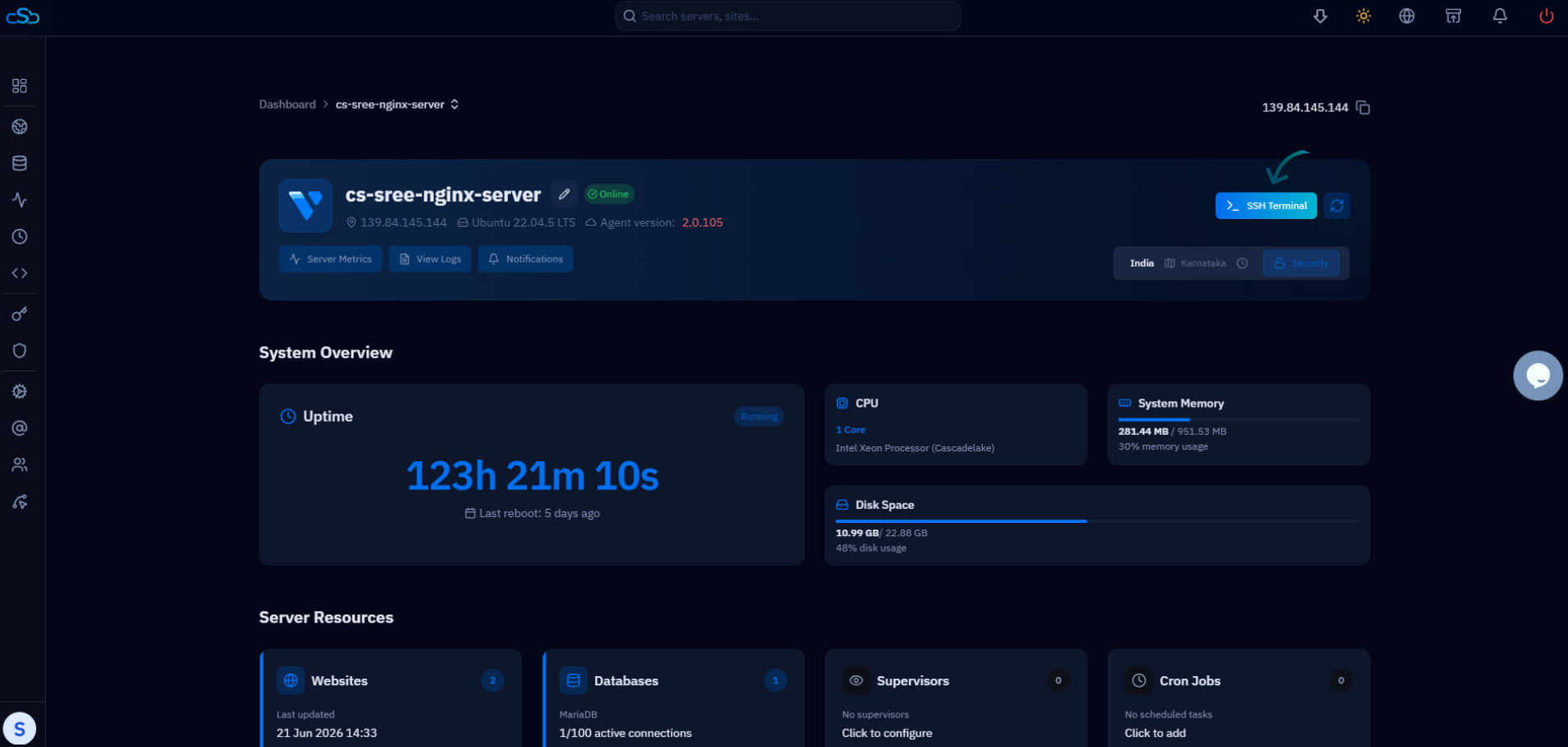
CloudStick's built-in browser SSH terminal lets you connect to any of your servers directly from the dashboard — no local SSH config file, no key management on your machine, and no terminal application required. It is particularly useful for quick server tasks from a new device or when working in environments where local SSH access is restricted.
For developers who prefer native command-line SSH, CloudStick makes it easy to populate your ~/.ssh/config file accurately. The Server Details section in the CloudStick dashboard shows each server's IP address, SSH port, and default system user. You can copy these values directly into a new Host block — no hunting through provider consoles or deployment notes to find the right connection details.