Common Nginx Configuration Mistakes (and How to Avoid Them)

%203.png&w=256&q=75)
Mistake 1: Putting root Inside a location Block
Placing the root directive inside individual location blocks is one of the most common Nginx misconfigurations. It works for that specific location, but any other location block inherits no document root, causing unexpected 404s on other paths.
Mistake 2: Relying on server_name _ as a Wildcard
Many tutorials use server_name _; as a catch-all. The underscore is not a wildcard — it is simply an invalid hostname that matches no legitimate request. The real mechanism is the default_server flag on the listen directive. Without it, Nginx picks the first server block alphabetically when no name matches — potentially exposing an unintended site.
Mistake 3: Forgetting try_files for PHP Applications
Without try_files, Nginx passes every request directly to PHP-FPM — including static assets and non-existent URLs. This overloads PHP unnecessarily and prevents proper 404 responses. Also add try_files $uri =404; inside your PHP location to block path-info RCE exploits.
Without try_files $uri =404;, a request to /uploads/image.jpg/shell.php may be executed by PHP-FPM when path info is enabled — a known remote code execution vector.
Mistake 4: Enabling Gzip Inside a location Block
gzip on; only takes effect in the http or server context. Inside a location block, Nginx silently ignores it — responses go out uncompressed with no error logged. Verify with curl -I -H "Accept-Encoding: gzip" and look for Content-Encoding: gzip.
Mistake 5: Not Setting client_max_body_size
Nginx defaults to a 1MB request body limit. File uploads larger than 1MB return a 413 error. This catches developers off guard on fresh WordPress installs where images frequently exceed 1MB. The fix requires updating both Nginx and PHP — setting only one produces a different error depending on which limit is hit first.
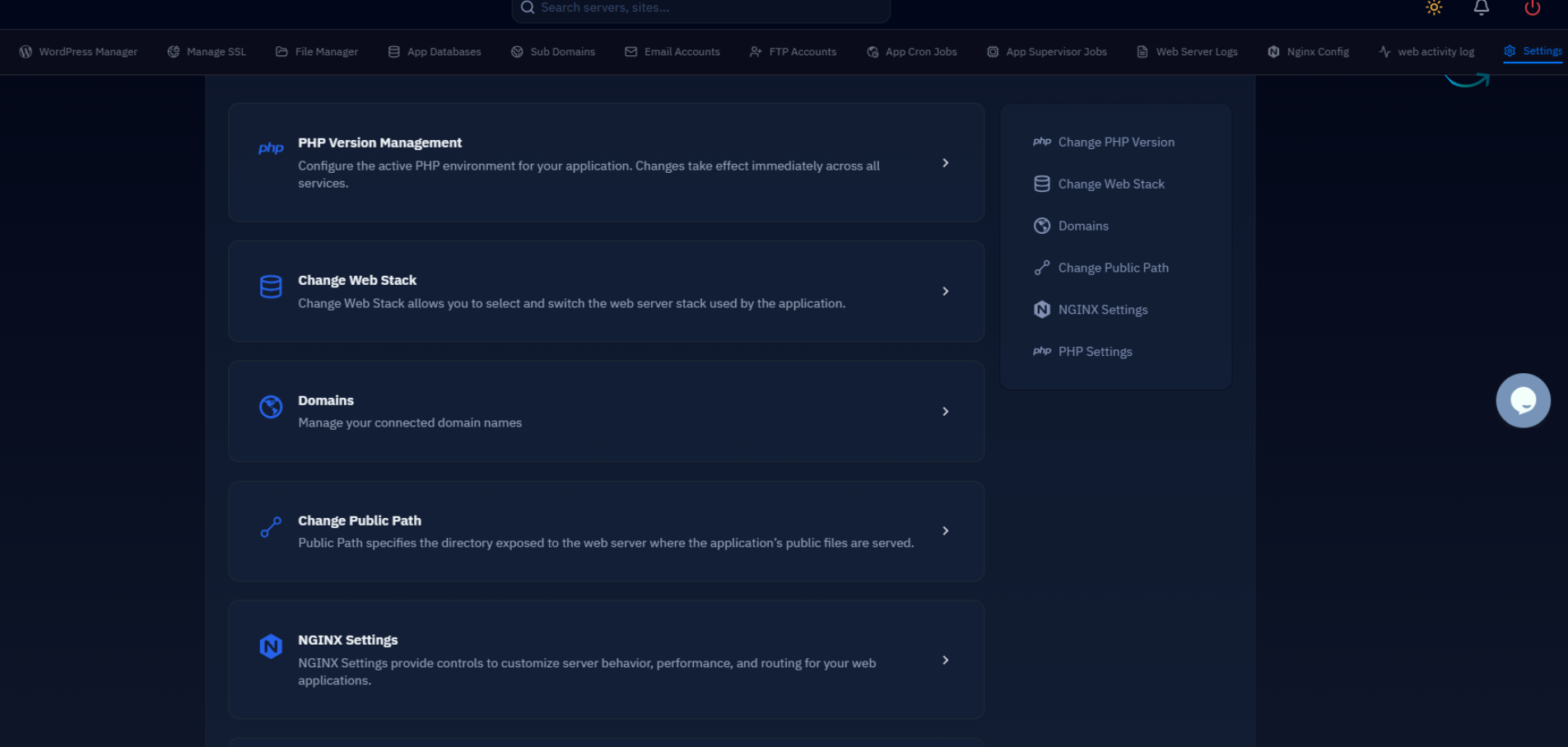
CloudStick lets you update PHP limits from the server dashboard without editing config files manually — changes apply immediately without a manual PHP-FPM reload.
Debugging Nginx Configuration Errors
When Nginx behaves unexpectedly, these commands show exactly what is running. Always test syntax before every reload, and use nginx -T to dump the full merged config and trace which file a directive comes from.
CloudStick validates Nginx config automatically before applying any dashboard changes. If the syntax test fails, the change is rolled back instantly and your site stays live with no manual intervention required.