How to Install and Configure Nginx on Ubuntu 24.04

%203.png&w=256&q=75)
Install Nginx on Ubuntu 24.04
Nginx is available in Ubuntu's default repositories, so installation is a single apt command. The package is kept reasonably current — Ubuntu 24.04 ships Nginx 1.24.x — though if you need the latest mainline build you can add the official Nginx PPA instead. For most production workloads, the default repository version is stable and well-tested.
You need a fresh Ubuntu 24.04 VPS with a non-root sudo user and UFW firewall active. If you have not done initial server setup yet, follow our Ubuntu 24.04 server setup checklist first.
Understanding the Nginx Configuration Structure
Nginx organizes configuration into a hierarchy. The main config file at /etc/nginx/nginx.conf contains global settings, worker process counts, and includes all site configs from /etc/nginx/sites-enabled/. You should rarely edit nginx.conf directly — instead create individual server block files in /etc/nginx/sites-available/ and symlink them to sites-enabled.
This separation lets you disable a site by removing its symlink without deleting the config. The default site config lives at /etc/nginx/sites-available/default and serves Nginx's welcome page on port 80. For production you will replace this with your own server block.
Create a Production Server Block
A server block is Nginx's equivalent of Apache's VirtualHost — it maps a domain name to a web root directory. The configuration below serves a PHP application (WordPress or Laravel) via PHP-FPM, handles static files directly in Nginx for performance, and includes a security block that prevents PHP execution inside the uploads directory.
Add Security Headers
Security headers instruct browsers to refuse clickjacking, block MIME-type sniffing, and enforce HTTPS. They take seconds to add but protect against an entire class of client-side attacks. Add these inside your server block or in a shared snippet file that you include across all server blocks.
Performance Tweaks Worth Enabling
Three settings have the largest impact on a fresh Nginx install: worker tuning, keepalive connections, and static file caching. Set worker_processes auto so Nginx spawns one worker per CPU core. Keepalive connections reduce TCP handshake overhead for repeat visitors. Static file cache headers tell browsers to cache images and CSS for 30 days.
After any nginx.conf change, always run sudo nginx -t before reloading. This validates the config syntax and catches errors before they take your site down. A bad config with systemctl reload will cause Nginx to refuse to reload, not silently fail.
CloudStick Automates All of This
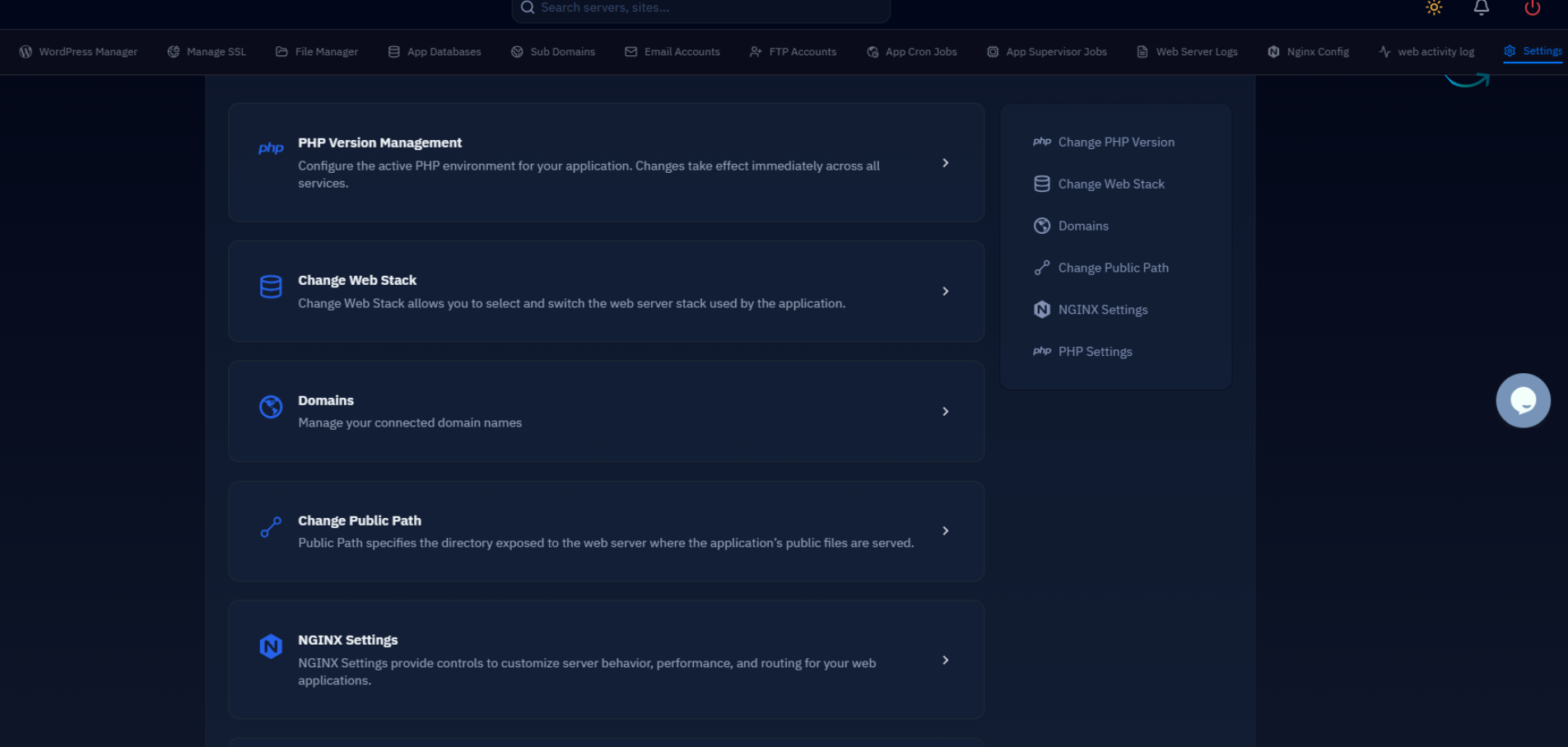
Every step above — installation, server block creation, security headers, PHP-FPM socket wiring, performance settings — is handled automatically when you add a server to CloudStick. CloudStick installs Nginx with a production-hardened configuration from the start, and each website you create through the dashboard gets its own isolated server block with correct PHP-FPM pooling.
For agencies managing 10 or 20 servers, the manual approach above becomes error-prone. CloudStick's server dashboard lets you create, modify, and rebuild site configurations through a UI without touching config files directly. The underlying Nginx config it generates follows the same best practices outlined here, but consistently across every server you manage.