How to Configure Nginx for a Laravel Application

%203.png&w=256&q=75)
The canonical Laravel server block
A working Laravel site needs exactly three things from Nginx: a root pointing at the public directory, a try_files rule that funnels every non-file request into index.php, and a PHP location block that hands those requests to PHP-FPM. This is the server block Laravel's own documentation recommends, and it is the right starting point for any VPS:
The try_files line is the heart of it: serve the request as a real file if one exists (a CSS bundle, an image), as a directory if that matches, and otherwise rewrite it to index.php with the query string intact so Laravel's router takes over. The final location block denies access to all dotfiles except .well-known, which Let's Encrypt needs for HTTP validation.
This article assumes Nginx and PHP-FPM 8.3 are already installed and your Laravel app is on the server with dependencies installed. If you are starting from a blank VPS, work through the full deployment guide first — the Nginx config is step five of that process, not step one.
Why the document root must be /public
Pointing root at the project directory instead of public is the single most dangerous Nginx mistake a Laravel deploy can make, because it exposes your .env file to anyone who requests example.com/.env. That file holds your APP_KEY, database password, and every third-party API credential the app uses — and automated scanners request that exact path on every new domain they discover, usually within hours of the DNS record appearing.
Laravel is built on the assumption that only public/ is web-accessible: index.php lives there, compiled assets are written there by Vite, and everything else — app code, vendor packages, storage, configuration — sits one level above, out of reach. The deny-all dotfile rule in the block above is a second line of defense, not a substitute. If your app currently lives at a root without /public, do not work around it with rewrites; move the root. It is a one-line change and it closes the whole class of leaks at once.
Connect Nginx to PHP-FPM correctly
The fastcgi_pass directive must match a socket that actually exists, and a mismatch here is the classic cause of a 502 Bad Gateway on a fresh Laravel deploy. Confirm where your PHP-FPM pool listens before trusting any copied config:
One detail in the PHP location block matters more than it looks: using $realpath_root instead of $document_root in SCRIPT_FILENAME. If you ever adopt symlink-based zero-downtime deploys, $realpath_root resolves the symlink on every request so OPcache sees real release paths — with $document_root, PHP keeps serving the old release after a deploy until you reload FPM. Setting it correctly now costs nothing and saves a confusing afternoon later.
Tune uploads, gzip, and static asset caching
Three additions cover most real-world needs. Nginx's default 1 MB body limit rejects file uploads with a 413 error, so raise client_max_body_size to match your app's upload_max_filesize in PHP. Gzip cuts text responses by 70 percent or more. And Vite emits fingerprinted asset filenames, which makes long cache lifetimes free — the filename changes whenever the content does:
Turning off access logging for static assets keeps your logs readable — one page view stops generating twenty log lines for its images and scripts, so the requests you actually debug with stay visible.
Add HTTPS and redirect HTTP
Production means two server blocks: a minimal port-80 block whose only job is redirecting to HTTPS, and the real block on 443 carrying the certificate and everything configured above:
Certbot's Nginx plugin (certbot --nginx -d example.com) issues the certificate and writes this split for you, then renews automatically. If the app generates http:// links behind HTTPS, that is Laravel not trusting the proxy headers — fix it in the app's TrustProxies middleware, not with more Nginx rewrites.
Test, reload, and next steps
Never restart Nginx on a config change — validate first, then reload. nginx -t catches syntax errors before they take the site down, and reload applies the change without dropping a single connection:
Then verify the three behaviors that matter: the homepage loads over HTTPS, a deep link like example.com/login works when requested directly (that is try_files doing its job), and example.com/.env returns 403 or 404 — never file contents.
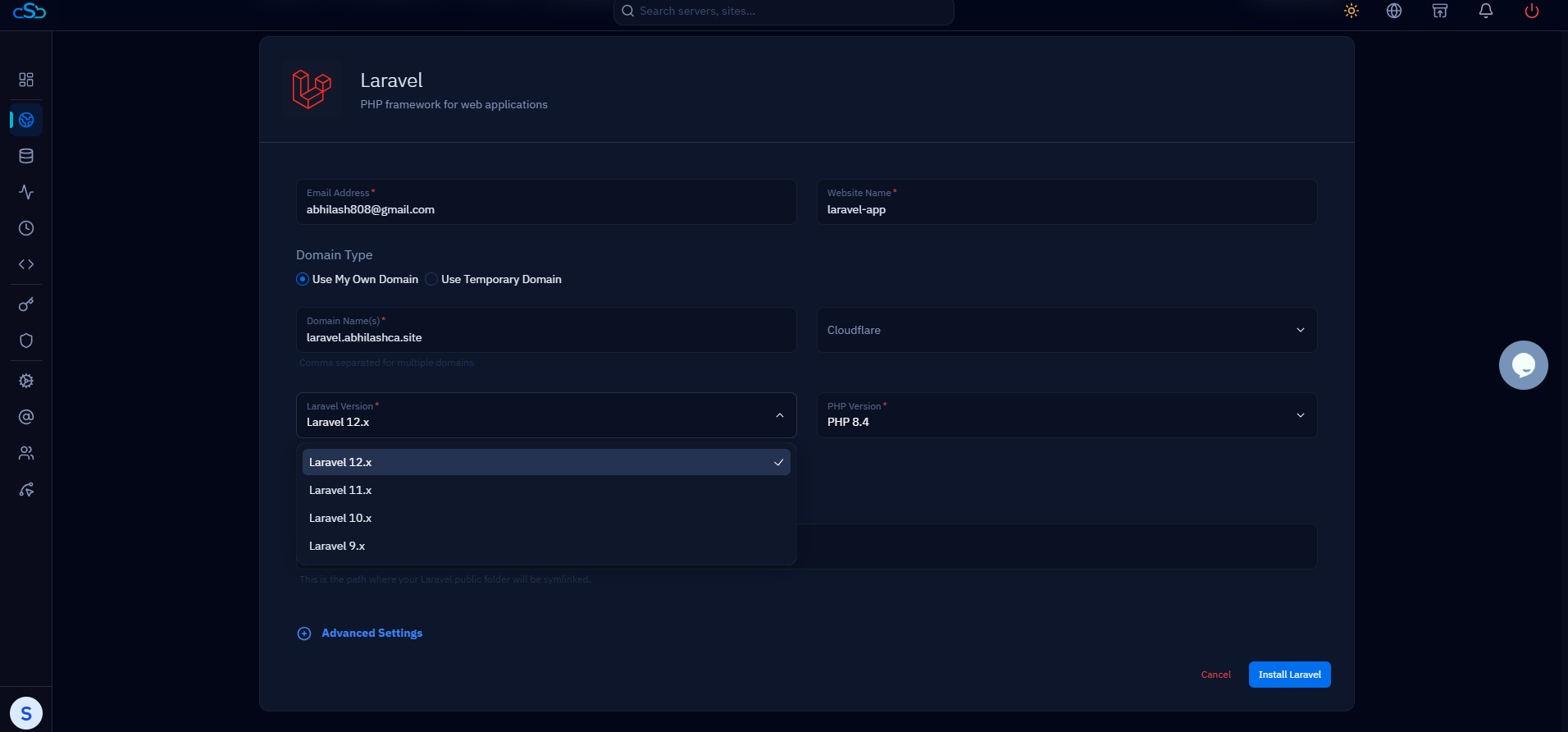
If you would rather not maintain this by hand, this entire configuration is what CloudStick generates when you create a PHP web application in its dashboard: a hardened Nginx vhost with the public root, PHP-FPM socket wiring, security headers, and free Let's Encrypt SSL with auto-renewal — plus a per-site custom-config zone where overrides like a bigger upload limit survive upgrades. Either way, the server block above is the contract: root at public, try_files into index.php, and PHP-FPM on a socket that exists.

