How to Create a Disaster Recovery Plan for Your Websites

%203.png&w=256&q=75)
What Is a Disaster Recovery Plan?
A disaster recovery plan (DRP) is a documented procedure that tells you or your team exactly what to do when a server crashes, a database is destroyed, or a site goes down at 3am. It converts a chaotic emergency into a checklist. The goal is to reduce recovery time from hours (or days) to minutes by eliminating the need to think during a high-stress incident.
A DRP is not just a backup strategy. Backups are the raw material — the DRP is the process for using them. Many teams have working backups and still spend 6+ hours recovering because they had no documented procedure and had to figure out every step under pressure.
Define RTO and RPO Before Writing Anything
Two numbers drive every DRP decision:
- Recovery Time Objective (RTO): The maximum acceptable time the site can be down before it causes significant business harm. For a WooCommerce store doing $5,000/hour, the RTO might be 30 minutes. For an informational blog, it might be 4 hours.
- Recovery Point Objective (RPO): The maximum acceptable data loss measured in time. If your RPO is 4 hours, you need a backup taken at least every 4 hours.
Write down the RTO and RPO for each website in your DRP. They inform everything else: backup frequency, storage location, team response time, and whether you need hot standby infrastructure or just good backups.
Document Your Infrastructure and Dependencies
For every website in scope, document:
- Server provider, region, and instance type
- Operating system version and web server (Nginx/Apache)
- PHP version and installed extensions
- All database names and which application uses each
- External services (CDN, email provider, payment gateway, DNS provider)
- Where backups are stored and how to access them (URLs, bucket names, credentials location)
- Domain registrar and DNS provider, with login details stored in a password manager
- SSL certificate type and renewal mechanism
Map Your Key Failure Scenarios
A DRP should address the three to five scenarios most likely to affect your stack. Common ones for web hosting:
- Bad deploy / plugin update — site down, database intact. Action: roll back files from last backup.
- Accidental database drop — files intact, data lost. Action: restore from last database dump.
- Disk full — write operations fail. Action: identify and remove large files or expand storage.
- Server compromised / ransomware — full rebuild required. Action: provision clean server, restore from offsite backup.
- Provider outage or account suspension — server inaccessible. Action: provision at alternate provider, restore from offsite backup.
The Restore Runbook Template
Each scenario should have its own runbook — a numbered checklist someone can follow without knowing the system from memory. The format should be: trigger condition → decision tree → numbered steps → verification. Store runbooks in a shared document (Notion, Confluence, Google Docs) accessible to everyone on the team, not just on the server being recovered.
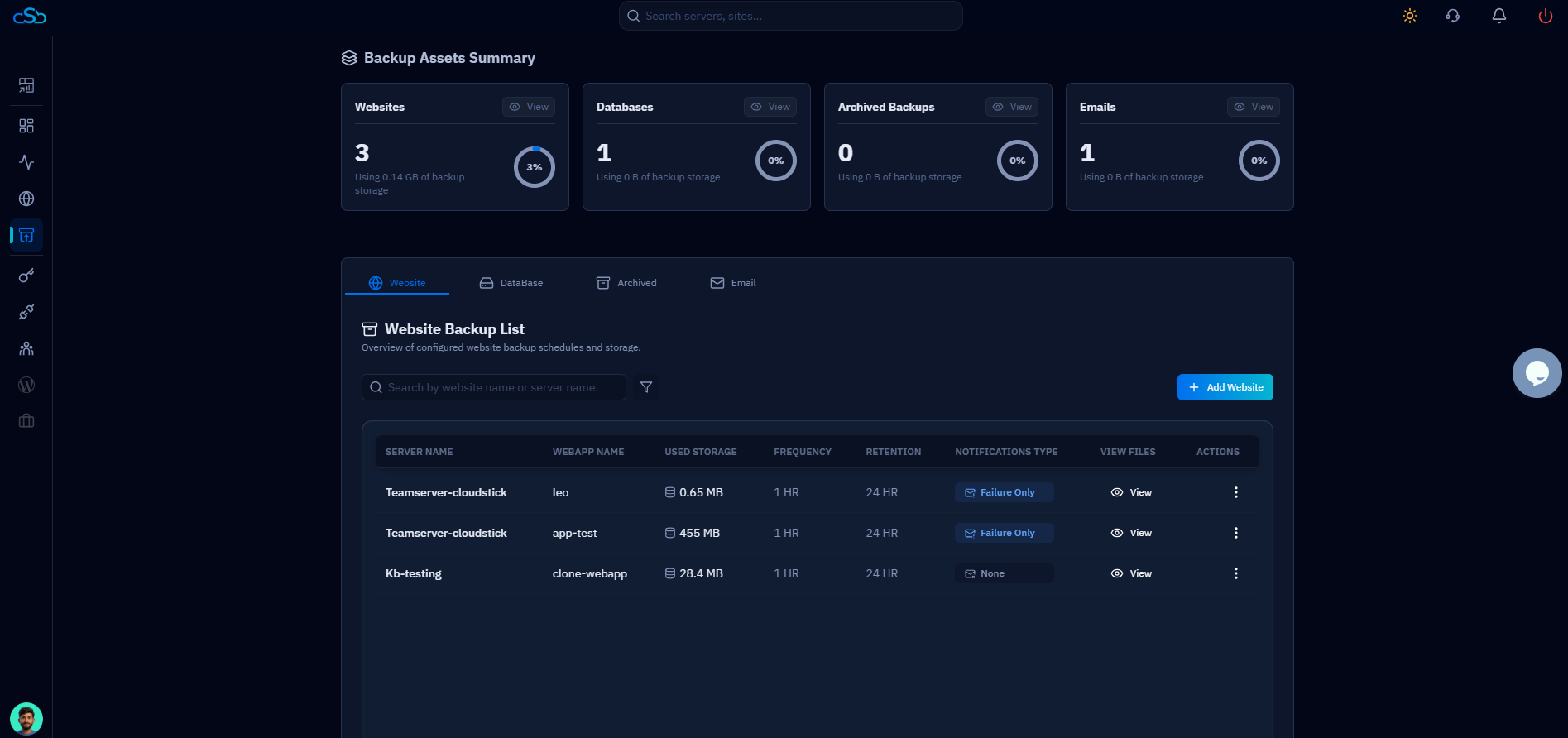
CloudStick users: your runbook for the "restore database" scenario should reference the CloudStick Backups section as step 1 — navigate to the server, open Backups → Database Backups, and download the most recent backup file for the affected database. The steps from there (import, verify row counts, test login) are the same regardless of tool.
Test the Plan — an Untested DRP Is Not a DRP
Run a restore exercise once per year at minimum. Pick a non-critical site, spin up a fresh server, and restore it from backup following the runbook. Time the procedure. Note every step that required improvisation — those are gaps in the runbook that need to be filled. A disaster recovery plan that has never been tested is a list of guesses.