Local vs Offsite Backups: Why You Need Both

%203.png&w=256&q=75)
What Is a Local Backup?
A local backup is a copy of your data stored on the same physical or logical infrastructure as the original. For a web server, this means backups written to a different directory on the same disk, to a second disk attached to the same server, or to another server at the same data center.
Local backups are fast to restore — the data is nearby and doesn't require downloading over the internet. A restore from a local backup can complete in minutes, versus hours for a large offsite restore over a 1 Gbps connection. The speed advantage makes local backups valuable for recovering from application-level mistakes (accidentally deleted posts, bad plugin updates, corrupted uploads folder) where the server itself is fine.
What Is an Offsite Backup?
An offsite backup is a copy stored in a physically separate location from the original — a different cloud region, a different provider entirely, or a local hard drive kept off-premises. Examples:
- Amazon S3, Wasabi, Cloudflare R2, or Backblaze B2 (object storage)
- A second VPS at a different provider (rsync over SSH)
- An SFTP destination at a hosting provider
- Google Drive or Dropbox (for smaller sites)
Why Both Types Are Necessary
Local backups fail at the data center level. If your server provider experiences a storage outage, has a datacenter fire, or suspends your account, local backups are unavailable at exactly the moment you need them. Ransomware attacks that reach the server will also encrypt local backup directories along with primary data.
Offsite backups fail at the network level. Restoring 50 GB of data over the internet takes hours. If you only have offsite backups and your server's disk fills up at 2am, you cannot quickly restore last night's state — you are waiting on a download.
The practical combination: keep 3 days of local backups for fast recovery from application-level mistakes, and 30 days of offsite backups for infrastructure-level failures. This gives you speed when speed matters and depth when it does not.
The 3-2-1 Backup Rule
The 3-2-1 rule is the standard framework for backup architecture used by security teams worldwide:
- 3 copies of the data
- 2 different storage media or platforms
- 1 copy stored offsite
For a web server this typically means: (1) the live data on your production server, (2) a local backup on the same or a separate local disk/snapshot, (3) an offsite copy in object storage. If any single failure event occurs — disk failure, ransomware, data center fire, provider shutdown — you have at least two other intact copies.
CloudStick Provides Managed Offsite Backup Storage
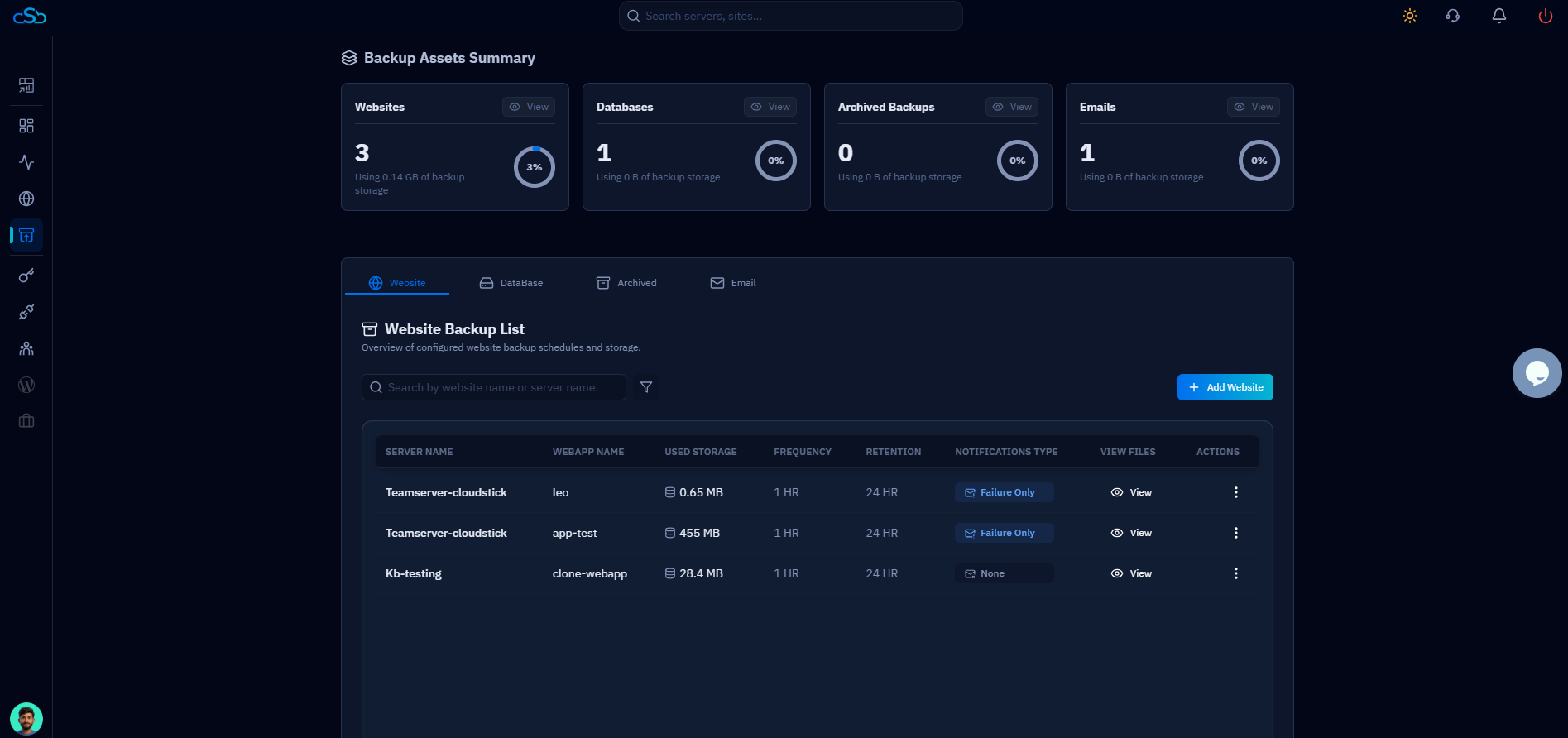
CloudStick's backup system stores backup archives in managed offsite storage that is physically separate from your connected servers — satisfying the offsite requirement of the 3-2-1 rule without any additional configuration. Paid plans include 4–40 GB of managed backup storage, and additional storage can be purchased in increments.
For the local backup side, CloudStick can be complemented with a server-level cron script (like the one in the automation article) that writes to local disk — giving you the full 3-2-1 architecture without managing two separate backup tools.