How Often Should You Back Up Your Server?


%203.png&w=256&q=75)
Backup Frequency Is a Business Decision, Not a Technical One
The right backup frequency is determined by your Recovery Point Objective (RPO) — the maximum acceptable amount of data loss measured in time. If you can accept losing 24 hours of data, a daily backup is sufficient. If you can only accept losing one hour of orders, you need hourly backups of at least the database.
For most hosting providers, backup frequency is treated as a single setting. But the smarter approach is to back up different layers at different frequencies: databases change constantly and need frequent backups; static files and theme code change rarely and a daily or weekly backup is overkill unless you deploy frequently.
Recommended Frequency by Site Type
These are starting points. Adjust based on your actual deployment frequency, customer data sensitivity, and available backup storage quota.
- WooCommerce / e-commerce store: Database every 1–4 hours. Files daily. 30-day retention minimum.
- High-traffic WordPress blog (10+ posts/week): Database every 6–12 hours. Files daily.
- Low-traffic blog or portfolio: Daily full backup is sufficient. 14-day retention.
- SaaS application with user data: Database every 15–60 minutes. Files on every deploy. Transaction logs if using MySQL binary logging.
- Static marketing site: Weekly is generally fine. Back up before every deploy.
- Development/staging server: Daily is usually enough. No need for hourly unless active client demos.
Back Up the Database More Frequently than Files
A WordPress database can have 500 new rows in it within 24 hours from comments, orders, form submissions, and analytics events. The theme files haven't changed in weeks. Backing up both at the same frequency wastes storage and misses the point.
The practical split: schedule database-only dumps at your chosen high frequency, and a full backup (files + database) at a lower frequency. For a typical WordPress site, that might mean an hourly mysqldump and a daily full site tar archive.
How Long to Keep Backups
Retention period is often overlooked. More backups are not always better if storage is limited — a rotation strategy keeps storage manageable while preserving depth:
- Keep the last 7 daily backups (covers a week of mistakes)
- Keep 4 weekly backups (covers a month)
- Keep 3 monthly backups (covers the past quarter)
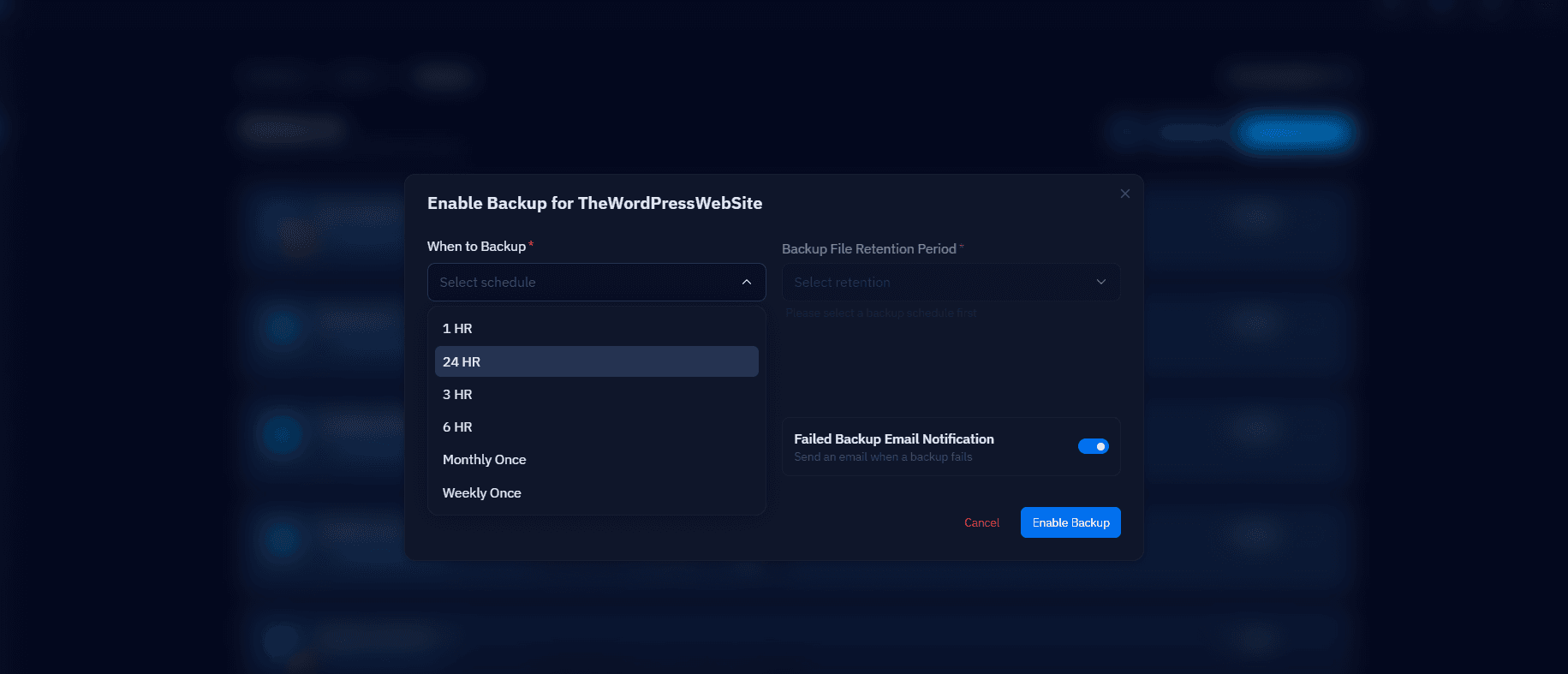
CloudStick Lets You Set Backup Schedule and Retention Per Database
CloudStick's Backups section allows you to configure the backup schedule and retention period independently for each database. Paid plans include managed backup storage (4 GB on Basic, 10 GB on Pro, 40 GB on Business) — enough to store weeks of daily database dumps for most sites.
For sites that need more granular control, the CloudStick cron manager lets you add custom backup jobs at any interval — down to every 15 minutes for database-only dumps — without leaving the dashboard.