How to Install a Wildcard SSL Certificate

%203.png&w=256&q=75)
What Is a Wildcard SSL Certificate?
A wildcard SSL certificate covers a root domain and all first-level subdomains with a single certificate. The subject alternative name is written as *.yourdomain.com, which matches app.yourdomain.com, api.yourdomain.com, staging.yourdomain.com, and any other first-level subdomain. It does not cover yourdomain.com itself (the apex domain), so most wildcard certificates are issued for both *.yourdomain.com and yourdomain.com.
Let's Encrypt issues free wildcard certificates. The catch: they require the DNS-01 challenge instead of the HTTP-01 challenge used for single-domain certificates. DNS-01 requires you to create a specific TXT record in your DNS zone to prove domain ownership — you can't just drop a file in a webroot. This makes wildcard certificates slightly more involved to issue and renew, but they're fully automatable through DNS provider APIs.
When to Use a Wildcard vs. Individual Certificates
Use a wildcard certificate when you have three or more subdomains that all need HTTPS, or when you're creating subdomains dynamically (e.g. per-customer subdomains for a SaaS app). Individual per-domain certificates are simpler to issue and renew (HTTP-01 challenge, no DNS API required) and are the right choice for a small number of fixed domains. The key tradeoff: wildcard certificates mean a single compromised private key exposes all subdomains simultaneously, versus a smaller blast radius with individual certs. For most web applications, the management simplicity of a wildcard outweighs this.
To automate wildcard renewal, your DNS provider must support an API that Certbot can use (via a DNS plugin). Supported providers include Cloudflare, Route53, DigitalOcean, and many others. Manual DNS-01 is possible but requires editing a TXT record every 90 days — not sustainable for production.
How the DNS-01 Challenge Works
The DNS-01 challenge asks you to prove you control the domain by placing a specific TXT record at _acme-challenge.yourdomain.com. Let's Encrypt checks this record over DNS (not HTTP), which is why it works for IP addresses that aren't publicly accessible and for wildcard certificates. Certbot's DNS plugins automate this by making API calls to your DNS provider.
Issue a Wildcard Certificate with Cloudflare DNS Plugin
If your DNS is on Cloudflare, the Certbot Cloudflare plugin handles the TXT record automatically during both issuance and renewal. Install it and create an API token with Zone DNS Edit permissions:
Deploy and Verify
The certificate files land in /etc/letsencrypt/live/yourdomain.com/ as usual. Use the same fullchain.pem and privkey.pem in every Nginx server block that needs SSL — for yourdomain.com, app.yourdomain.com, and any other subdomain. You don't need separate certificate files per subdomain with a wildcard.
Wildcard SSL in CloudStick
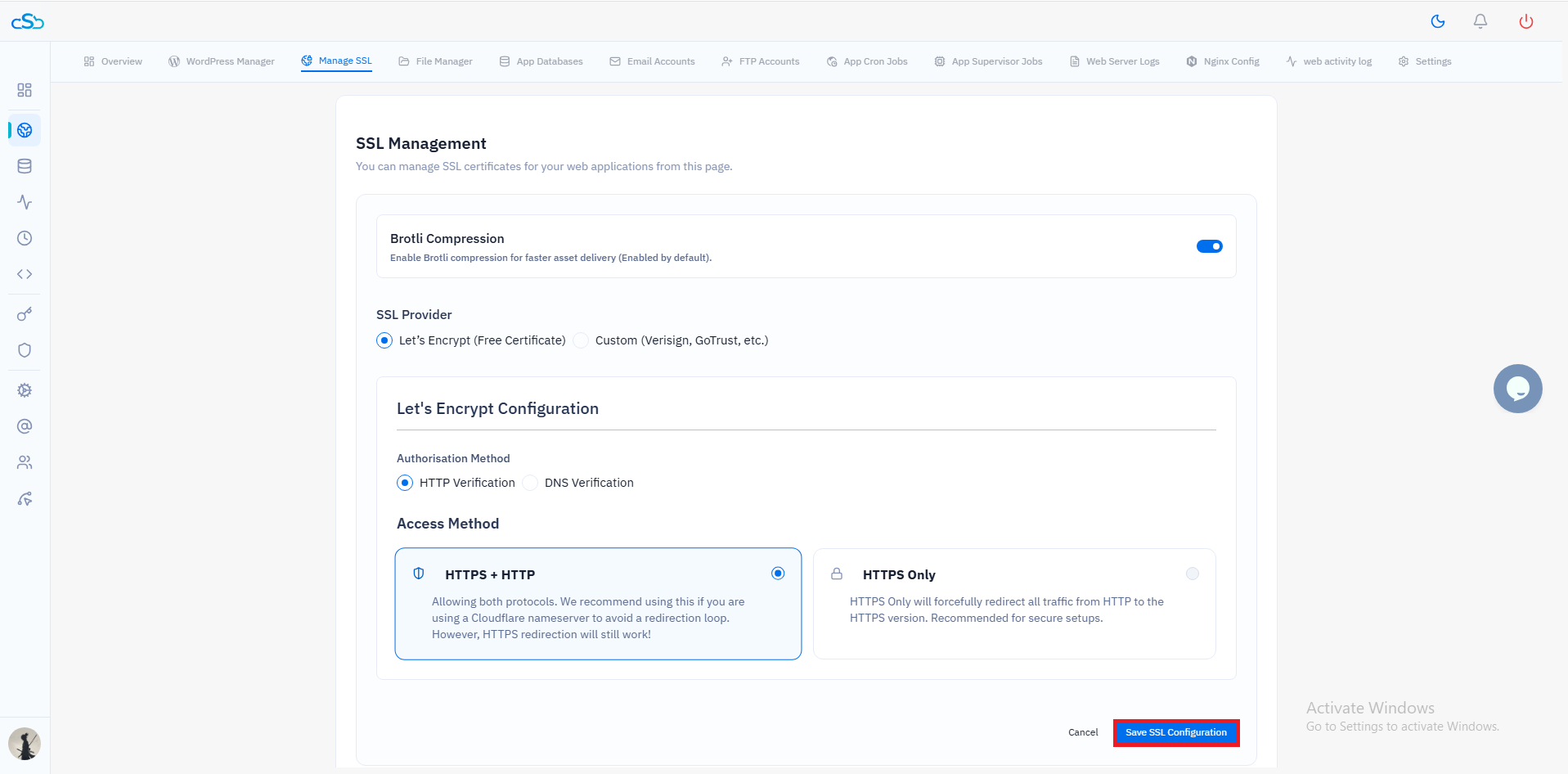
CloudStick supports wildcard certificates natively. When you create a website on a CloudStick-managed server and your DNS is connected through the Cloudflare integration, you can enable a wildcard certificate from the SSL panel with a single click. CloudStick handles the DNS-01 challenge via the Cloudflare API, deploys the certificate across all relevant Nginx vhosts for that domain, and schedules auto-renewal using the same DNS plugin approach described above. No terminal commands, no credential files to manage manually.
For agencies managing client servers, CloudStick's wildcard SSL is particularly valuable for client sites that use subdomains for staging or user portals — the certificate management burden drops to zero per subdomain once the wildcard is in place.