How to Migrate WordPress Without a Plugin

%203.png&w=256&q=75)
Why Skip a Migration Plugin
Migration plugins bundle files and database into a single archive through PHP, which means they inherit PHP's execution time and memory limits — large sites routinely time out mid-export. Doing the transfer manually with rsync and mysqldump has no such ceiling, because both tools stream data directly at the OS level instead of buffering it through a PHP process.
The manual route also avoids installing and later removing a plugin that had, briefly, full read access to your entire site and database — a reasonable thing to want to minimize on a production site.
The Three Things That Move
Every WordPress migration boils down to exactly three transfers: the wp-content directory (themes, plugins, uploads), the database, and the domain-specific values inside that database (site URL, and any serialized data referencing the old domain). Get these three right and nothing else matters — core WordPress files should be a fresh download on the new server, not copied.
Transfer Files with rsync or scp
Both servers need matching or newer PHP versions before you start — check with php -v on each. A plugin built for PHP 8.1 can throw fatal errors on PHP 7.4.
Transfer the Database with mysqldump
Fix URLs with WP-CLI
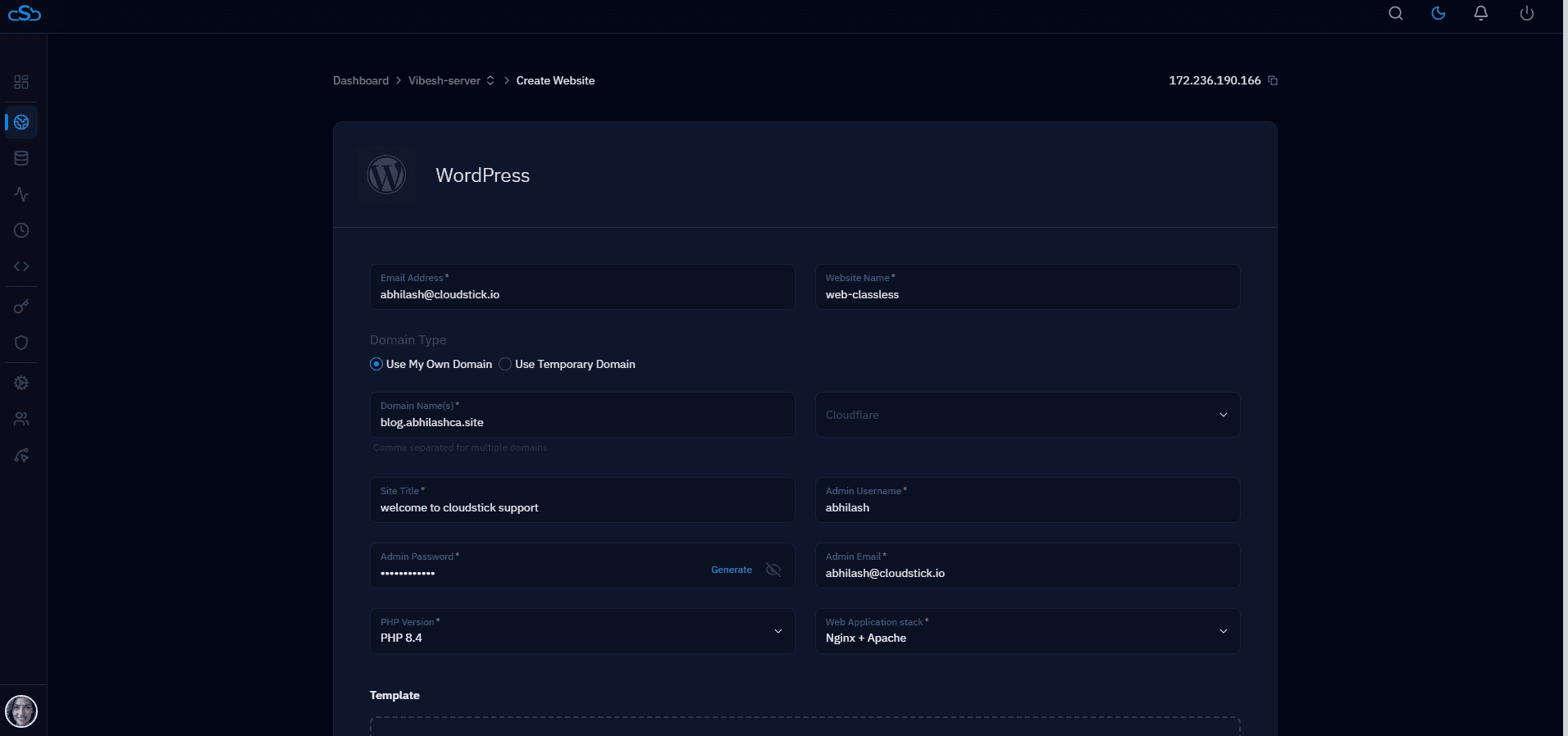
CloudStick's Server Transfer feature performs this same three-step sequence automatically between CloudStick servers, if both source and destination happen to be CloudStick-managed — worth checking before doing it by hand.

