How to Reduce Cart Abandonment with a Faster Store

%203.png&w=256&q=75)
Why Checkout Speed Decides Whether the Cart Converts
A slow checkout page loses more sales than a slow homepage because it sits at the exact moment a buyer has already decided to pay. Shoppers browsing a product page will tolerate a couple of extra seconds; shoppers staring at a spinning cart summary with their card already in hand will not. Every additional second of load time on the checkout step directly removes intent-to-purchase traffic, not top-of-funnel traffic.
Most WooCommerce performance advice targets the homepage or product catalog, but checkout is a fundamentally different page: it is uncacheable, it runs PHP on every request to calculate shipping, tax, and coupons, and it queries `wp_woocommerce_sessions` and `wp_wc_orders` in real time. That means checkout speed is almost entirely a server-side problem — PHP-FPM pool sizing, database query time, and how fast Nginx can hand the request to PHP in the first place.
Measure Checkout TTFB, Not Just Homepage Load Time
Time to First Byte on `/checkout/` tells you how long the customer waits before the server even starts sending a response, and it is the number that correlates most directly with abandonment. A homepage can be cached and served in milliseconds by Nginx, but `/checkout/` always executes PHP, hits the database for cart contents and session data, and often calls a payment gateway API for saved card tokens — so its TTFB reflects real backend load, not caching tricks.
Run this from a shell to see exactly where the time goes on your checkout page:
Run it a few times with an active cart cookie so you are measuring the real dynamic path, not a logged-out redirect. If `TTFB` climbs above a second, the bottleneck is almost always PHP-FPM starvation, an unindexed `wp_postmeta` lookup, or a checkout plugin firing extra queries on every page load.
Front-Load Critical Checkout Assets Before Everything Else
The checkout form, shipping calculator, and payment gateway script need to render before anything else on the page, because that is what the shopper is looking at and interacting with first. Enable gzip or Brotli compression at the web server so the checkout HTML, CSS, and JS payloads reach the browser as small as possible, and add `Cache-Control` headers for genuinely static files (theme CSS, gateway JS SDKs) so returning visitors do not re-download them on every checkout attempt.
A minimal compression block on Nginx, added to the site's server block or a shared snippet:
Reload Nginx after editing (`nginx -t && systemctl reload nginx-cs` on a CloudStick server, since the binary is namespaced) and re-run the `curl` timing command above to confirm the transfer time dropped without touching TTFB negatively.
Cut Checkout Plugin Bloat That Slows Down the Payment Step
Every plugin that hooks into `woocommerce_checkout_process` or renders a field on the checkout template adds PHP execution time to a page that already cannot be cached. Upsell popups, trust-badge widgets, live chat scripts, and multiple analytics trackers are common offenders — each one adds its own database query, external HTTP call, or render-blocking script tag directly on the page where speed matters most.
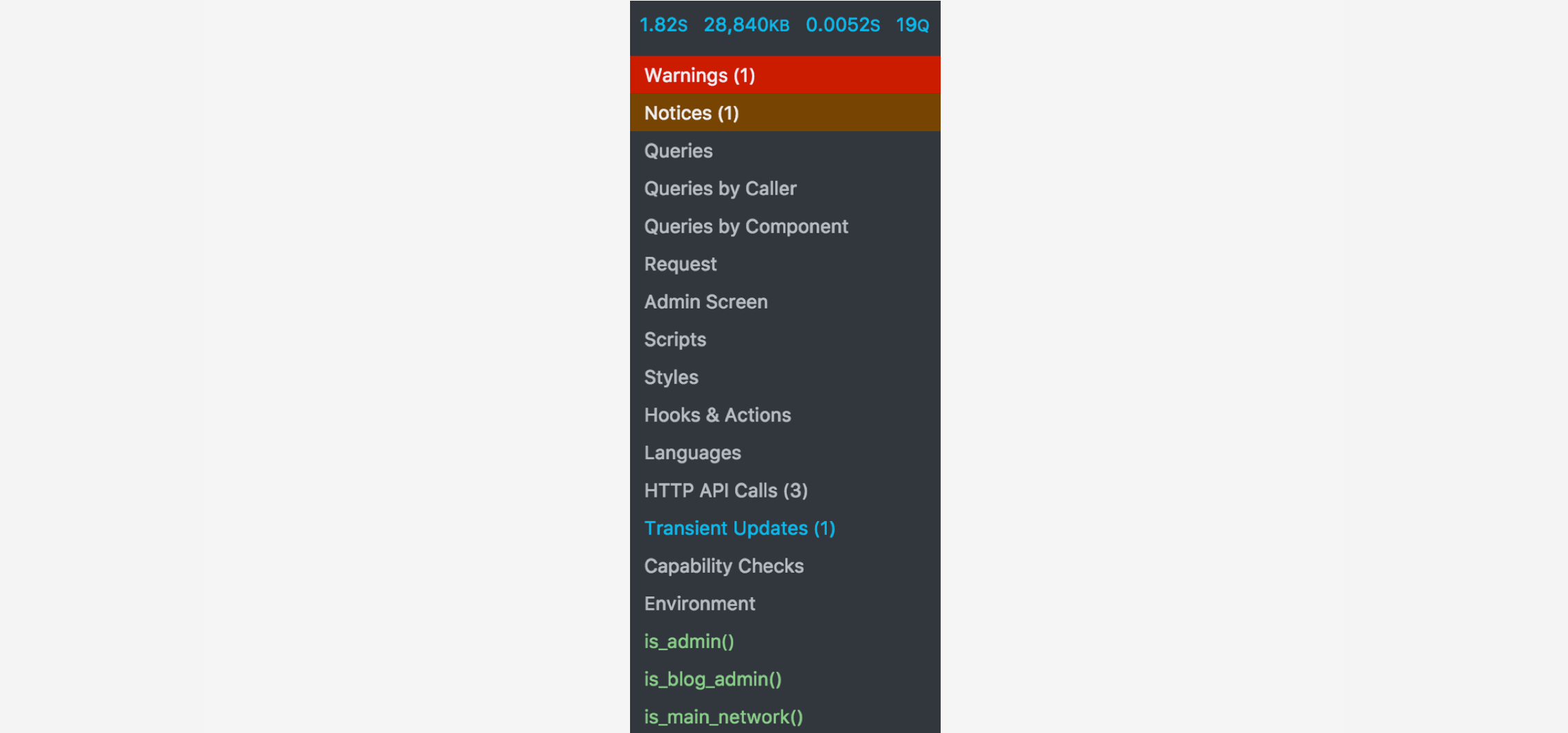
Audit checkout-specific plugins with Query Monitor to see exactly which hooks and queries fire on `/checkout/`, then deregister anything non-essential from that template specifically rather than disabling it site-wide. A shipping calculator plugin that adds three extra queries per checkout load is a fair trade; a marketing popup that adds the same load is not, since it is competing directly against the checkout button for server resources.
Also check `WP_MEMORY_LIMIT` and the PHP `memory_limit` for the site's PHP-FPM pool. A checkout with a heavy plugin stack and a large product catalog easily needs 256M or more, and a process that hits the memory ceiling mid-request restarts and adds real latency exactly when the shopper is submitting their order.
Offload Static Assets to a CDN So the Origin Only Handles Dynamic Requests
Serving product images, theme fonts, and JS/CSS bundles from a CDN frees your origin server's PHP-FPM workers to do the one job checkout actually needs them for: processing the order. If the origin is busy streaming a 200KB product gallery image to every visitor, it has fewer free workers left to handle the checkout POST request from someone ready to pay, and that queueing shows up directly as a slower TTFB on `/checkout/`.
Point a CDN (Cloudflare or a similar provider) at static file paths only — `/wp-content/uploads/`, `/wp-content/themes/*/assets/`, compiled JS/CSS — and leave `/checkout/`, `/cart/`, and `/my-account/` bypassing the CDN cache entirely so cart fragments, nonces, and session cookies stay live. CloudStick's built-in Cloudflare integration lets you wire up DNS and caching rules for a site directly from the dashboard, so you can exclude the checkout path from caching without hand-editing page rules through a separate Cloudflare login.
Aim for a checkout TTFB under 400ms and a full checkout page load under 2 seconds. Stores that cross roughly 3 seconds of checkout load time see measurably higher cart abandonment, since that is well past the point where shoppers start doubting whether the "Place Order" click actually registered.
Next Step: Benchmark Before You Optimize Blindly
Run the `curl -w` timing command against your own `/checkout/` page today and write down the TTFB before changing anything, so you have a real baseline instead of guessing at what "slow" means for your store. Then work through the list in order: compression at the web server, plugin audit on the checkout template specifically, and CDN offload for everything static.
Each of these changes is independent and reversible, so you can measure checkout TTFB after every single one and keep only the changes that actually move the number. A faster checkout does not just feel better — it is the one performance metric on your entire store with a direct, measurable line to completed orders instead of just page views.
On a CloudStick server, each site already runs its own isolated PHP-FPM pool, so a traffic spike on one store's catalog pages cannot starve another store's checkout of workers — a real advantage if you manage more than one WooCommerce site on shared infrastructure. Treat checkout speed the same way you treat uptime: a number you check regularly, not a one-time fix.

