How to Test Your Email Deliverability Score

%203.png&w=256&q=75)
Start with mail-tester and read the breakdown
The fastest way to put a number on your deliverability is mail-tester.com: the site shows you a one-time address like web-Ab3xk9@srv1.mail-tester.com, you send it an email from your server, and thirty seconds later you get a score out of 10. The number itself is the least useful part. The breakdown underneath is the point — it runs your message through SpamAssassin and shows every rule that added or subtracted points, checks SPF, DKIM, and DMARC against your DNS, queries the major blacklists for your sending IP, and flags content problems like image-heavy HTML, broken links, or a missing List-Unsubscribe header. Each red or orange line expands into exactly what failed and why, which turns a vague "my emails go to spam" into a fixable checklist.
Two habits make the result honest. Send the real email — the actual newsletter or transactional template, not a one-line "test" message, because SpamAssassin scores content and a stub message scores differently than production mail. And re-test after every fix from the same server and From: address, since the score is a snapshot of one message at one moment, not a rating attached to your domain.
You need a domain that already sends mail from your own server, SSH access to that server, and the dig utility (sudo apt install dnsutils on Ubuntu). Every test below uses your real sending setup — the same From: domain and the same SMTP path your users' mail takes.
Read Authentication-Results in Gmail directly
Gmail will tell you its own verdict for free, and it is the verdict that actually matters for the largest inbox provider on earth. Send your message to any Gmail account, open it, click the three-dot menu, and choose Show original. Gmail displays a summary table with a plain PASS or FAIL for SPF, DKIM, and DMARC, and below it the full raw message including the Authentication-Results header its servers stamped on arrival:
Read it line by line: spf=pass means the connecting IP is authorized by your SPF record for the envelope domain, dkim=pass means the signature verified against the public key at the selector shown in header.s, and dmarc=pass means at least one of those two also aligned with the visible From: domain. Any fail, softfail, or temperror here names the exact mechanism to go fix — no third-party tool required, straight from the receiver's mouth.
Check blacklists with dig, not a web form
Blacklists are DNS zones, so you can query them from your server in seconds. Reverse the octets of your sending IP and append the list's zone — for the IP 203.0.113.5, the lookups against Spamhaus ZEN and SpamCop look like this:
An empty answer means clean; a 127.0.0.x answer means listed, and the exact value says which sub-list — on Spamhaus ZEN, 127.0.0.2–3 is the SBL (manual spam listings), 127.0.0.4–7 is the XBL (compromised hosts), and 127.0.0.10–11 is the PBL, which just means the IP sits in a range not expected to send mail directly and is normal for residential IPs. One caveat: Spamhaus refuses queries relayed through big public resolvers like 8.8.8.8 and returns an error code instead of a real answer, so run these through your server's own resolver, not through Google DNS.
Verify the DNS records yourself
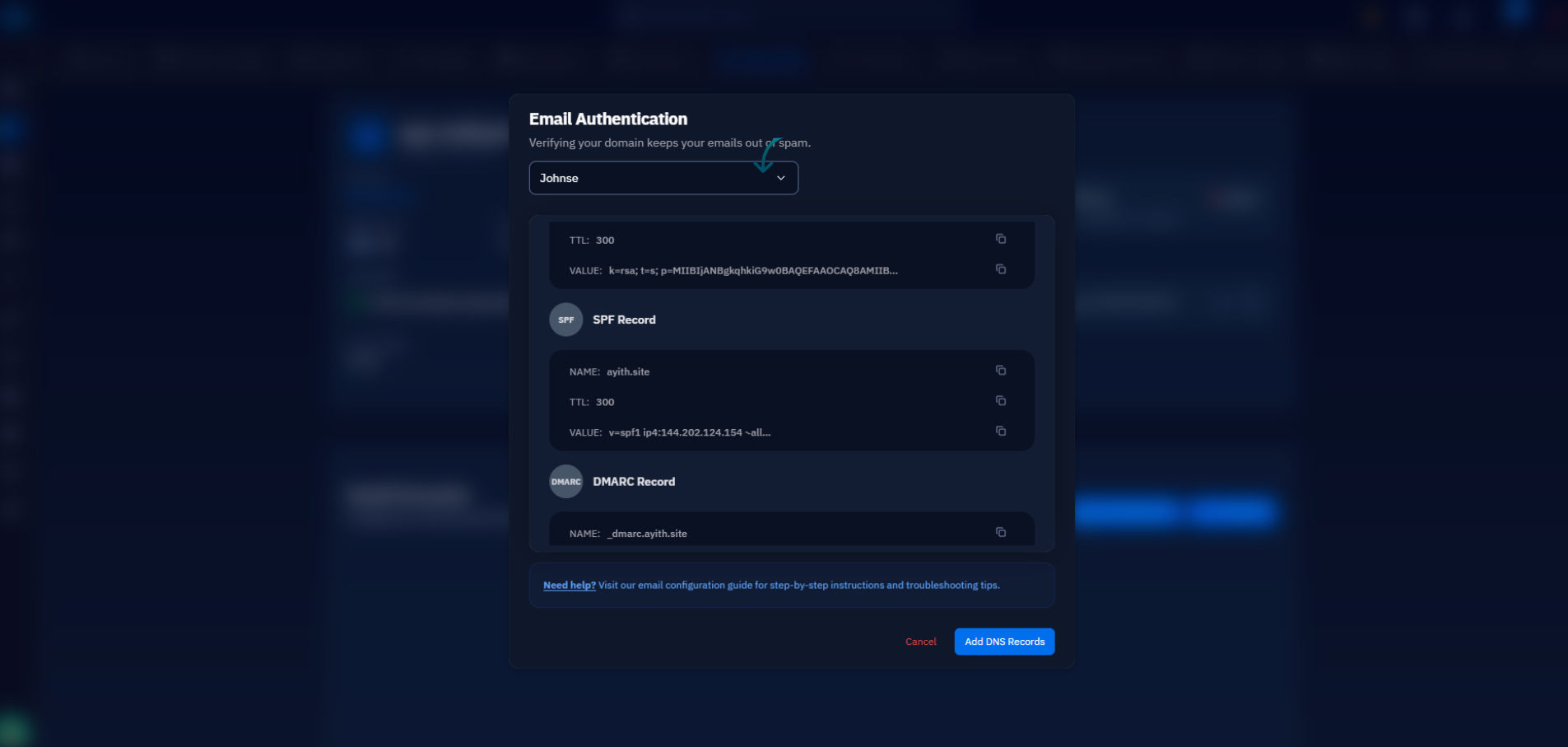
Every authentication verdict traces back to four DNS records, and dig shows you exactly what the rest of the internet sees — including the typo'd or duplicated record you forgot about:
What good looks like: exactly one SPF record (two is an automatic permerror) that includes your sending IP and ends in ~all or -all; a DKIM record at your selector with an unbroken p= key; a DMARC record with a real policy, not p=none forever; and a PTR record — the dig -x reverse lookup — that resolves to a hostname which itself resolves back to the same IP. A missing PTR is one of the quietest deliverability killers, and it is set at your VPS provider, not in your DNS zone. If your mail runs on a server managed through CloudStick, this section is mostly a formality: setting up email there publishes the SPF, DKIM, and DMARC records for you through the Cloudflare integration, so these lookups should return correct values from day one and your testing starts from a passing baseline rather than a blank zone.
Google Postmaster Tools for reputation at volume
Once you send real volume to Gmail — hundreds of messages a day or more — postmaster.google.com is the only place to see how Google actually rates you. Add your domain, verify it with a TXT record, and after a few days of traffic you get dashboards for domain reputation and IP reputation (High, Medium, Low, or Bad), your spam complaint rate, and the percentage of your traffic passing SPF, DKIM, and DMARC. The number to watch is the complaint rate: Google's bulk-sender requirements ask you to stay below 0.1% and treat 0.3% as the point where delivery visibly degrades. The catch is that Postmaster Tools shows nothing at low volume — the graphs stay empty until you cross a meaningful daily send count — so treat it as the instrument for newsletters and product email at scale, not for a five-message-a-day transactional stream. Low-volume senders get everything they need from the first four tests.
Seed-list tests, and what "good enough" means
The final test is the simplest: create free accounts at Gmail, Outlook, and Yahoo, send them the same production email, and record where each one lands. Read the results honestly. Gmail's Promotions tab is not spam — it is delivered inbox placement, and moving your newsletter to Primary is a reader's choice, not a server fix. A single seed message landing in Outlook's Junk folder is a data point, not a verdict; Microsoft weighs per-recipient engagement heavily, so a brand-new mailbox that has never opened your mail is the coldest possible audience. Repeat the seed test after each change and look for the trend across providers rather than reacting to one placement.
So when are you done? A reasonable bar: mail-tester at 9/10 or above, spf, dkim, and dmarc all showing pass in Gmail's headers, no listings on Spamhaus ZEN or SpamCop, a valid PTR, and seed mail reaching the inbox (or Promotions) at all three providers. Hit that and stop tuning — the last point on mail-tester is usually a subjective content rule, and a listing on some obscure blacklist no major provider consults is not worth a delisting campaign. Fix immediately anything in the authentication or Spamhaus category; log and move on for everything else. Then re-run the whole loop — one mail-tester send, one header check, four dig commands — whenever you change servers, IPs, or DNS. It takes ten minutes and catches the regression before your recipients do.

