How to Use Cloudflare to Speed Up and Protect Your Site


%203.png&w=256&q=75)
What the free plan actually gives you
Cloudflare's free plan gives you four things that genuinely matter: edge caching of static assets, modern transport (Brotli compression and HTTP/3), always-on DDoS mitigation, and Bot Fight Mode. Once your DNS record is proxied — the orange cloud — every request passes through a Cloudflare edge location before it touches your server. Static files like CSS, JavaScript, images, and fonts get cached at the edge, so a visitor in Singapore pulls your stylesheet from Singapore instead of your VPS in Frankfurt. Responses are compressed with Brotli automatically, and HTTP/3 over QUIC cuts connection setup time on mobile and lossy networks — both are simple toggles under Speed and Network, with no origin changes required.
On the protection side, network-layer DDoS mitigation is unmetered on every plan — volumetric floods get absorbed at the edge and never reach your network interface. Bot Fight Mode challenges known-bad automated traffic for free. Be clear about the paid line, though: the WAF managed rulesets — the curated rules that block SQL injection, XSS, and fresh CVE exploits — start on the Pro plan, and meaningful rate limiting is also a paid feature (free includes only a single basic rule). The free plan is a real CDN and a real shield, but it is not a full web application firewall.
Cache rules: cache hard, bypass smart
Two cache rules cover ninety percent of sites: cache static assets aggressively, and bypass the cache for anything stateful. Cloudflare already caches common static extensions by default, but a Cache Rule (Caching → Cache Rules — the modern replacement for Page Rules) lets you extend the edge TTL so assets survive at the edge for days instead of hours. Match on the file extension and mark it eligible for cache with a long TTL:
The bypass rule is not optional on WordPress. If the edge ever caches a page rendered for a logged-in admin, you can serve the admin bar — or worse, a nonce tied to someone else's session — to anonymous visitors. Order the bypass rule above the cache rule, and extend it to anything else that varies per user: cart and checkout pages on WooCommerce, /login, and any REST endpoint that sets cookies. On the legacy Page Rules system the same pair looks like a Cache Everything rule on wp-content/* and a Bypass rule on wp-admin/*, with the bypass rule listed first, since Page Rules stop at the first match.
Security level and challenge settings
Leave the security level on Medium for normal operation, and treat Under Attack mode as the emergency brake, not the default. The security level (under Security → Settings) decides how suspicious a visitor's IP reputation must be before Cloudflare interposes a challenge. Medium challenges only clearly threatening traffic; High starts challenging anything with a mildly poor reputation score, which will annoy real users on VPNs and mobile carriers. Under Attack mode shows every single visitor a JavaScript interstitial for around five seconds — brutal for conversions, but it will keep a site standing while an application-layer flood is hammering it.
Modern challenges are managed challenges: Cloudflare decides per request whether a non-interactive browser check is enough or an interactive one is needed, so most legitimate humans never see a puzzle. You can also scope challenges surgically instead of globally. A custom rule that issues a managed challenge only on wp-login.php stops credential-stuffing bots cold while leaving the rest of the site frictionless — and it costs nothing on the free plan.
Measuring the win with curl
Do not trust the dashboard graphs alone — verify caching from the command line. Every response that passes through Cloudflare carries a cf-cache-status header, and curl -I shows it in one request:
Read the statuses like this: HIT means the edge served it and your origin did zero work. MISS means the edge fetched it from your server this time — run the same curl again and it should flip to HIT. BYPASS confirms your bypass rule is firing where it should. DYNAMIC means Cloudflare considers the content uncacheable by default — which is what you will see on your HTML pages, and that is the subject of the next section. The age header tells you how many seconds the object has been sitting at the edge, which is how you confirm your seven-day TTL is actually sticking.
A MISS that never becomes a HIT usually means your origin is sending Cache-Control: no-cache or a Set-Cookie header on that asset — Cloudflare respects both and refuses to store the object. Check the origin's own caching headers with curl -sI before you blame the edge; fixing one stray session cookie on static files can double your hit ratio overnight.
What Cloudflare does not fix
Cloudflare does not make slow PHP fast or slow database queries quick — by default it does not cache your HTML at all. Every page view still hits your server, boots PHP, and runs every query your theme and plugins fire. That is exactly what cf-cache-status: DYNAMIC is telling you. If your origin takes 1.8 seconds to render a page, visitors wait 1.8 seconds plus network time, orange cloud or not. The edge accelerates the eighty requests for assets around the page; the page itself is still your server's problem, and so is every genuinely uncacheable request — logged-in users, carts, checkouts, search, and API calls.
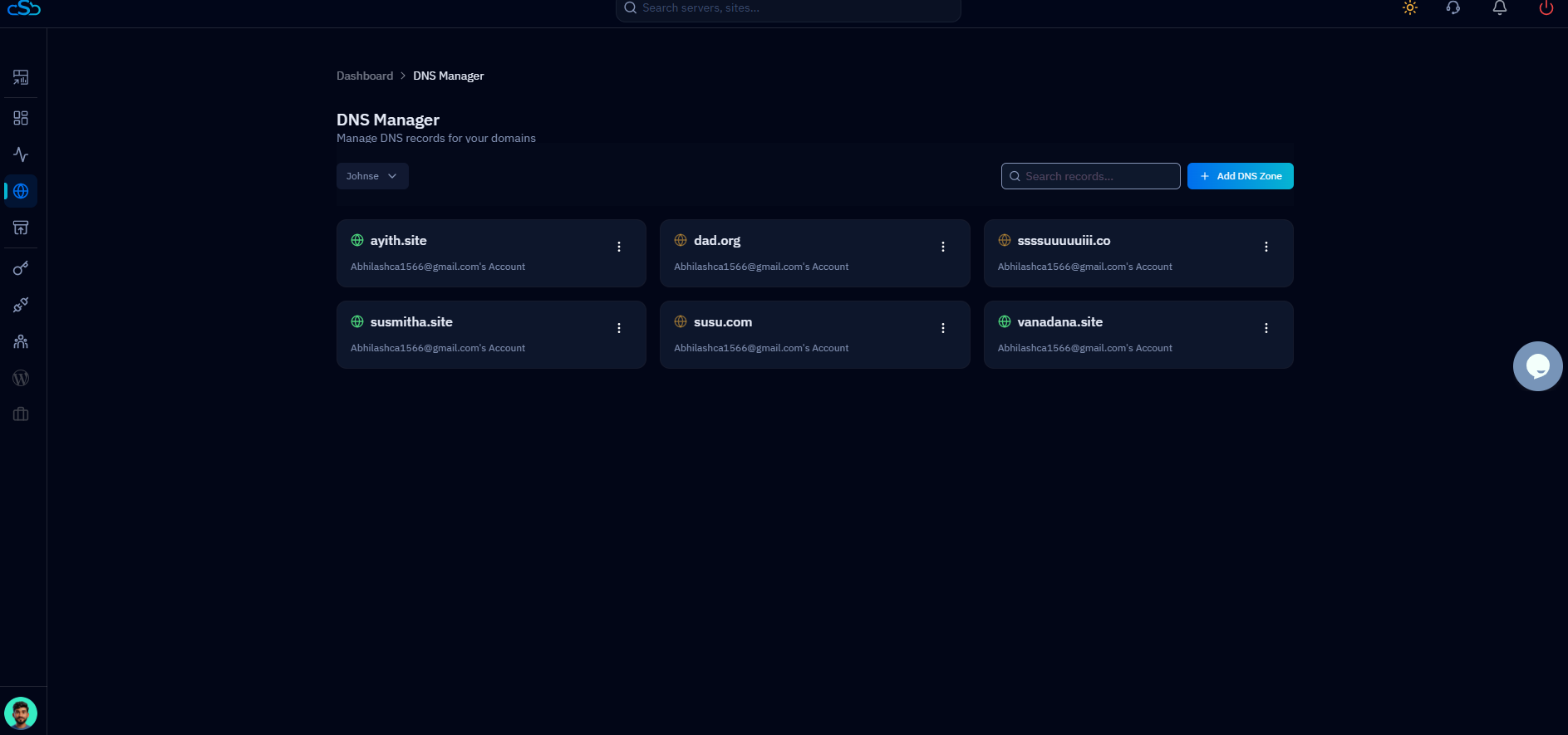
This is why edge caching and server-side caching are a pair, not alternatives. On a CloudStick-managed server the origin half is dashboard work: Redis is part of the standard stack for object caching, so repeated database queries resolve from memory instead of MariaDB, and the built-in WordPress caching optimizer serves rendered pages without re-executing PHP for every anonymous visitor. CloudStick's Cloudflare integration then ties the two halves together — it manages your DNS records via the Cloudflare API and controls edge caching and proxying from the same dashboard where you manage the server, so you are not juggling two control panels to tune one request path. Cloudflare makes a fast origin feel instant everywhere in the world; it cannot make a slow origin fast.
A practical rollout checklist
Here is the whole article as a twenty-minute rollout. Proxy your A record so the orange cloud is on. Enable Brotli and HTTP/3 under Speed and Network. Create the two cache rules — long edge TTL on static extensions, bypass on /wp-admin and /api — with the bypass rule ordered first. Set the security level to Medium, add a managed challenge on your login path, and leave Bot Fight Mode on. Then verify with curl: a HIT on an image, a BYPASS on the admin path, and an age header that keeps climbing between requests.
Finally, benchmark honestly. Time a cached asset and your homepage HTML with curl and compare. The asset will be fast from anywhere; if the HTML is still slow, that is your cue to work on the origin — enable Redis object caching, turn on page caching for anonymous traffic, and profile the slow queries. Do the edge work and the origin work together and you get what both were promising: a site that is fast for the visitor in Singapore, fast for the logged-in user, and still standing when the bots arrive.

