The Complete Guide to Fast, Secure WordPress Hosting in 2026

%203.png&w=256&q=75)
What Fast, Secure WordPress Hosting Actually Means
Fast WordPress hosting means sub-200ms Time to First Byte (TTFB), PHP execution under 50ms for cached pages, and page load under 1 second for returning visitors. Secure means no shared PHP processes, OS-level firewall, automatic SSL renewal, and file permissions that prevent code injection. Managed shared hosting rarely delivers both simultaneously — you get one at the expense of the other, or pay a premium for neither.
The good news: a $12/month VPS running a correctly configured LEMP stack outperforms a $50/month managed WordPress host on every measurable metric. The difference is configuration. This guide walks through every layer — server hardware, OS tuning, web server selection, PHP configuration, database optimization, and SSL — so you finish with a setup you understand and can maintain.
This guide assumes a fresh Ubuntu 24.04 LTS VPS with root or sudo access. A minimum of 1 vCPU and 1GB RAM handles low-traffic WordPress sites; 2GB RAM is strongly recommended for sites with active plugins or WooCommerce.
Choosing the Right Server for WordPress
WordPress is CPU-light but memory-sensitive. Each PHP-FPM worker holds roughly 30–60MB of RAM depending on active plugins. A site with 10 concurrent visitors needs at least 600MB–1.2GB free for PHP alone, before accounting for MySQL, Nginx, and the OS. The practical sizing rule: 1GB RAM handles up to 50 concurrent visitors, 2GB handles up to 150, 4GB handles 300+.
Disk I/O matters more than disk size for WordPress. NVMe SSD storage reduces MySQL query time by 60–80% compared to spinning disk. All major cloud providers (DigitalOcean, Vultr, Hetzner, Linode) now default to NVMe on most plans — verify before ordering. Network latency between your server and database is irrelevant when both run on the same VPS, which is the right architecture for single-server WordPress hosting.
Data center location is underrated. If 80% of your audience is in Germany, choose Frankfurt over New York. Every 100ms of round-trip latency adds ~100ms to perceived load time for first-time visitors (who bypass CDN cache). Use a tool like ping.canopy.tools to benchmark locations before committing to a provider.
The Right Stack: Nginx + PHP-FPM + MySQL 8 + Redis
The optimal WordPress stack in 2026 is Nginx with FastCGI caching, PHP 8.3-FPM, MySQL 8.0, and Redis for object caching. Apache with mod_php still works but loses to Nginx on memory efficiency — Apache spawns a full process per connection while Nginx handles thousands of connections with a handful of worker processes.
Nginx FastCGI cache stores full HTML responses on disk and serves them without touching PHP or MySQL at all. A cached WordPress page served by Nginx handles 5,000–10,000 requests per second on a 1-core VPS. The same uncached page through PHP-FPM tops out around 50–100 requests per second. The performance gap is two orders of magnitude.
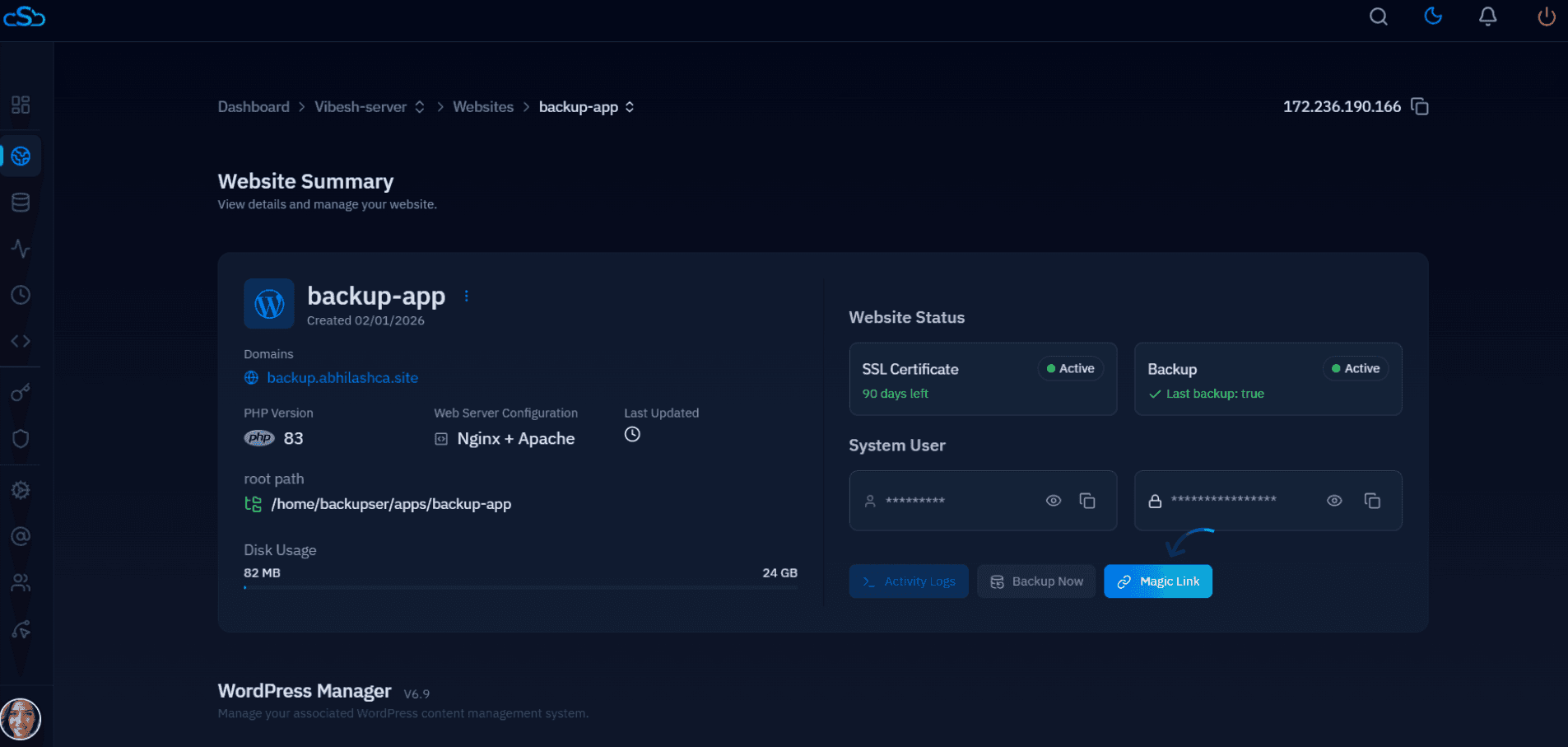
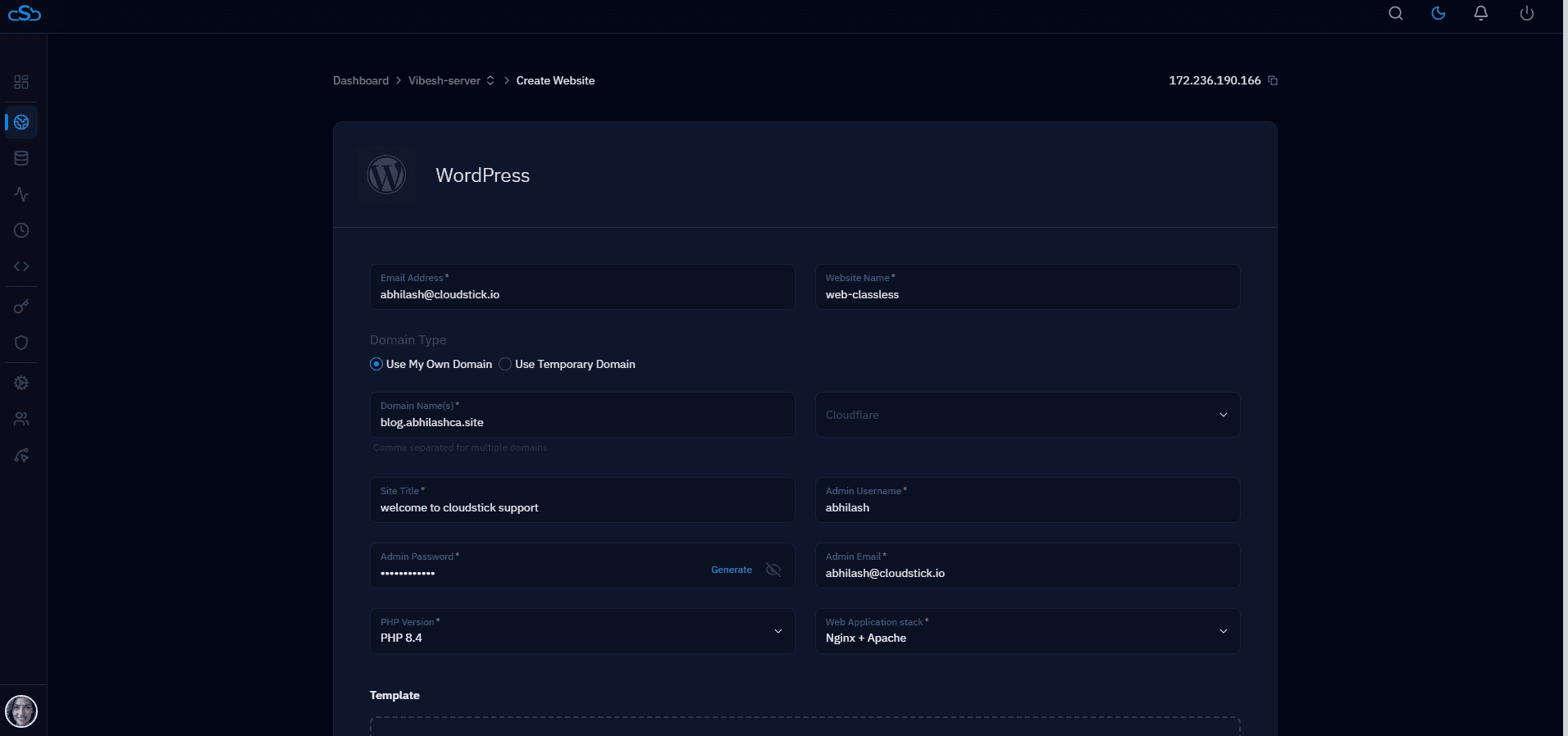
CloudStick installs this entire stack automatically when you connect a server. It configures Nginx FastCGI cache, PHP-FPM pools per website, and Redis object caching — all without touching the command line. You can switch PHP versions per site from the dashboard.
PHP-FPM and MySQL Tuning
PHP-FPM process management defaults are tuned for low memory, not performance. The dynamic pool mode scales workers up and down, but the defaults (5 max children) bottleneck under traffic. For a 2GB server running 2–3 WordPress sites:
OPcache is the single highest-impact PHP optimization available. It caches compiled PHP bytecode in shared memory, eliminating the file-read and compile step on every request. Enable it in /etc/php/8.3/fpm/conf.d/10-opcache.ini:
For MySQL, the key tuning parameters on a 2GB server are innodb_buffer_pool_size (set to 60–70% of available RAM — typically 1.2GB on a 2GB server) and disabling the query cache, which MySQL 8 already removes by default. Add to /etc/mysql/mysql.conf.d/mysqld.cnf:
Security Essentials for WordPress Servers
WordPress sites are targeted constantly — automated scanners probe for wp-login.php brute force, xmlrpc.php exploits, and known plugin vulnerabilities within hours of a site going live. Server-level protections block attacks before they reach PHP, unlike plugin-level security which still consumes server resources to process each request.
The five non-negotiable server security steps for WordPress in 2026: (1) UFW firewall allowing only ports 22, 80, and 443. (2) Fail2ban watching the Nginx auth log and WordPress login endpoint. (3) Free Let's Encrypt SSL with HSTS enabled. (4) Disable directory listing and PHP execution in wp-content/uploads in your Nginx config. (5) Automatic security updates via unattended-upgrades.
The most dangerous WordPress attack vector in 2026 is not plugin exploits — it's brute-force login attempts that succeed because site owners reuse passwords across services. Rate-limit wp-login.php at the Nginx level and enforce strong admin credentials at install time.
How CloudStick Handles All of This for You
Every configuration in this guide — Nginx FastCGI cache, PHP-FPM pool tuning, OPcache, MySQL buffer pool, UFW firewall, Fail2ban, Let's Encrypt SSL — is applied automatically when you add a server to CloudStick. The dashboard gives you one-click WordPress installs, per-site PHP version switching, SSL management with auto-renewal, and built-in firewall rules, all without writing a single config file.
CloudStick's WordPress Manager handles installs, plugin/theme updates in bulk, staging environments, and one-click migration from cPanel or shared hosting. The Business plan adds WordPress Magic Link (log into any WP admin without a password) and WordPress templates for pre-configured site deployments. Pricing starts at $9/month per server with unlimited WordPress sites — no per-site licensing, unlike cPanel which charges per account.
The practical outcome: following this guide manually takes 2–3 hours and requires deep Linux familiarity. The same result takes under 10 minutes with CloudStick, and the server configuration stays auditable, reproducible, and managed going forward.