What Is a TLS Handshake? A Plain-English Explanation

%203.png&w=256&q=75)
Why TLS Is Worth Understanding
Every time a browser opens an HTTPS URL, it executes a TLS handshake before sending a single byte of HTTP data. The handshake takes 1–4 round trips between the client and server and typically completes in under 50 milliseconds on a modern connection. Understanding what happens during those milliseconds helps you diagnose errors like ERR_SSL_PROTOCOL_ERROR, understand why TLS 1.3 is faster than 1.2, and make informed choices about certificate and cipher configuration on your server.
TLS (Transport Layer Security) is the successor to SSL. When people say “SSL certificate” they usually mean a TLS certificate — the terms are used interchangeably in common speech, but the protocol in use is almost always TLS 1.2 or TLS 1.3. SSL 3.0 has been deprecated since 2015.
The TLS Handshake, Step by Step
Think of the handshake as two strangers agreeing on a secret language before speaking in a crowded room. Here is what happens in plain English:
1. ClientHello — The browser says: “I want to connect securely. Here are the TLS versions and cipher suites I support, and here is a random number.”
2. ServerHello — The server replies: “OK, we'll use TLS 1.3 and this cipher suite. Here is my random number and my SSL certificate.”
3. Certificate verification — The browser checks the certificate: Is it from a trusted CA? Is it expired? Does the domain name match? Is the signature valid?
4. Key exchange — The browser and server use their random numbers and the certificate's public key to derive a shared secret (the “session key”) without ever transmitting that secret over the wire. This is the magic of asymmetric cryptography.
5. Finished — Both sides confirm they derived the same session key by sending a test message encrypted with it. If it decrypts correctly, the handshake is complete and encrypted HTTP data starts flowing.
TLS 1.3 Is Faster and More Secure
TLS 1.3 (2018) made two major improvements over TLS 1.2 (2008):
Speed: TLS 1.2 requires 2 round trips before encrypted data can flow. TLS 1.3 requires only 1 round trip (1-RTT). For clients that have connected before, TLS 1.3 supports 0-RTT resumption where the first data packet can already be encrypted on the first round trip. This is measurable in perceived page load speed.
Security: TLS 1.3 removed all weak or legacy cipher suites (RC4, DES, 3DES, MD5, SHA-1). It mandates forward secrecy — meaning each session uses a different encryption key, so compromising one session doesn't expose past or future sessions.
What Cipher Suites Are
A cipher suite is a named package of algorithms used for the handshake. The name encodes: the key exchange algorithm, the authentication algorithm, the bulk encryption algorithm, and the message integrity algorithm. For example:
TLS_ECDHE_RSA_WITH_AES_256_GCM_SHA384 means: key exchange via ECDHE (Elliptic Curve Diffie-Hellman Ephemeral), server authentication via RSA certificate, bulk encryption via AES-256-GCM, integrity via SHA-384. In TLS 1.3, cipher suite names are shorter because key exchange and authentication are handled separately from the cipher, and all weak options were removed.
The recommended Nginx cipher configuration for 2024+ balances security and broad client compatibility:
Common TLS Handshake Failures and Their Causes
When a handshake fails, the browser shows an error. The most common failures and their plain-English explanations:
- ERR_SSL_PROTOCOL_ERROR — No shared TLS version or cipher suite. Usually means the server supports only TLS 1.0/1.1, which Chrome has disabled since 2020.
- ERR_SSL_VERSION_OR_CIPHER_MISMATCH — The client and server couldn't agree on a cipher. Seen when connecting to very old servers that only offer deprecated ciphers like RC4 or 3DES.
- ERR_CERT_AUTHORITY_INVALID — The certificate's CA is not in the browser's trust store, or the intermediate certificate chain is incomplete.
- SSL_ERROR_RX_RECORD_TOO_LONG (Firefox) — Usually means the server is serving HTTP (port 80 content) on the HTTPS port (443), often a misconfigured Nginx virtual host.
TLS Configuration on CloudStick Servers
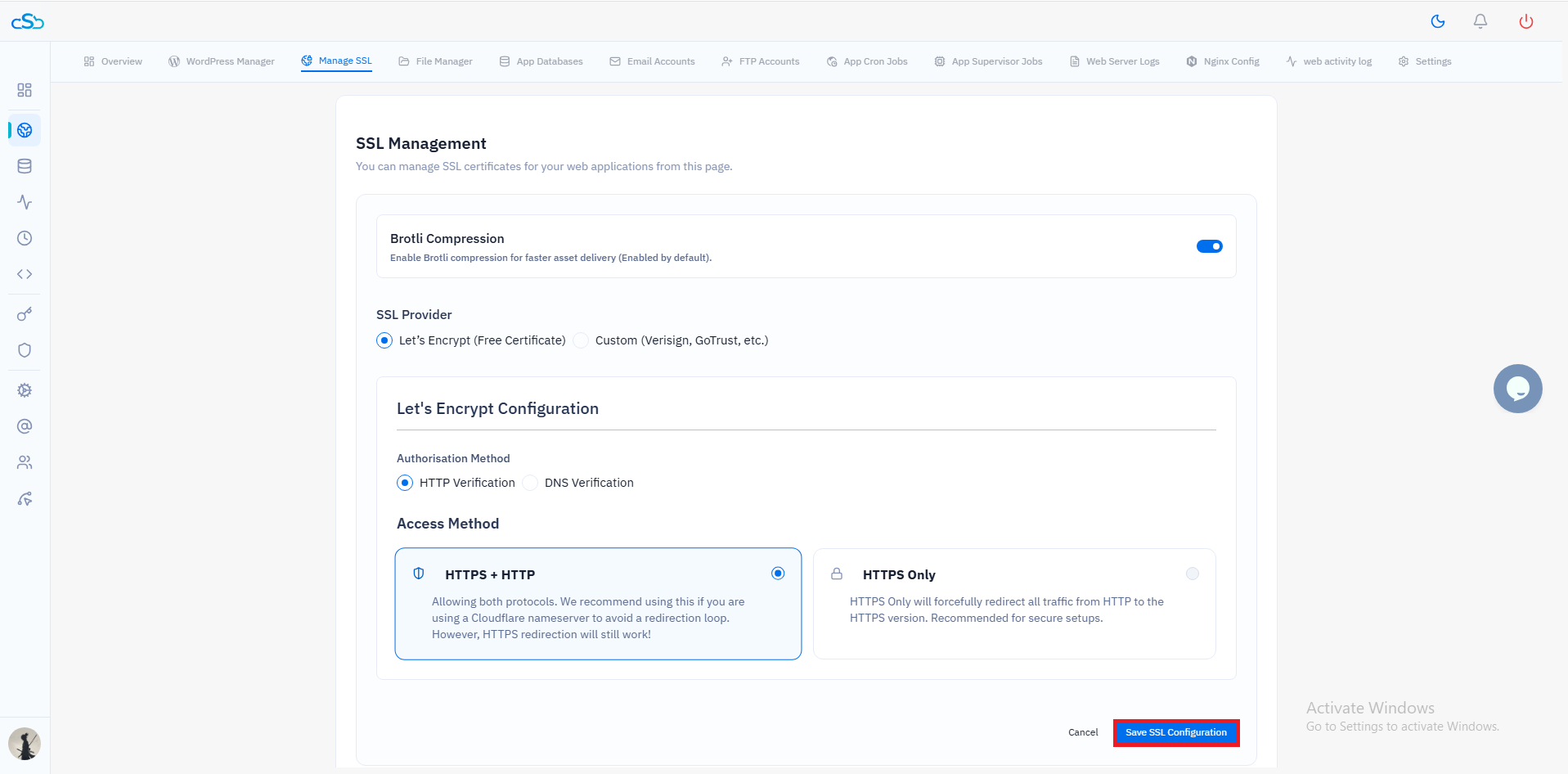
Servers provisioned or managed through CloudStick use a secure default TLS configuration: TLS 1.2 and 1.3 enabled, TLS 1.0 and 1.1 disabled, modern ECDHE cipher suites, OCSP stapling enabled, and ssl_prefer_server_ciphers off for TLS 1.3 best practices. This configuration scores an A rating on SSL Labs by default. For sites that need a specific cipher or protocol override — for example, legacy API clients that require TLS 1.2 — the Nginx configuration can be edited through the CloudStick dashboard without affecting other sites on the same server.