WordPress Migration Checklist: Don't Forget These Steps

%203.png&w=256&q=75)
Before You Start
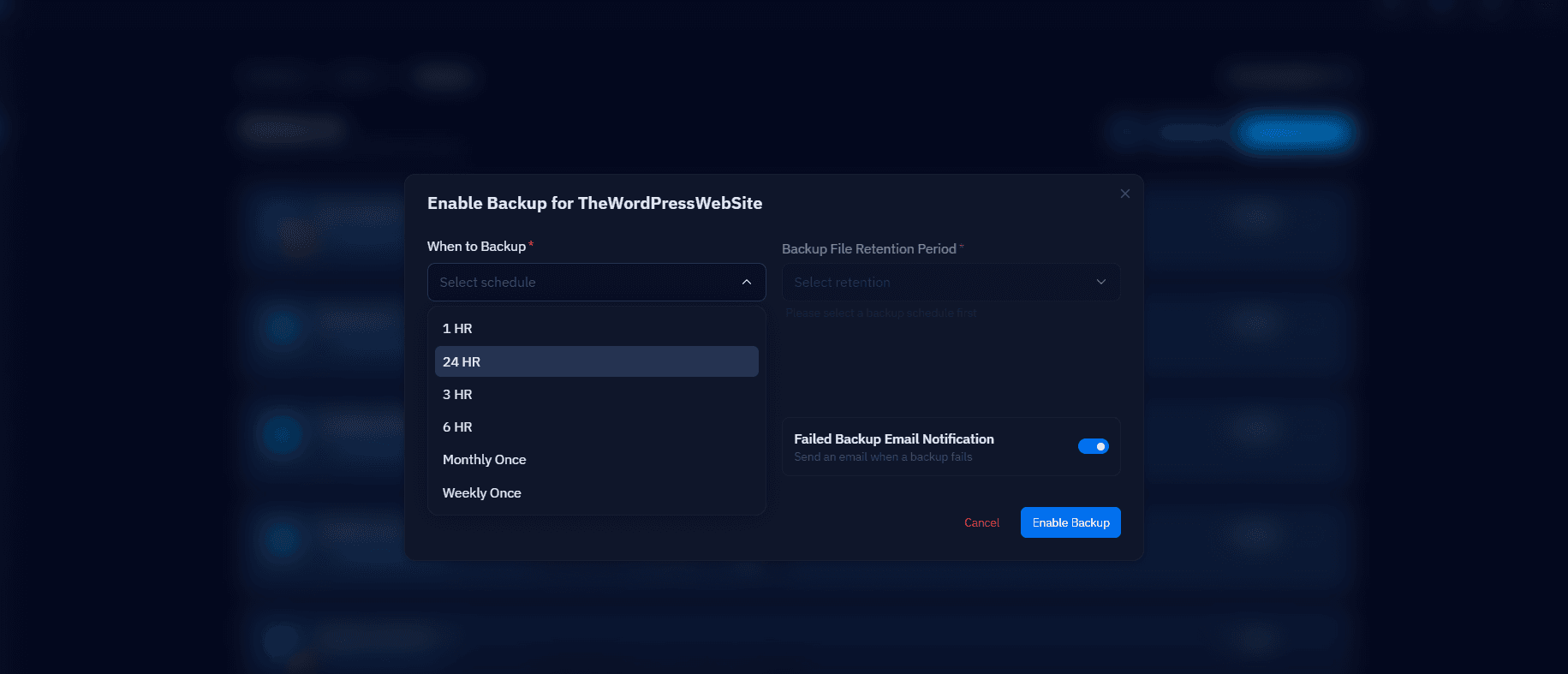
Confirm the target server's PHP version matches or exceeds the source, lower your DNS TTL to 300 seconds at least 24 hours ahead, and take a fresh backup of the source site regardless of how many previous backups you already have — the most recent one is the one that matters.
During the Migration
Sync files with rsync, dump the database with --single-transaction, run wp search-replace for any domain change, and test the result under a local hosts-file override before touching DNS. Never delete anything on the source server until the destination has been verified — it's your only rollback path.
Immediately After Cutover
Check SSL is valid on the new server (a fresh Let's Encrypt certificate if the domain changed hosts), confirm email deliverability if mail moved too, and watch the new server's access logs to confirm real traffic is arriving as DNS propagates.
The Easy-to-Forget List
The items that get missed most often, in no particular order:
- Cron jobs configured at the server level (outside WP-Cron) — these don't migrate with the database.
- Custom Nginx rewrite rules or redirects added outside WordPress itself.
- SSL certificates for any subdomains beyond the main domain.
- Firewall rules whitelisting specific IPs for admin access or webhooks.
- Environment variables and API keys stored outside wp-config.php.
CloudStick's Server Transfer feature handles server-level cron, firewall rules, and SSL together when moving between CloudStick servers — the manual checklist above exists specifically for the cases that automation doesn't cover, like moving from a non-CloudStick host.

