How to Change Your WordPress Domain Without Breaking Links

%203.png&w=256&q=75)
What a Domain Change Touches
Changing a WordPress domain means updating the site URL stored in the database (both siteurl and home options), every hardcoded link inside post content, and every serialized reference to the old domain inside plugin settings and widget data. Missing the serialized data is the most common mistake — a naive find-and-replace on the raw SQL corrupts any serialized array that contains the old domain's exact character count.
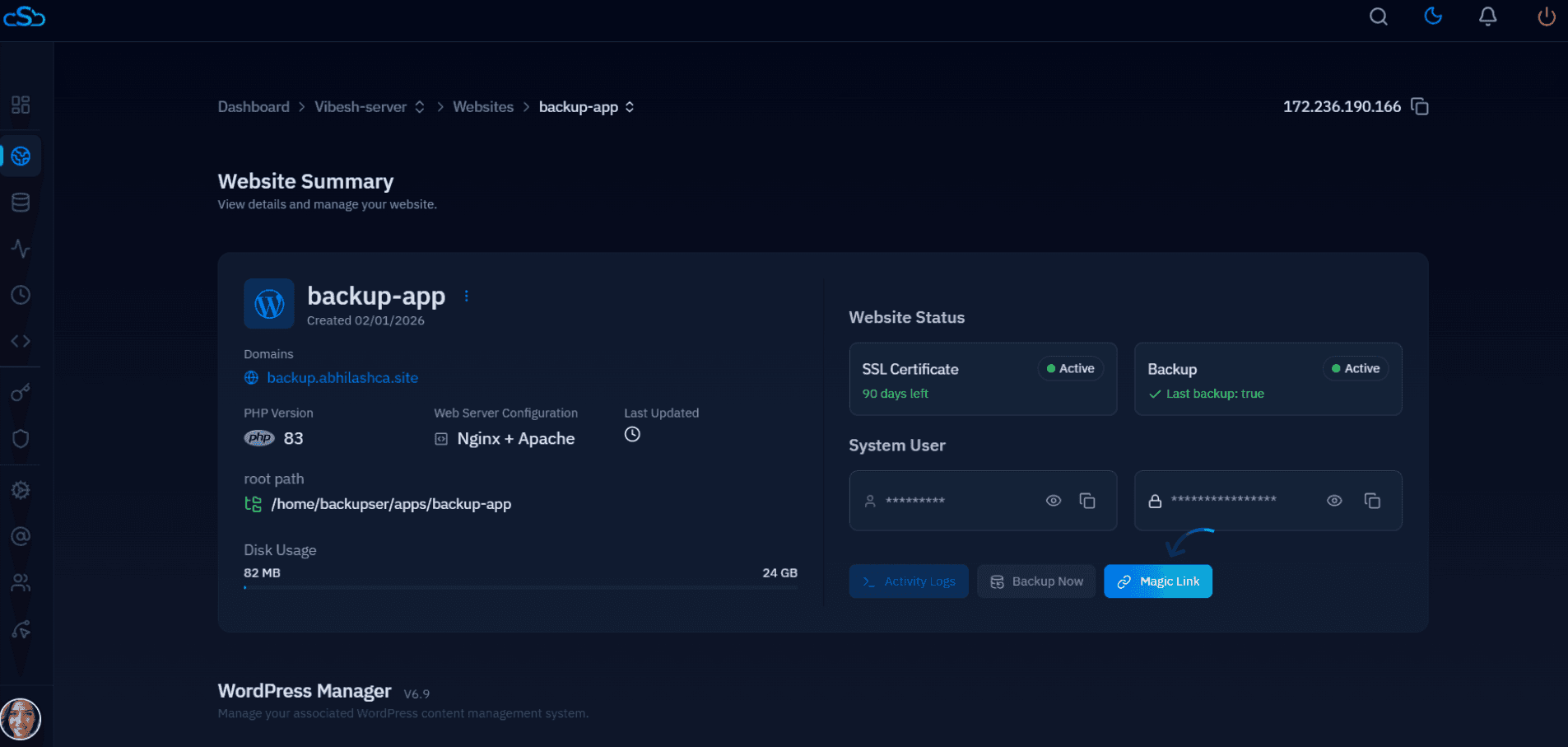
Update the Database with WP-CLI
WP-CLI's search-replace command is serialization-aware, which is exactly why it's the right tool here instead of a manual SQL replace:
Redirect the Old Domain Permanently
Keep the old domain registered and pointed at the new one with a 301 redirect indefinitely — this is what preserves search rankings and prevents broken links from anyone who bookmarked or linked to the old URL:
Keep SSL valid on the old domain too — a redirect from an expired-certificate HTTPS site fails before the redirect ever fires. Renew or re-issue the certificate for the old domain even though it no longer hosts content.
Update Search Console and Analytics
Add the new domain as a fresh property in Google Search Console and submit a change-of-address request pointing at it from the old property — this is a distinct step from the DNS/redirect work and directly affects how fast Google re-indexes under the new domain. Update analytics tracking, any hardcoded canonical tags in your theme, and social profile links last.

