A Beginner's Guide to Linux Server Security

%203.png&w=256&q=75)
What Is Server Security?
Server security is the practice of configuring a Linux server to minimize the attack surface — the number of ways an attacker could gain unauthorized access, execute code, or steal data. It is not a product you install; it is a set of configuration decisions you make when provisioning a server and maintain over its lifetime.
A freshly provisioned VPS from any cloud provider is not secure by default. It has root SSH login enabled, all ports open, no brute-force protection, and no automatic updates. Within minutes of being assigned a public IP, it will start receiving automated probes on port 22. Security hardening is the process of closing down those default exposures.
Understanding the Threat Model
For a typical web server hosting websites or applications, the realistic threats are:
- Automated bots scanning for known vulnerabilities in web software (WordPress plugins, PHP versions, open admin panels)
- Brute-force attacks on SSH and web application login pages
- Opportunistic exploitation of unpatched vulnerabilities in running services
- Supply chain attacks via compromised third-party code (plugins, npm packages)
- Credential theft through phishing or reuse of leaked passwords
Most attacks are automated and opportunistic — attackers are not targeting you specifically; they are scanning millions of servers looking for easy wins. Good basic security means you are not an easy win. Nation-state adversaries and targeted attacks are a different threat model that requires different (and more expensive) defenses — beyond the scope of what most web servers need.
The Five Security Layers
Server security is layered. Each layer assumes the previous one might fail and adds an independent barrier:
Who can log in? SSH key auth, disabled root login, named sudo users. This is the outer perimeter.
Which traffic reaches the server? UFW firewall with default-deny. Blocks connection attempts before services even see them.
What happens to persistent attackers? Fail2Ban watches logs and bans IPs showing brute-force patterns.
Is running software patched? Automatic security updates, minimal installed packages, services running as unprivileged users.
What happens if something goes wrong? Offsite backups with tested restoration. A compromised server is recoverable if you have clean backups.
Quick Wins for a New Server
If you have 30 minutes on a new server, these five commands address the highest-impact vulnerabilities:
PREREQUISITE: Make sure you can SSH in as the deploy user with key auth before running step 3. Keep your current session open and test from a second terminal window first.
Ongoing Security Maintenance
Security is not a one-time setup — it is a regular practice. These are the ongoing tasks that keep a secured server from drifting back into an insecure state:
- Monthly — run
apt update && apt list --upgradableand apply any pending non-security updates. Reviewfail2ban-client statusto see ban activity. - Quarterly — audit open ports with
ss -tulpn. Review UFW rules for stale allow entries. Check installed packages and remove unused ones. - On change — when adding a new team member, give them their own system user and SSH key. When removing someone, delete their authorized key immediately. When installing new software, check which ports it opens.
- Test backups — do a restore drill at least once per quarter. A backup you have never restored is not verified. Practice the restoration process before you actually need it under pressure.
CloudStick Simplifies Server Security
CloudStick is a server control panel designed for developers and agencies managing Linux servers on AWS, DigitalOcean, Vultr, Hetzner, and other cloud providers. Unlike cPanel or Plesk, CloudStick is lightweight and affordable — starting at $9/month per server with no per-site fees.
When you connect a server to CloudStick, the agent installation process applies a security baseline automatically: SSH hardening, UFW firewall configuration, Fail2Ban setup, and automatic security updates are all configured as part of the initial agent install. This means you do not need to run the manual commands above for every new server — the security foundation is applied consistently across your entire fleet.
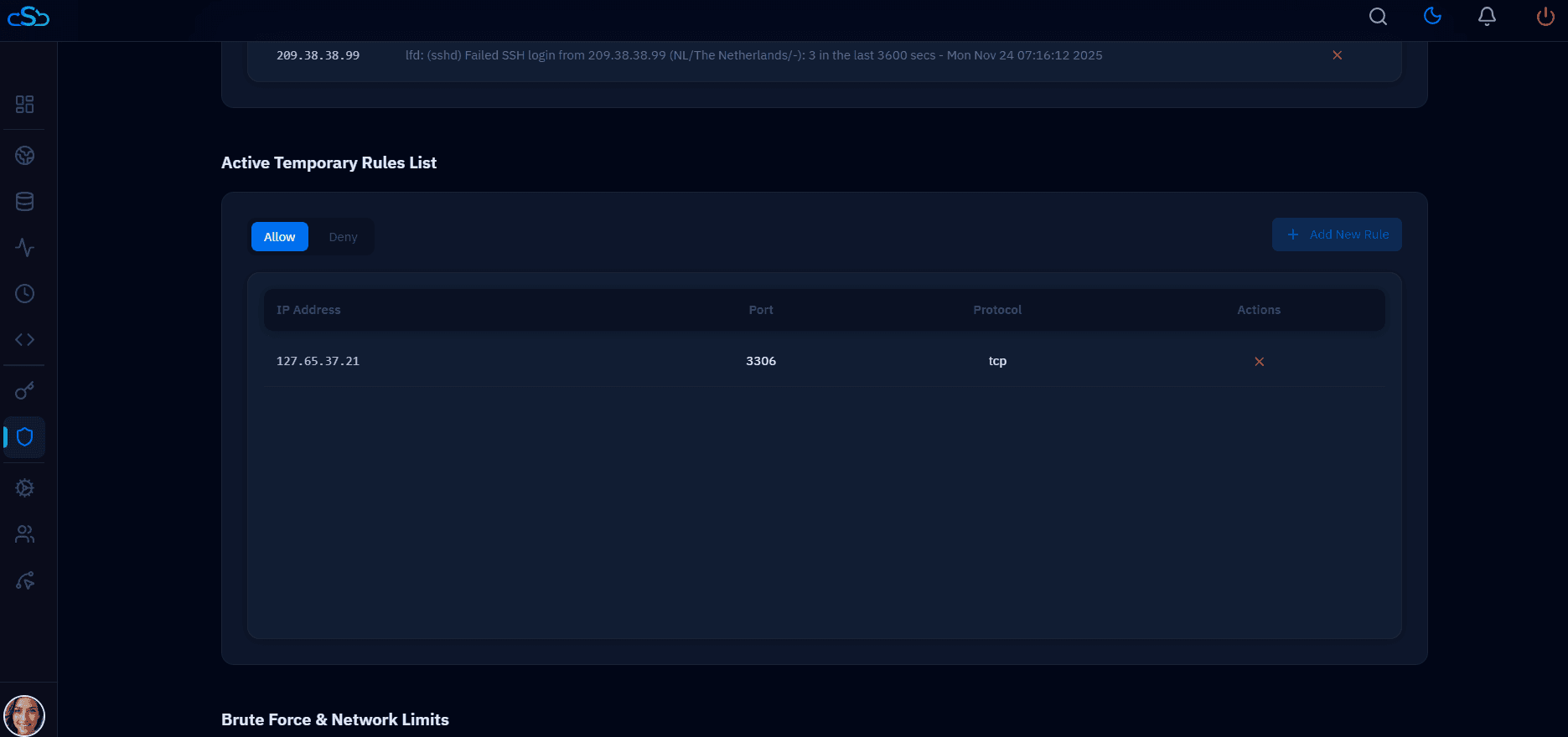
CloudStick's firewall panel, SSH vault, and team management features handle the ongoing security maintenance work — adding and revoking team member SSH keys, managing firewall rules, and applying security updates — without requiring SSH access for routine tasks. The Security & Third-party Updates panel shows pending patches across all connected servers, so you can see and apply updates from a single dashboard view.