The 10 Most Common Server Security Mistakes

%203.png&w=256&q=75)
Most server breaches are not the result of sophisticated zero-day exploits. They are the result of predictable, avoidable configuration errors that attackers have learned to find automatically. Here are the 10 mistakes that show up most often in compromised servers — and what to do about each one.
Mistakes 1–3: Access Control Failures
Every Linux server has a root account. Allowing root to log in via SSH gives automated bots a 50% head start — they already know the username. Set PermitRootLogin no in /etc/ssh/sshd_config and create a named sudo user for all admin operations.
Password-based SSH auth is vulnerable to brute-force and credential stuffing attacks. Switch to SSH key authentication and set PasswordAuthentication no. With key auth, an attacker cannot log in even if they know the correct password — they need the private key file.
One SSH key for the whole team means you cannot revoke access for one person without rotating it for everyone. Each team member needs their own key pair, and their public key should be added to ~/.ssh/authorized_keys individually. Removing access is then as simple as deleting their public key entry.
Mistakes 4–6: Updates, Ports, and Firewall
A server running unpatched packages is running known vulnerabilities — CVEs with public proof-of-concept exploits. Enable unattended-upgrades to apply security patches automatically, or schedule regular manual apt update && apt upgrade runs.
MySQL, Redis, MongoDB, and PostgreSQL should never be reachable on public interfaces. Bind them to 127.0.0.1 in their configuration files. Shodan scans show tens of thousands of exposed database instances online at any given moment — do not add yours.
A firewall that only blocks known-bad traffic is the wrong model — block everything and allow only what you need. Set UFW to default deny incoming before adding your allow rules. Many provisioned servers have no firewall running at all, or have it disabled after installation.
Mistakes 7–8: Configuration Drift
Files writable by any user are a privilege escalation vector. A compromised web process that can write to world-writable directories can plant PHP shells or modify system scripts. Run find / -xdev -type f -perm -0002 2>/dev/null to find them. Web application files should be owned by the web user with permissions no higher than 644/755.
Services like Nginx, PHP-FPM, and Node.js should run as unprivileged users — not root. If a vulnerability in the service is exploited, a root-running process gives the attacker full system access; an unprivileged process gives them access only to that service's files. Check with ps aux | grep nginx — worker processes should show a non-root user.
Mistakes 9–10: Backups and Monitoring
Ransomware attacks encrypt server data and delete local backups. If your only backups live on the same server being attacked, you have no recovery path. Store backups in a separate storage account or remote location, and test restoration — a backup you have never restored is just a hope, not a safety net.
Auth logs, web server logs, and application error logs are your early warning system. If you are not watching them, you will not know you have been compromised until the damage is done. At minimum, set up Fail2Ban to watch auth logs and configure email alerts for login failures. Log forwarding to a centralized service adds retention and makes post-incident analysis possible.
How to Fix All 10 Systematically
Rather than trying to remember all 10 every time you provision a server, build the fixes into your provisioning workflow. On Ubuntu 24.04, the complete fix takes about 30 minutes:
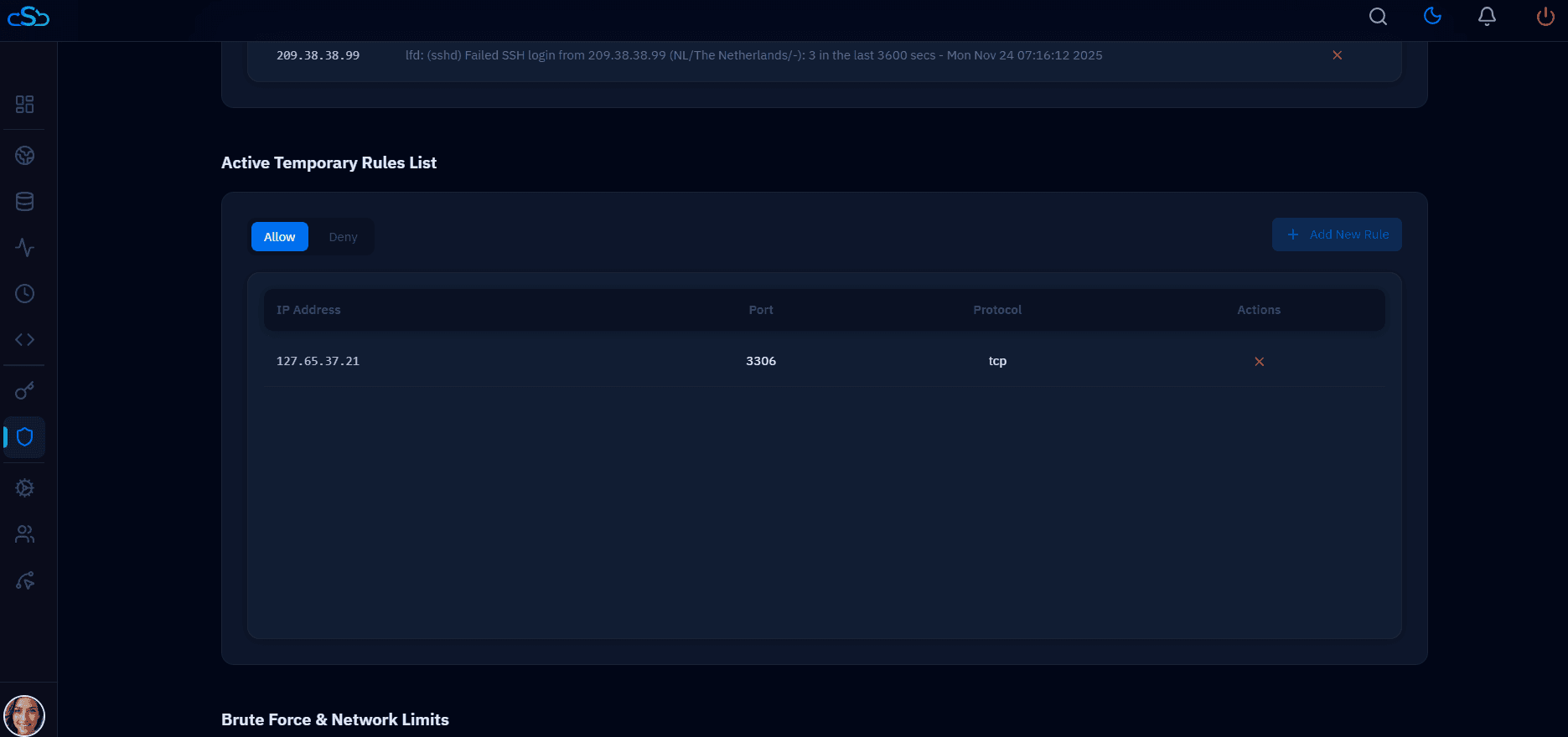
CloudStick applies most of these automatically when you connect a server — SSH hardening, firewall configuration, Fail2Ban, and automated security updates are all part of the CloudStick agent installation baseline. This ensures consistent security across every server in your fleet rather than relying on manual per-server configuration.