Free vs Paid Server Control Panels: What's the Catch?

%203.png&w=256&q=75)
The Free Landscape
The appeal of a free server control panel is obvious. Why pay a monthly fee for software when several capable options cost nothing? In 2026, the main free panels are Webmin, HestiaCP, CyberPanel (free tier), and ISPConfig. Each has been around for years, has an active user base, and genuinely works — for some use cases. Understanding what each covers, and where each falls short, is the starting point for an honest cost comparison.
Webmin is the oldest of the group, dating to 1997. It is a general-purpose Linux administration tool that provides a browser-based GUI for managing users, file systems, services, cron jobs, DNS, email, and more. Webmin is free and open-source (BSD license). Its strength is breadth — it can configure almost any Linux service. Its weakness is that it was designed for system administrators, not developers spinning up web applications. There is no concept of “create a new WordPress site” in Webmin; you configure Apache vhosts, PHP settings, and MySQL manually, then use Webmin to manage the underlying services. The UI is functional but visually dated.
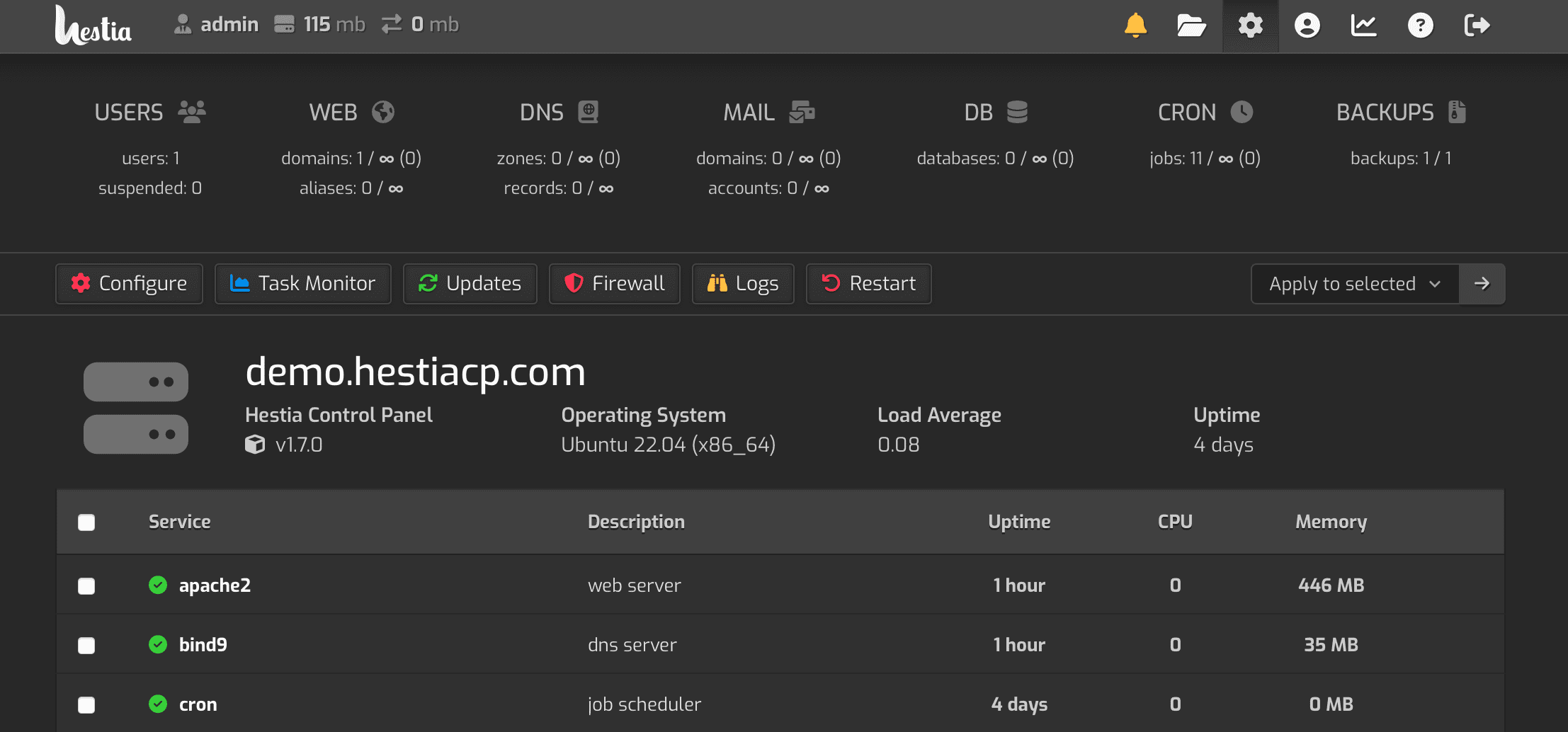
HestiaCP is a fork of VestaCP and targets the web hosting use case more directly. It includes Nginx and Apache support, email hosting via Exim and Dovecot, DNS management, MySQL databases, and a file manager. It is free and open-source. The UI is more modern than Webmin but still reflects its 2010s origins. The limitation most users hit in production is the support model: HestiaCP is community-supported. Official documentation covers the happy path well, but debugging edge cases — Dovecot TLS configuration, SpamAssassin tuning, Let's Encrypt renewal failures — requires posting on community forums and waiting for responses.
CyberPanel uses OpenLiteSpeed on the free tier and LiteSpeed Enterprise on paid plans. It includes WordPress management tooling, one-click WordPress installs, SSL via Let's Encrypt, email, FTP, and a file manager. The free tier is genuinely functional for WordPress hosting and benefits from LiteSpeed's built-in server-level caching. The catch is the web server: OpenLiteSpeed configuration differs from Nginx in ways that trip up developers who are used to standard reverse-proxy setups.
ISPConfig is a mature, open-source multi-server panel focused on hosting providers. It is free and feature-complete — DNS, email, databases, FTP, SSL, and server clustering — but the setup process is long and the interface is complex. For a single developer running a few sites, the ISPConfig setup overhead is hard to justify.
What Paid Plans Actually Include
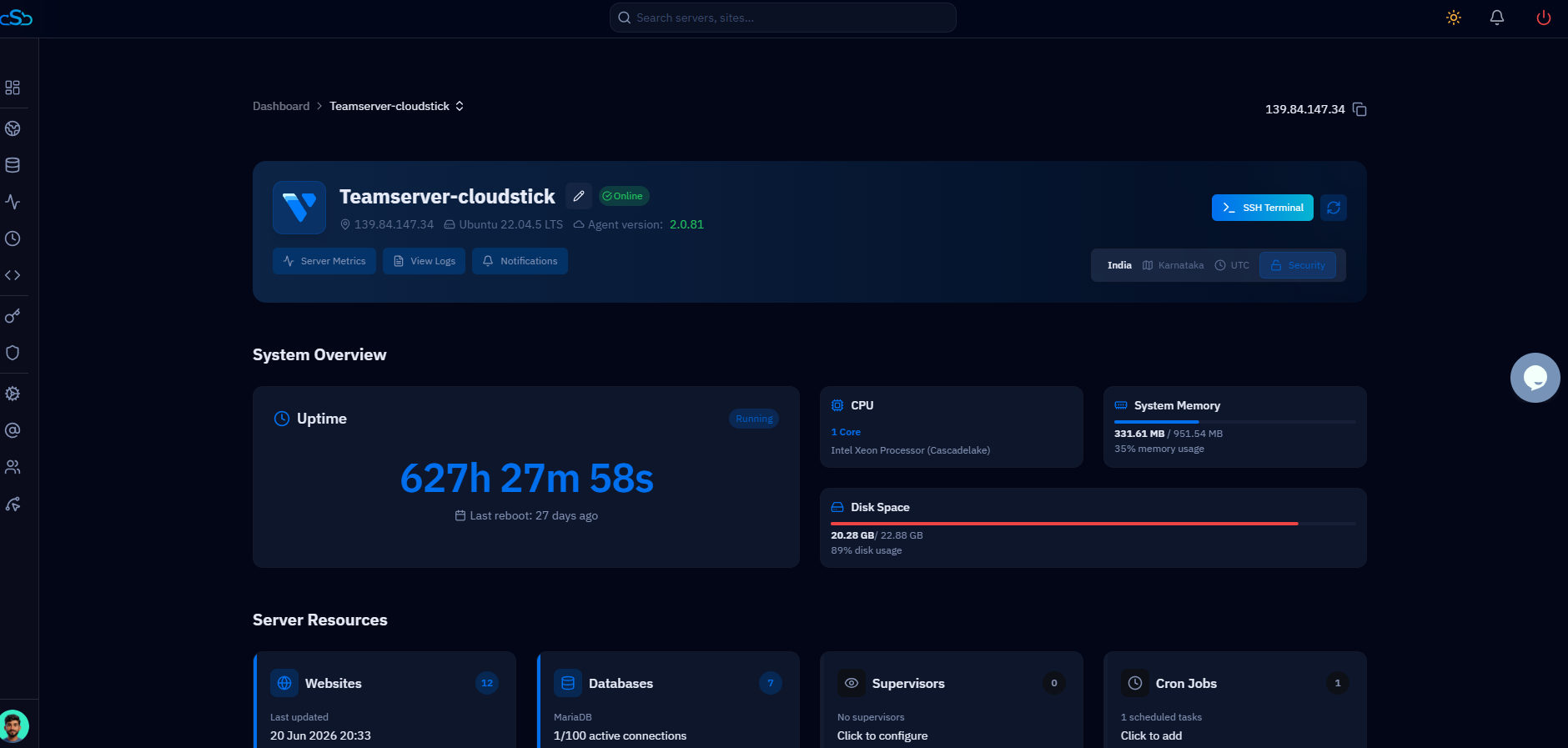
Paid server control panels typically bundle several things that free panels either exclude or leave as manual exercises: automated server provisioning, built-in security hardening, automated SSL renewal, managed updates, and official support.
CloudStick's $9/month Basic plan — which covers a single server — includes the full feature set: DNS management, Let's Encrypt SSL with automatic renewal, email hosting, MySQL and MariaDB database management, automated offsite backups (S3-compatible, Backblaze, Dropbox), FTP account management, firewall rules, SSH key management, cron job scheduling, and PHP version switching per site. This is not a stripped-down starter tier — it is the complete product.
What that $9 buys beyond raw features is reliability and time. When CloudStick provisions a server, it applies a hardened Nginx configuration, configures fail2ban, sets up UFW with sensible defaults, and optimizes PHP-FPM pool settings for the server's RAM. That work takes an experienced DevOps engineer 90 minutes to do manually — and it needs to be redone correctly every time a new server is provisioned.
Paid panels also update themselves. Security patches are applied automatically; you do not need to track changelogs or schedule maintenance windows for panel updates. For agencies managing client infrastructure, this is not a convenience — it is a risk management necessity. A stale panel version with a known vulnerability is a liability.
When Free Is Enough
Free panels are genuinely the right choice in specific contexts. The common thread across these contexts is that the cost of downtime, security incidents, or debugging time is low — either because nothing critical depends on the server, or because the operator has the Linux expertise to handle issues quickly without it becoming a productivity problem.
Hobby projects and personal sites. If you are running a personal blog, a portfolio site, or an experiment that generates no revenue and has no SLA, HestiaCP or Webmin is entirely reasonable. An outage costs you nothing except personal inconvenience.
Learning Linux server administration. Free panels, especially Webmin, are excellent learning environments. Because they expose more of the underlying system, working through issues teaches you how Linux services actually function. For a developer building their system administration skills, this hands-on friction is a feature, not a bug.
Non-critical development and staging environments. Development and staging servers have much lower reliability requirements than production. A free panel on a dev server that goes down for an afternoon while you figure out a configuration issue is a minor inconvenience rather than a client-impacting event. Many teams use CloudStick on production servers and run free panels or no panel at all on dev environments.
High-volume, low-margin shared hosting. If you are running a shared hosting operation with hundreds of cPanel-style accounts and no client SLA, and you have experienced sysadmins on staff who can handle panel maintenance, ISPConfig or HestiaCP can reduce infrastructure cost. This is a specific niche where the economics genuinely favor free panels.
Real Total Cost of Ownership
The most useful frame for the free vs paid question is total cost of ownership (TCO) over 12 months. This means accounting for the monetary value of the time you spend on panel-related tasks, not just the subscription fee. Here is a concrete comparison for a developer managing 5 production WordPress sites for clients:
These numbers will vary significantly by individual situation, Linux experience level, and incident rate — but the direction of the comparison is consistent across scenarios. The zero-dollar line item for HestiaCP is the most visible number; the time costs are invisible until they land on your calendar.
Before evaluating any panel, estimate your hourly rate and how many hours per month you currently spend on server maintenance tasks. Multiply that by 12. If the result exceeds the annual cost of a paid panel, the paid panel pays for itself in saved time alone — before counting the support and reliability benefits.
The Right Choice
The practical framework for choosing between free and paid panels is straightforward: if the server hosts anything that generates revenue, has clients depending on it, or needs to meet any form of reliability expectation, a paid panel is almost always the correct economic decision. The subscription cost is a fraction of the time value it saves.
CloudStick's $9/month Basic plan sits at a price point where the math is straightforward: it takes less than eight minutes of billed developer time per month to justify. For agencies managing multiple client servers, the per-server pricing is a significant advantage over cPanel — no per-account fees, no tiered pricing based on the number of domains you host. You pay for the server, not the sites on it.
Free panels remain valid tools. Webmin is excellent for learning, HestiaCP is functional for low-stakes hosting, CyberPanel's free tier works well for WordPress-focused developers who want LiteSpeed caching without a subscription. The key is honesty about what “free” actually costs when the full picture is on the table — not just the invoice, but the calendar.
For production environments serving clients in 2026, CloudStick's combination of comprehensive feature coverage, flat per-server pricing, and automated maintenance represents a genuinely compelling value. At $9/month, it is one of the few infrastructure tools that is both practically free in TCO terms and reliable enough to run client production sites on.

