How to Audit Open Ports on Your Server

%203.png&w=256&q=75)
Why You Need to Audit Open Ports
Every open port on your server is a potential entry point for attackers. Services that bind to 0.0.0.0 (all interfaces) are accessible from the public internet unless your firewall explicitly blocks them. On a freshly provisioned server, a surprising number of services listen on public interfaces by default — MySQL, Redis, Memcached, and various admin interfaces all have histories of being discovered and exploited on servers where the admin assumed they were only accessible locally.
A port audit answers three questions: What is listening? On which interface? Is that expected? Run this audit before writing firewall rules, and run it again periodically to catch service configuration drift.
List Listening Ports with ss and netstat
The ss command (socket statistics) is the modern replacement for netstat on Linux. Both show listening ports and the process associated with each one.
The Local Address column is what matters. 0.0.0.0 or * means the service is accessible on all network interfaces including the public one. 127.0.0.1 means loopback only — not accessible remotely.
External Scan with Nmap
An internal ss scan shows what is listening. An external Nmap scan shows what is actually reachable from the internet — the firewall may be blocking ports that ss shows as open. Running both gives you the complete picture.
TIP: Only scan servers you own or have explicit permission to scan. Use a second VPS or your local machine to run the external scan — scanning from the same server will not cross the firewall boundary and will not accurately reflect what attackers see.
Cross-Reference with UFW Rules
After listing open ports internally and externally, compare against your firewall allow list. Every externally reachable port should correspond to a deliberate allow rule:
If your external Nmap scan shows a port that is not in your UFW allow list, investigate — it may be a service that bypasses UFW (some services install iptables rules directly) or a misconfiguration where UFW is not enabled.
Close Unwanted Ports
For services that should only be accessible locally (MySQL, Redis, MongoDB, Memcached), bind them to 127.0.0.1 rather than relying solely on the firewall to block them. This is defense in depth — even if UFW is misconfigured, the service itself is not publicly reachable.
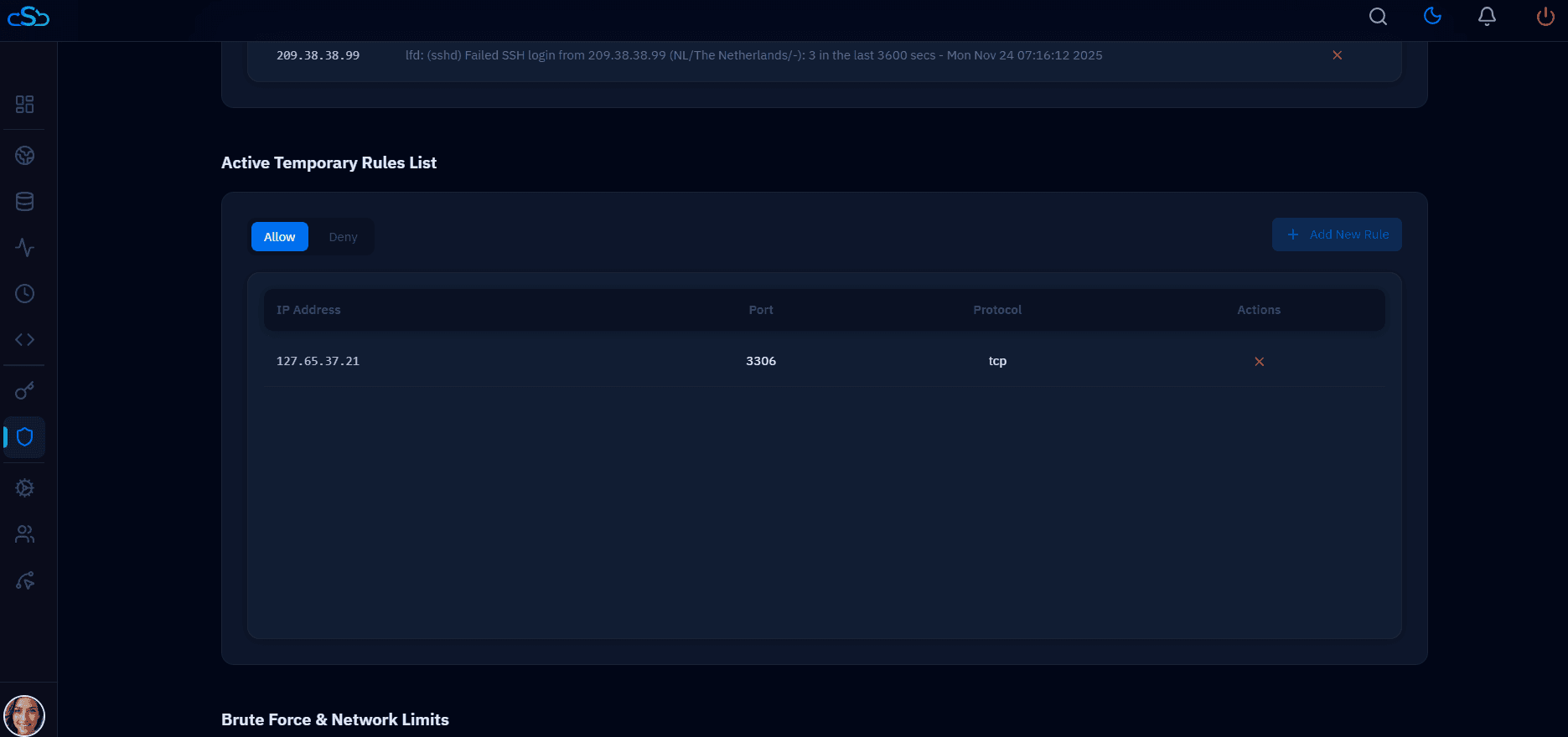
CloudStick Firewall and Port Management
CloudStick's firewall panel shows the active UFW rules for each connected server and lets you add or remove rules from the dashboard. When CloudStick provisions a new server, it configures MySQL and Redis to bind to loopback only by default — so internal services are never accidentally exposed to the internet. This is part of the security baseline applied at agent install time.