How to Auto-Renew Let's Encrypt SSL Certificates

%203.png&w=256&q=75)
Why Renewal Matters (and Why 90 Days Is a Feature, Not a Bug)
Let's Encrypt certificates expire after 90 days by design. The short lifespan limits the window of exposure if a private key is ever compromised — and it forces automation, which is far more reliable than manual renewal reminders. Every major Certificate Authority is moving toward shorter certificate lifespans for the same reasons.
The 90-day window is long enough that two failed renewal attempts (Certbot tries 30 days before expiry and again 15 days before) still leave you time to intervene manually. An expired certificate produces an immediate hard browser error — not a warning, a red screen that blocks your visitors entirely. Users cannot click through it. The cost of a missed renewal is zero if automation is working, and total if it isn't.
How Certbot Handles Renewal Automatically
When you install Certbot via snap, it registers two systemd timers that run the renewal check twice daily at randomized times (to avoid all Certbot installs hammering Let's Encrypt servers simultaneously). Certbot only renews certificates that are within 30 days of expiry, so these twice-daily checks are effectively no-ops most of the time.
Test Renewal Before You Need It
Run the dry-run test the same day you install your certificate. It simulates the full renewal process without actually issuing a new certificate, so it will catch firewall rules, permission errors, and webroot path issues immediately:
Let's Encrypt enforces rate limits: 5 duplicate certificates per domain per week. Do not run --force-renewal repeatedly in testing. Use --dry-run for all verification work.
Reload Nginx After Renewal
Renewing a certificate writes new files to disk, but Nginx keeps the old certificate in memory until it's reloaded. If Certbot doesn't automatically reload Nginx after renewal, your server will serve the old (expired) certificate even though a new one exists on disk. Add a deploy hook to fix this:
The deploy hook runs every time a certificate is successfully renewed. For CloudStick servers, the service names differ — use systemctl reload nginx-cs and systemctl reload apache2-cs since CloudStick runs its own namespaced packages.
Monitor Expiry as a Safety Net
Automated renewal is reliable — but not infallible. Port 80 could get blocked by a firewall rule change, a DNS record could be moved, or the server could be restarted with a misconfigured service. Add a second layer: Let's Encrypt sends expiry reminder emails to the address you registered Certbot with at 20, 10, and 1 day before expiry. Ensure that email address is monitored. For external monitoring, services like UptimeRobot, Better Stack, or Zabbix can alert on SSL expiry dates.
CloudStick: Auto-Renewal Without Configuration
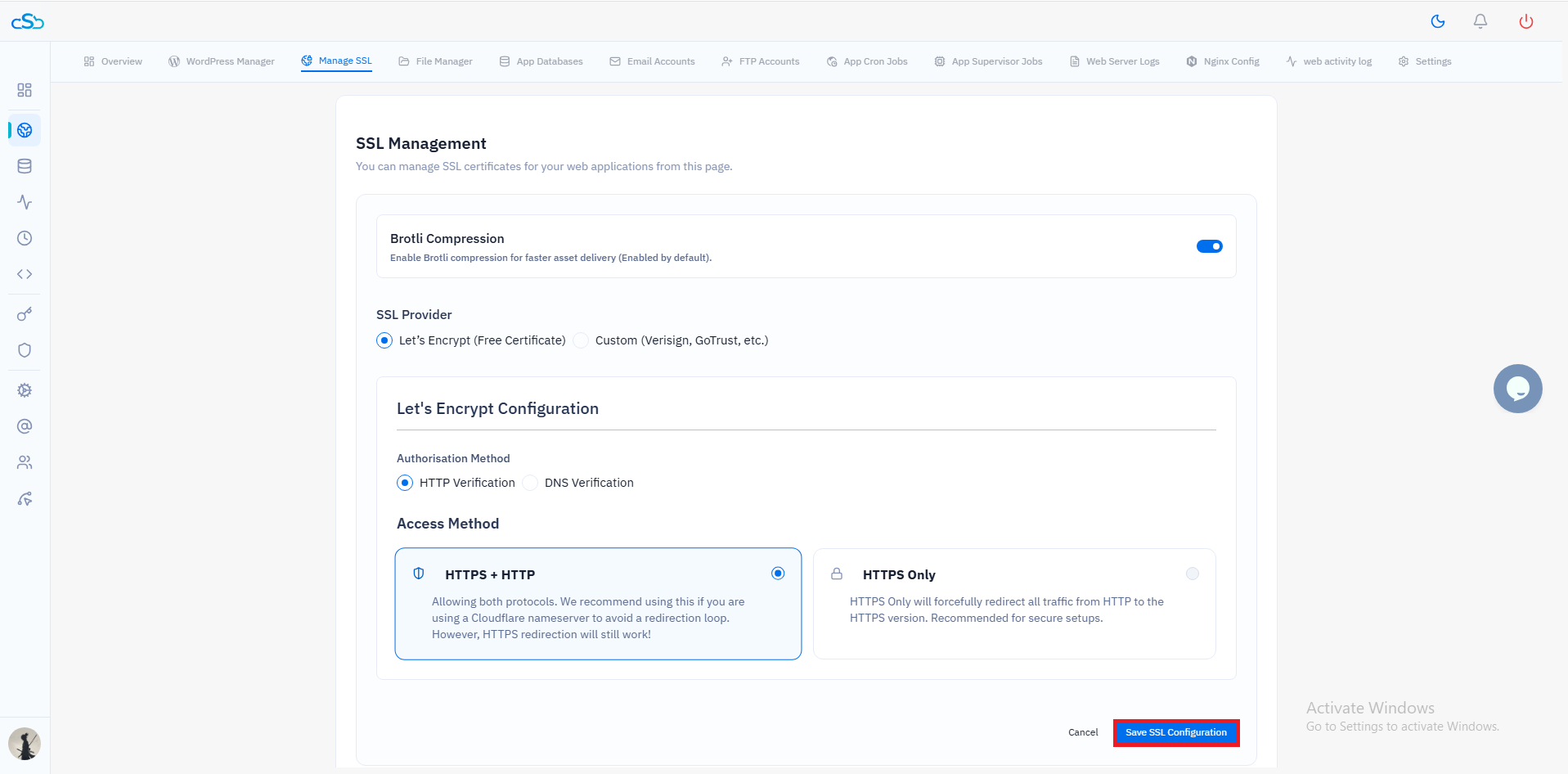
CloudStick handles the entire SSL lifecycle — issuance, deployment, Nginx config update, and auto-renewal — with no manual steps required. When you enable SSL for a site in the CloudStick dashboard, the platform sets up a renewal schedule automatically and reloads the correct service stack (nginx-cs + apache2-cs) after every successful renewal. The dashboard also shows the certificate expiry date per site so you can see at a glance which certificates are healthy without SSHing into the server.
For teams managing many sites, CloudStick's centralized view of all server certificates is significantly more practical than logging into individual servers to run certbot certificates. You can also see whether Cloudflare's proxy is in front of a site — which changes the renewal method entirely, since the certificate served to visitors is Cloudflare's, not the origin's.