How to Automate Server Maintenance Tasks

%203.png&w=256&q=75)
Decide what is worth automating
Five maintenance tasks cause the large majority of avoidable server incidents: unpatched packages, logs that fill the disk, expired TLS certificates, missing backups, and crashed services nobody restarted. Every one of them is boring, predictable, and perfectly suited to automation — which is exactly why they get skipped when they depend on a human remembering. The rule of thumb: automate anything that is routine, reversible, and has a clear success signal; keep a human in the loop for anything that changes system behavior in ways you would want to watch.
You need a Linux server (Ubuntu 24.04 or Debian 12 in the examples below) with sudo access. Everything here uses tools that ship with the distribution or install with a single apt command — no configuration management framework required.
This guide walks through the five in order of payoff, with the exact configuration for each, then closes with the tasks you should deliberately leave manual.
Automatic security updates with unattended-upgrades
Security patches are the highest-value automation on any server, and Ubuntu ships the tool for it: unattended-upgrades installs security updates daily without touching anything else. On Ubuntu 24.04 it is usually present already; enable and confirm it like this:
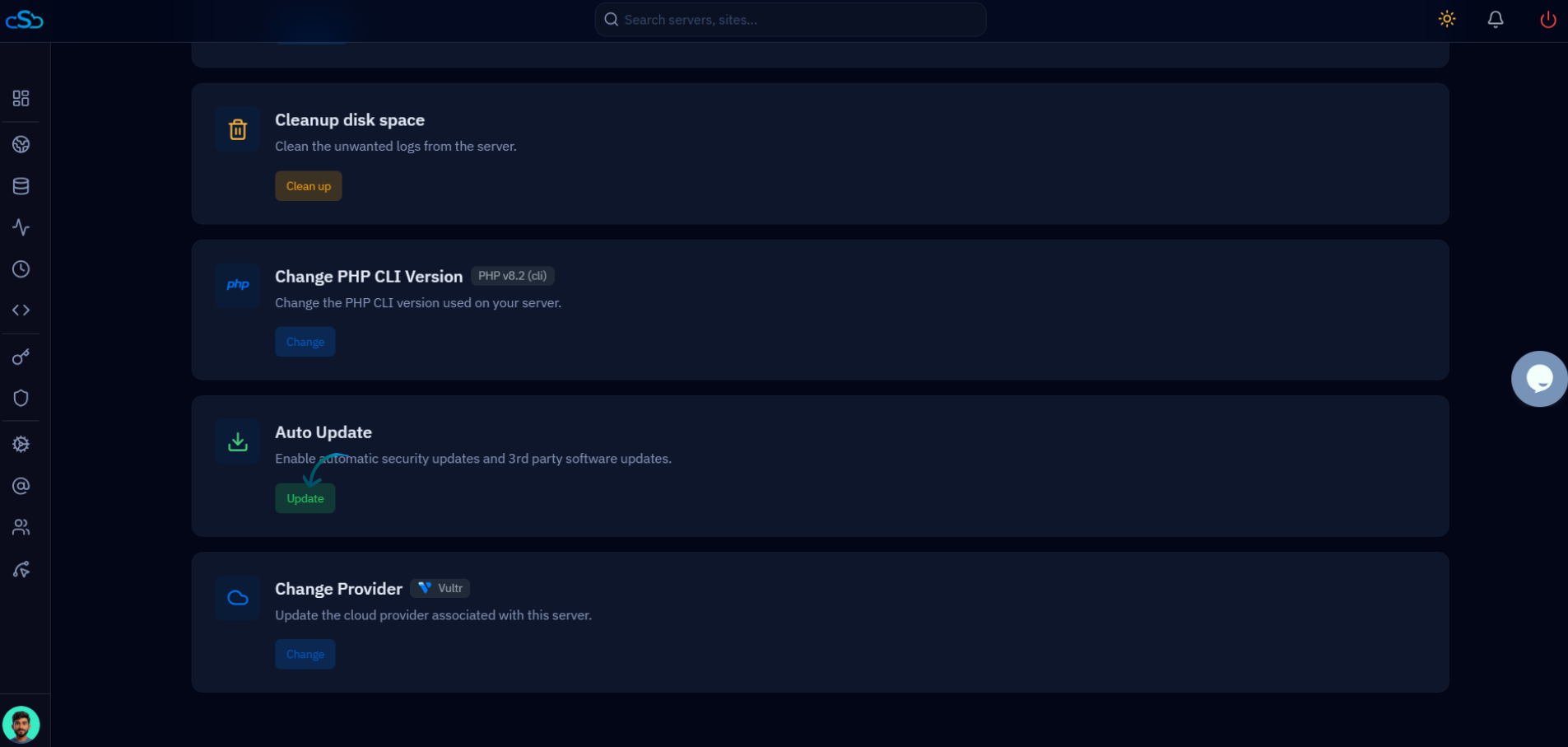
The defaults in /etc/apt/apt.conf.d/50unattended-upgrades restrict upgrades to the security origin, which is what you want: kernel and library patches arrive automatically, while feature releases of your database or web server wait for you. Two options worth setting in that file: Unattended-Upgrade::Remove-Unused-Dependencies "true" keeps old packages from accumulating, and the Automatic-Reboot option should stay "false" on production — pending kernel reboots deserve a scheduled window, not a surprise. Check /var/log/unattended-upgrades/ occasionally to see what was applied. If your server is managed through CloudStick, the dashboard's security and third-party updates feature covers this same ground without an SSH session.
Log rotation and disk-space cleanup
A full disk takes down more servers than any exploit, and logs are the usual culprit. Logrotate already rotates system logs daily via a systemd timer; your job is to cover the logs it does not know about — application logs, custom cron job logs, anything your code writes. One small file per application in /etc/logrotate.d/ does it:
Test a config with sudo logrotate --debug /etc/logrotate.d/myapp before trusting it. Then cap the two other quiet disk-eaters. The systemd journal grows without limit unless told otherwise — set SystemMaxUse=500M in /etc/systemd/journald.conf, or run sudo journalctl --vacuum-size=500M for an immediate cleanup. And packages left behind by old kernels reclaim easily: a weekly cron job running apt-get autoremove --purge -y and apt-get clean keeps /boot and the apt cache lean. Add a disk-usage check that alerts above 85 percent and the "disk full at 3 a.m." incident essentially disappears.
Certificate renewal and backups
TLS certificates from Let's Encrypt expire every 90 days by design, so renewal must be automated or your site will eventually greet visitors with a browser warning. If you installed certbot from the Ubuntu repositories, the automation already exists — a systemd timer runs certbot renew twice daily and renews anything within 30 days of expiry. Verify rather than assume: systemctl list-timers should show certbot.timer, and sudo certbot renew --dry-run proves the whole chain works, including the web server reload hook. The dry run matters because renewal can succeed while the reload fails, leaving the new certificate on disk and the old one still being served. If your reload is not wired up yet, add it once with a deploy hook — certbot renew --deploy-hook "systemctl reload nginx" — and every future renewal reloads the web server automatically. As a belt-and-braces measure, schedule a weekly expiry check that alerts when any certificate has fewer than 14 days left; it costs one openssl command and catches everything the timer setup missed.
Backups follow the same principle: scheduled, verified, and alerting on failure. A nightly database dump plus a file-level backup with a retention window covers most single-server setups; whatever tool you use, test a restore quarterly, because an unrestorable backup is indistinguishable from no backup until the day it matters. CloudStick handles this category from the dashboard — automated website and database backups with a configurable schedule and retention period, plus browsable archived snapshots — which removes the most commonly skipped step: checking that the backups actually happened.
Service health checks and restart policies
A crashed service should restart itself before you ever hear about it, and systemd does this with two lines in a unit file. For any service you run — an app server, a queue worker, a custom daemon — add a restart policy via a drop-in override:
Restart=on-failure brings the process back after a crash, RestartSec spaces the attempts, and the StartLimit settings stop a crash loop from spinning forever — five failures in five minutes and systemd gives up, which is your signal to investigate rather than let a broken service flap all night. Pair the restart policy with an external check (an uptime monitor hitting a health endpoint, or a cron job curling it) so you learn about the crashes that keep recurring. For long-running application workers, CloudStick's service management and Supervisord support give you the same supervised-restart behavior configured from the dashboard.
What not to automate, and where to start
Some tasks earn their manual status. Major version upgrades — a new PHP release, a MariaDB major version, a distribution release upgrade — change behavior in ways security patches do not, and they belong in a maintenance window with a rollback plan, never in an unattended job. Automatic reboots are the same category: a kernel update that wants a reboot should get one on your schedule, with you watching the services come back. And never automate anything destructive whose scope you have not bounded — a cleanup script with an unquoted variable in an rm path is a classic self-inflicted outage. The dividing line is blast radius: automate what fails small and loud, supervise what fails big and quiet.
Start with the order that pays off fastest: enable unattended-upgrades today, add logrotate configs and the journal cap this week, verify the certbot timer with a dry run, then wire up backups and restart policies. Each item is a one-time setup that removes a recurring failure mode permanently. Finish by adding failure alerts to every scheduled task you created — automation you cannot hear is automation you cannot trust.

