The Most Useful Cron Jobs for Web Servers


%203.png&w=256&q=75)
The toolbox every web server needs
Roughly ten cron jobs cover the recurring operations work of a typical web server: a nightly database dump, pruning of old backups, a disk-space alert, journal and temp-file cleanup, a certificate expiry check, a pending-updates count, a real WordPress cron trigger, a cache warmup, and an uptime self-check. Every crontab line below is copy-ready for Ubuntu 24.04 and Debian — adjust paths, domains, and thresholds and you have a maintenance baseline in an afternoon. Each entry follows the same discipline: absolute paths, output appended to a log file, and a schedule chosen to avoid piling onto midnight.
A web server rarely fails loudly. It fails as a disk that filled up over six quiet weeks, a certificate that expired on a Saturday, and a backup job that stopped in March. Every cron job in this list exists to turn one of those slow failures into a log line you see early.

Backups and backup pruning
The nightly database dump is the single most valuable line in any crontab. Wrap mysqldump in a small script that uses credentials from ~/.my.cnf, passes --single-transaction for InnoDB, compresses with gzip, and writes dated filenames — then schedule it during your quietest hour and log everything. The companion job is pruning: without it, backups grow until they cause the very disk-full outage they were meant to survive.
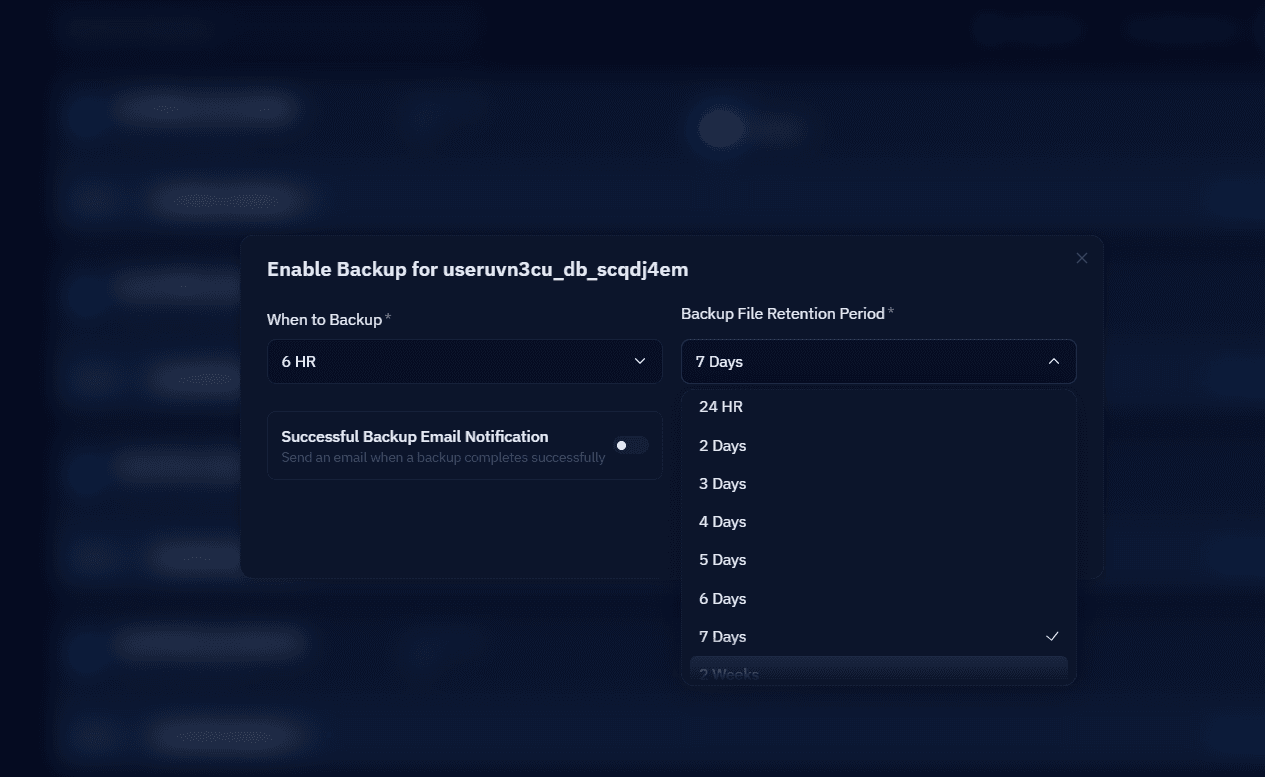
Fourteen days of retention suits most sites; extend it for anything with compliance requirements. If your server is connected to CloudStick, the dashboard's automated database and website backups already handle scheduling and retention with offsite storage — the cron version above is the right pattern when you want an additional local copy or you are managing a box by hand.
Disk space, logs, and cleanup
A full disk is the most common self-inflicted outage on a VPS, and it is entirely preventable with three jobs. The first is a watchdog script that parses df output and writes an alert line whenever any filesystem crosses 85 percent — pair it with a webhook notification if you want it in Slack. The second caps the systemd journal, which happily grows to gigabytes on a busy server. The third clears stale temp files that uploads and PHP sessions leave behind:
For application logs, resist writing your own rotation job — logrotate is already installed and battle-tested, so drop a config into /etc/logrotate.d for any custom log files your scripts create, including the ones these cron jobs write. The cron layer only needs to handle what logrotate does not see.
Certificates and security updates
Certificate renewal should already be automated — certbot installs a timer for it — but renewal automation fails silently often enough that an independent expiry check earns its place. The openssl -checkend flag makes this a one-liner: it exits non-zero if the certificate presented by your live site expires within the given number of seconds, so the check verifies what visitors actually see rather than what a renewal log claims:
The pending-updates counter is deliberately read-only: unattended-upgrades should install security patches automatically, while this job simply leaves a daily trail so a machine drifting out of date is visible at a glance. A number that keeps climbing means the automatic patching broke — which is exactly the kind of quiet failure worth catching in week one instead of month six.
WordPress, cache warmup, and uptime checks
If the server hosts WordPress, replace the built-in WP-Cron with a real schedule. WP-Cron only fires when someone visits the site, so scheduled posts and plugin tasks drift on low-traffic sites; define DISABLE_WP_CRON in wp-config.php and let cron run the due events every five minutes as the site's system user. Add a warmup that requests key pages after your cache clears, so the first real visitor never pays the cold-cache penalty, and a self-check that records every failed response from your own site:
The uptime line uses -f so curl treats HTTP errors as failures and -m 10 so a hanging backend counts as down rather than blocking cron. It is a self-check, not true monitoring — if the whole server dies, nothing runs to report it — so treat it as the fast local signal that complements an external probe, not a replacement for one.
Organizing the jobs so they stay maintainable
Adopt these jobs as files in /etc/cron.d rather than one sprawling root crontab. Each file groups related jobs, carries its own comments, sets an explicit PATH and MAILTO, and can be version-controlled and deployed like any other config — note that cron.d entries add a user field before the command. Stagger the minutes deliberately: nothing here runs at exactly midnight, because a server where everything fires at 0 0 spends one minute a day fighting itself.
Your next step: pick the three jobs that address your biggest current risk — for most servers that is the database dump, the pruning job, and the disk alert — install them today, and confirm each one in the logs tomorrow morning before adding the rest. If you manage servers through CloudStick, the per-website CronJobs manager in the dashboard, available on every plan, lets you add and edit these schedules without touching a crontab, and the built-in server stats already watch CPU, memory, and disk for you — leaving cron to do what it does best: the small, boring jobs that keep a server dull and dependable.

