How to Configure Nginx as a Reverse Proxy


%203.png&w=256&q=75)
What Is a Reverse Proxy?
A reverse proxy sits in front of one or more backend servers and forwards client requests to them. From the client's perspective, they are talking directly to Nginx — the backend application (Node.js on port 3000, Python on port 8000, a Rails app on 4567) is invisible. Nginx handles TLS termination, serves static assets, and passes dynamic requests upstream to the application.
This architecture is standard for any non-PHP application on a VPS. Node.js, Python (Django/FastAPI), Ruby on Rails, Go — none of these handle HTTPS directly in production. Nginx terminates SSL, handles static files at full Nginx speed, and proxies only the dynamic requests to the application process. The result is better performance, simpler certificate management, and the ability to run multiple applications on different ports behind a single public IP.
Basic Reverse Proxy Configuration
The core directive is proxy_pass — it tells Nginx which backend URL to forward requests to. The example below proxies all requests for a domain to a Node.js application running on port 3000 on localhost.
The proxy_http_version 1.1 and Upgrade/Connection headers are required for WebSocket support. If your application uses WebSockets (Socket.IO, live updates), include them. They do no harm for standard HTTP applications.
Set the Right Proxy Headers
Without proper proxy headers, your backend application sees all requests as coming from 127.0.0.1 (Nginx itself) and sees HTTP even though the client connected via HTTPS. These headers pass the real client IP and original protocol to your application so logging, rate limiting, and redirect generation work correctly.
SSL Termination at Nginx
The standard pattern is to handle HTTPS at Nginx and proxy to the backend over plain HTTP on localhost. This means your Node.js or Python application does not need to manage SSL certificates — Nginx handles the encryption and decryption, passing decrypted requests to the backend.
Load Balancing Multiple Backend Instances
When you run multiple instances of your application (for redundancy or to handle more CPU-bound requests), Nginx can distribute requests across them using the upstream block. By default Nginx uses round-robin, cycling through each backend in order.
Running Node.js Apps Through CloudStick
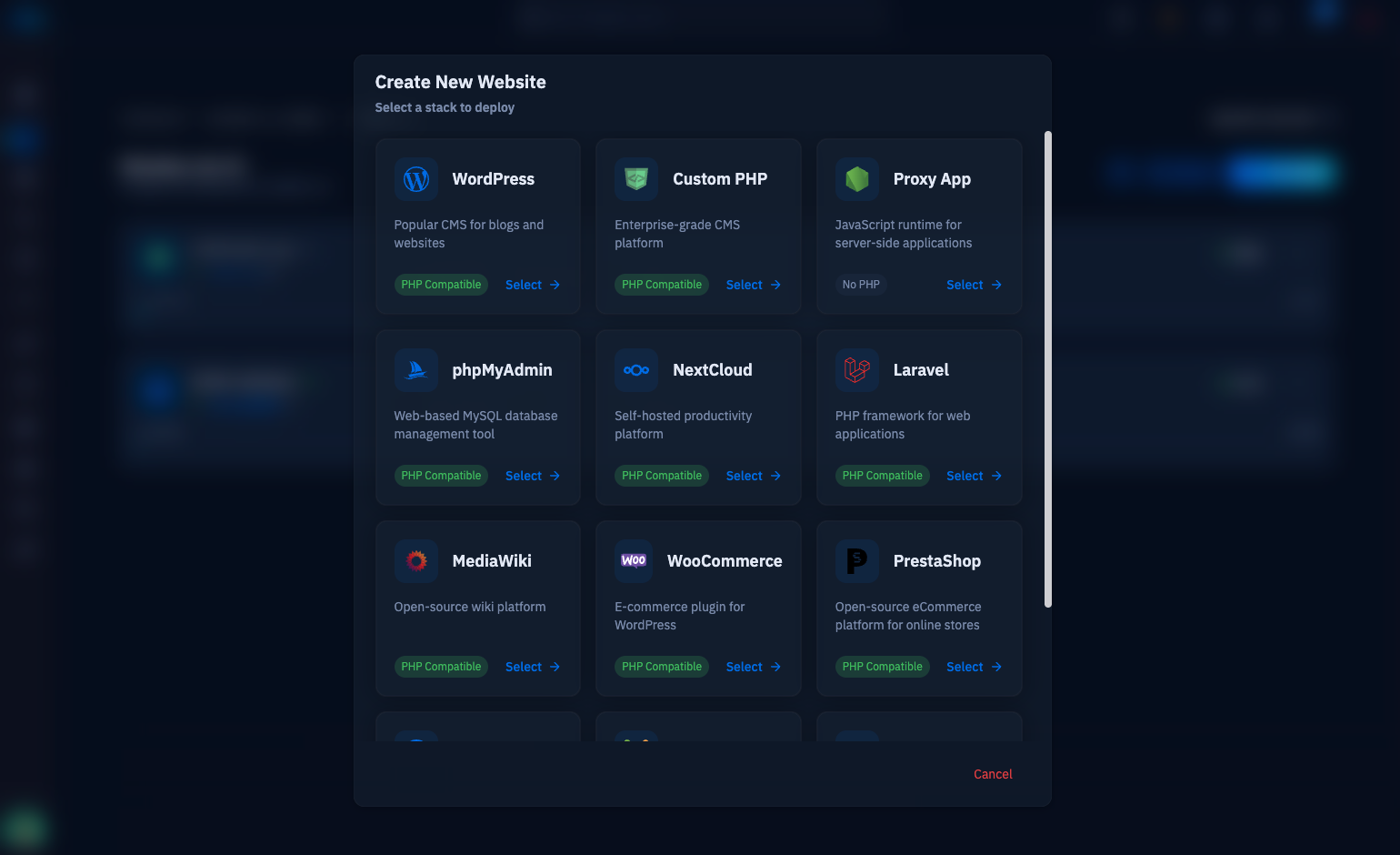
CloudStick supports Node.js application hosting as a first-class workflow. When you create a website with the Node.js application type, CloudStick automatically configures the Nginx reverse proxy block with the correct proxy headers, SSL setup, and process management — your application runs as a PM2-managed process, and Nginx proxies to it at the configured port.
The manual configuration above gives you full understanding of what CloudStick sets up under the hood. For teams deploying many Node.js or Python applications across multiple servers, the dashboard approach eliminates repetitive config file management and ensures consistent reverse proxy settings across every deployment.