How to Deploy a Django Application on a VPS

%203.png&w=256&q=75)
Lock down settings before anything else
Three settings decide whether your Django deploy is production or an incident report: DEBUG, ALLOWED_HOSTS, and SECRET_KEY. DEBUG=True on a public server leaks stack traces, settings values, and SQL to anyone who triggers an error page. ALLOWED_HOSTS left as an empty list means Django refuses every request the moment DEBUG goes off. And a SECRET_KEY committed to the repository means anyone who can read the code can forge session cookies and password-reset tokens.
The fix for all three is the same habit: pull them from the environment, never from the file. Keep secrets in a .env file the app user owns (or export them in the systemd unit, as below), and read them in settings.py:
Generate a fresh production key with python3 -c "import secrets; print(secrets.token_urlsafe(50))" — do not reuse the one from development, because it has been sitting in your git history since the first commit.
Set up Python, the database, and migrations
Ubuntu 24.04 ships Python 3.12, so the runtime is already there — you only add the venv module and build your environment inside the project directory. SQLite is fine for a hobby project, but anything with concurrent writes wants PostgreSQL or MariaDB:
Point DATABASES in settings.py at a database and user created for this app alone — never the root account. On a CloudStick-managed server you can create the database, the user, and its scoped privileges from the visual Database Manager in a few clicks instead of typing GRANT statements in the mysql shell, which removes the most common copy-paste privilege mistake. Run migrate once the credentials are in the environment and confirm it exits cleanly before going further.
Run Gunicorn under systemd
Django's runserver is a development convenience, not a server. In production, Gunicorn runs your WSGI application and systemd keeps Gunicorn alive — across crashes and across reboots:
Enable and start it with sudo systemctl enable --now myproject, then check systemctl status myproject. Three workers is the classic starting point for a small VPS (the 2×CPU+1 rule for a single core); the Unix socket avoids burning a TCP port and makes it impossible to reach Gunicorn from outside the machine. Logs land in the journal — journalctl -u myproject -f is your tail.
After every deploy that changes Python code, run sudo systemctl restart myproject — Gunicorn workers hold the old code in memory until restarted. Bake it into your deploy script so it can never be forgotten, right after migrate and collectstatic.
Serve static and media files with Nginx
Django does not serve static files in production — with DEBUG off it simply won't, and that is by design. CSS, JavaScript, and admin assets get collected into one directory that Nginx serves directly; user uploads live in MEDIA_ROOT and get the same treatment:
Every request Nginx answers from disk is a request that never wakes a Gunicorn worker. On a modest VPS this is the single biggest capacity win in the whole setup: an app that struggles at fifty concurrent users with Django serving assets will cruise once Nginx takes them over.
The Nginx server block
One server block ties it together: static and media served from disk, everything else proxied to the Gunicorn socket with the headers Django needs to build correct URLs and see real client IPs:
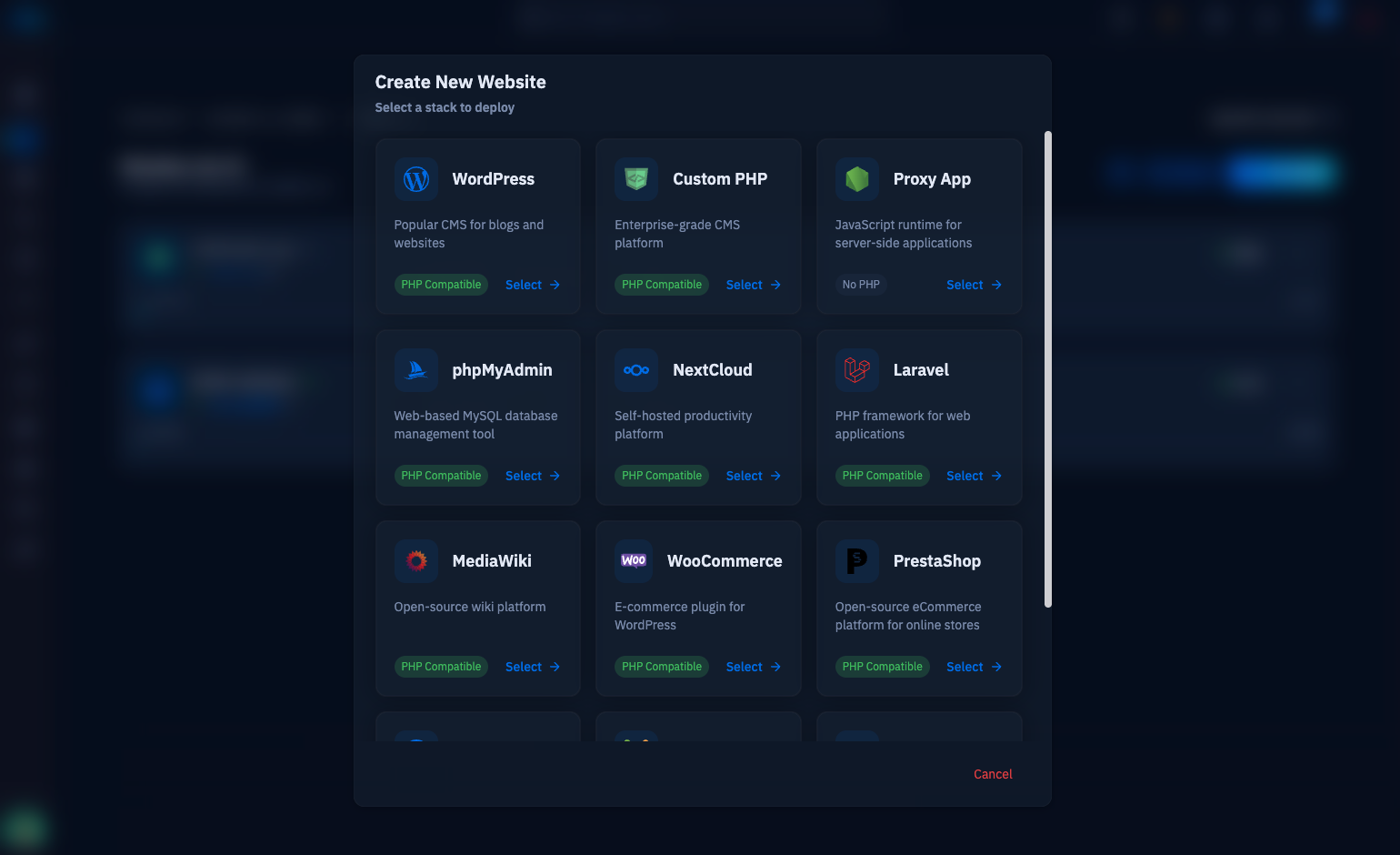
Test with sudo nginx -t, reload, then add HTTPS — certbot --nginx will rewrite the block for TLS, or on a CloudStick server the free Let's Encrypt certificate is issued and auto-renewed from the dashboard when you create the site, with nginx-cs handling the vhost so you never hand-edit this file at all. Once traffic arrives over HTTPS, set SECURE_PROXY_SSL_HEADER = ('HTTP_X_FORWARDED_PROTO', 'https') in settings so Django trusts the proxy header.
Verify with the deploy checklist
Django grades your deployment for you. Run python manage.py check --deploy in the venv and it audits the settings that matter — DEBUG, HSTS, secure cookies, referrer policy — and prints a warning for each one it dislikes. Work the list until what remains is only what you consciously accepted.
From here the routine is stable: git pull, pip install -r requirements.txt, migrate, collectstatic --noinput, systemctl restart myproject — five commands worth putting in a deploy.sh today. Watch journalctl for the first real traffic, confirm the admin loads over HTTPS with static files styled (an unstyled admin means collectstatic or the alias path is wrong), and take a database backup before your first schema change in production. That is the whole machine: settings from the environment, Gunicorn under systemd, Nginx in front, and a checklist that keeps you honest.

