How to Deploy a Python Flask App with Gunicorn and Nginx

%203.png&w=256&q=75)
Why the Flask dev server is not for production
Flask tells you itself: every time you run the app, the console prints "WARNING: This is a development server. Do not use it in a production deployment." That warning is earned. The built-in server — Werkzeug — exists so you can iterate locally with a debugger and auto-reload. It serves requests from a single process, so one slow request stalls the ones behind it; it does not restart itself when the process dies; and with debug mode left on it hands anyone who triggers an exception an interactive Python console on your server.
The production answer is a stack of three parts, each doing the one thing it is good at. Gunicorn is a WSGI server that runs several copies of your Flask app as worker processes and speaks HTTP to them. systemd starts Gunicorn at boot and restarts it if it crashes. Nginx sits on ports 80 and 443, terminates TLS, buffers slow clients so they never tie up a Python worker, and proxies application requests to Gunicorn. The rest of this guide builds exactly that on Ubuntu 24.04.
You need an Ubuntu 24.04 server with sudo access, a working Flask application in a directory on it, Nginx installed, and a domain pointed at the server's IP. Ubuntu 24.04 ships Python 3.12 as python3, so there is nothing to install from a PPA — the stock interpreter is exactly what you want.
Create the virtual environment and install packages
On Ubuntu 24.04 a virtual environment is not a nicety, it is mandatory: the system Python is marked externally managed under PEP 668, so a bare pip install into it fails with an error rather than a warning. The venv module needs one apt package, then everything else happens inside the environment:
Everything lands in the venv directory next to your code: the interpreter, Flask, and — importantly — a gunicorn binary at venv/bin/gunicorn, which is the exact path the systemd unit will point at later. Run these as the system user that owns the app, never as root, so file ownership stays clean. If the server is managed with CloudStick, the browser SSH terminal in the dashboard is a convenient place to do this whole block — you get a shell on the server from any machine without moving SSH keys around, which is exactly the kind of one-off setup work it exists for.
Test Gunicorn with a wsgi.py entry point
Gunicorn does not run a script; it imports an object. You hand it module:variable, it imports the module and calls the variable as a WSGI application. The convention is a tiny wsgi.py at the project root whose only job is to expose that object with a stable name — so the launch command never changes even if you later restructure the app or switch to an application factory:
Now run Gunicorn in the foreground and confirm the app answers. wsgi:app reads as "the app object inside wsgi.py"; the bind address is deliberately 127.0.0.1, not 0.0.0.0, because Nginx will be the only public listener:
A 200 here proves the import path, the venv, and the app itself are all correct. Ctrl+C stops it — this foreground run was only a test, and the next two sections make it permanent.
Choose worker counts and worker classes
The rule of thumb from Gunicorn's own documentation is workers = (2 × CPU cores) + 1. Check cores with nproc: a 2-core VPS gets --workers 5. The logic is that at any moment roughly half your workers are waiting on I/O — the database, an API — while the other half compute, and the +1 keeps a spare warm. Resist the urge to go far beyond the formula: each worker is a full copy of your application in RAM, and a memory-starved server that starts swapping is slower than a modestly-provisioned one will ever be.
Worker class matters less than people fear. The default sync worker — one request per process at a time — is the right choice for typical Flask apps and is what everything below uses. If your endpoints spend most of their time waiting on slow upstreams, --worker-class gthread with a few --threads per worker lets one process overlap that waiting cheaply. The async classes, gevent and eventlet, handle thousands of slow clients per worker but require an extra pip install and monkey-patching that not every library tolerates — reach for them only when measurement says the sync model is the bottleneck, not before.
Run Gunicorn under systemd
The foreground process dies with your SSH session, so production needs a unit file. This one starts the app at boot, runs it as the unprivileged app user, and — the line that matters most — restarts it automatically whenever it exits, whether from a crash or an OOM kill:
ExecStart points at the venv's own gunicorn binary, which is why no activate step is needed — the binary's shebang selects the right interpreter. Load and start it with sudo systemctl daemon-reload, then sudo systemctl enable --now myapp, and check systemctl status myapp shows active (running). A Unix socket (--bind unix:/run/myapp.sock) works too and shaves a little TCP overhead, but a localhost port is easier to test with curl and is the shape reverse proxies expect by default — either is production-legitimate.
Put Nginx in front and collect the logs
Nginx now becomes the public face: it serves static files itself so no Python worker is woken for a stylesheet, and proxies everything else to Gunicorn with the forwarding headers Flask needs to know the real client IP and scheme:
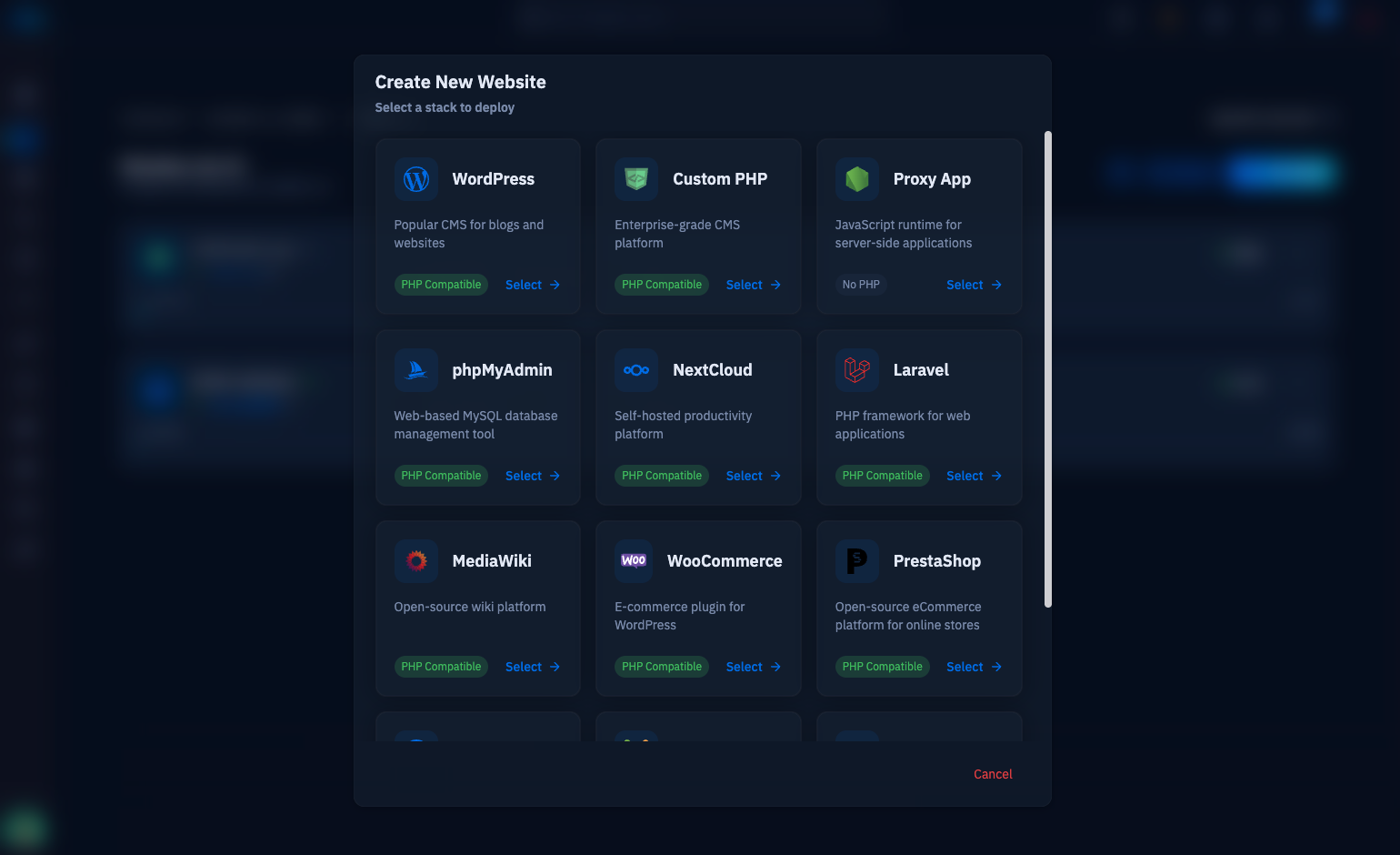
Drop that in /etc/nginx/sites-available/myapp, symlink it into sites-enabled, run sudo nginx -t, and reload Nginx. On a CloudStick server you skip this file entirely: create the site as a proxy web application type, point it at port 8000, and nginx-cs writes the vhost, provisions the Let's Encrypt certificate, and handles the forwarding headers for you — the Gunicorn and systemd work above stays identical, because the proxy pattern is the same whether you wrote the server block or the panel did. Either way, finish TLS before real traffic arrives.
Know where the evidence lives before you need it. Gunicorn's output goes to the journal — journalctl -u myapp -f tails it live, and every Python traceback lands there. Add --access-logfile and --error-logfile flags to ExecStart if you want Gunicorn writing its own files instead. Nginx keeps the client-facing story in /var/log/nginx/access.log and error.log — a 502 there with a clean journal means Nginx could not reach Gunicorn at all, which is your fastest diagnostic split. From here the practical next steps are: reboot once and confirm the site comes back on its own, put TLS in place, and script your deploy as git pull, pip install -r requirements.txt, sudo systemctl restart myapp. That trio — Gunicorn workers, systemd supervision, Nginx up front — is the whole architecture, and it will carry a Flask app from first deploy to serious traffic.