How to Deploy a Node.js App to a VPS with PM2

%203.png&w=256&q=75)
Install Node.js LTS on Ubuntu 24.04
Deploying a Node.js app to a VPS comes down to five moves: install a current Node runtime, get your code onto the server, install production dependencies, hand the process to PM2, and make PM2 survive reboots. Everything else — environment variables, logs, zero-downtime reloads — hangs off those five. This guide walks the whole path on a fresh Ubuntu 24.04 server, logged in as a regular sudo user rather than root.
Skip Ubuntu's stock nodejs package — the version in the 24.04 archive lags well behind current LTS and never catches up. The two good options are NodeSource, which installs a system-wide Node through apt, and nvm, which installs per-user and makes switching versions trivial. For a single-app production server, NodeSource is the simpler choice:
Prefer nvm if the server will host apps pinned to different Node versions: run the install script from the nvm GitHub repository as your app user, then nvm install --lts. Just remember that nvm-installed binaries live inside your home directory, which matters later when a systemd unit needs to find them. Either way, npm arrives alongside Node, and that is all the tooling this deploy needs.
Get your code onto the server
Git clone beats every alternative — scp, rsync, dragging a zip through SFTP — because it makes the next deploy a one-line git pull and gives you an exact record of what is running. Generate an SSH key on the server, add it to your repository as a read-only deploy key, and clone into your app user's home directory:
Use npm ci, not npm install, on servers. It installs exactly what package-lock.json specifies, deletes any existing node_modules first, and fails loudly if the lockfile and package.json disagree — so the server runs the same dependency tree you tested locally. The --omit=dev flag skips devDependencies like test runners and linters, which have no business on a production box. One caveat: if your app needs a build step — TypeScript compilation, a bundler — the build tools usually live in devDependencies, so either build in CI and ship the artifact, or run the full install, build, and then npm prune --omit=dev.
Configure environment variables
Two variables are non-negotiable before the app starts: NODE_ENV=production and the PORT it should listen on. NODE_ENV=production is not cosmetic — Express caches view templates and drops verbose error pages, many libraries disable debug paths, and the difference is measurable throughput. Everything secret — database URLs, API keys, session secrets — belongs in environment variables too, never in the repository.
The standard pattern is a .env file in the app directory, loaded with the dotenv package or Node's built-in --env-file flag. Lock it down with chmod 600 .env so only the app user can read it, and confirm it is listed in .gitignore — a leaked .env in git history is one of the most common ways credentials end up public. PM2 offers a second option you will see in the next section: defining environment blocks directly in its config file, which keeps the process manager and the app's environment in one place.
Start the app with PM2
node server.js dies the moment your SSH session closes, and nothing restarts it after a crash. PM2 fixes both: it daemonizes the app, restarts it on failure, and captures stdout and stderr into log files. Install it globally, then start the app — either directly with a name, or better, from an ecosystem.config.js that records every setting in a file you can commit:
The ecosystem file is worth the two minutes it takes: the next person (or the next server) gets the identical process definition instead of a half-remembered command. Set instances to a number greater than one — or 'max' — and PM2 switches to cluster mode, running one process per core behind a shared port; that is the right move for a stateless HTTP API on a multi-core VPS, and it is also what makes zero-downtime reloads possible later. max_memory_restart is a pragmatic safety net that recycles the process if a slow leak pushes it past the limit.
Survive reboots and read the logs
A PM2 daemon does not outlive a reboot on its own — two commands make it permanent. pm2 startup generates a systemd unit that launches the PM2 daemon at boot, and pm2 save writes the current process list to disk so that daemon knows what to resurrect:
pm2 startup does not finish the job itself — it prints a sudo command tailored to your exact user, home directory, and Node path. Copy and run that printed command verbatim. And any time you add, remove, or rename a process, run pm2 save again; the boot-time resurrection only restores whatever the last save captured.
For day-to-day visibility, pm2 logs streams both output and error logs live (the files themselves live under ~/.pm2/logs/), pm2 status shows uptime, restarts, and memory per process, and pm2 monit gives you a live terminal dashboard. If the restart counter is climbing, the app is crash-looping — the error log will say why. Reboot the VPS once now, while nothing is at stake, and confirm the app comes back without you touching anything.
Reload without downtime — and put Nginx in front
Deploys from here are short: git pull, npm ci --omit=dev, then pm2 reload myapp. Reload is the command that matters — pm2 restart kills every process and starts fresh, dropping whatever requests were in flight, while pm2 reload (in cluster mode) cycles processes one at a time so at least one is always serving. Old code drains, new code takes over, and users never see a connection error. Wrap those three commands in a deploy script so nobody ever improvises them at 6 p.m. on a Friday.
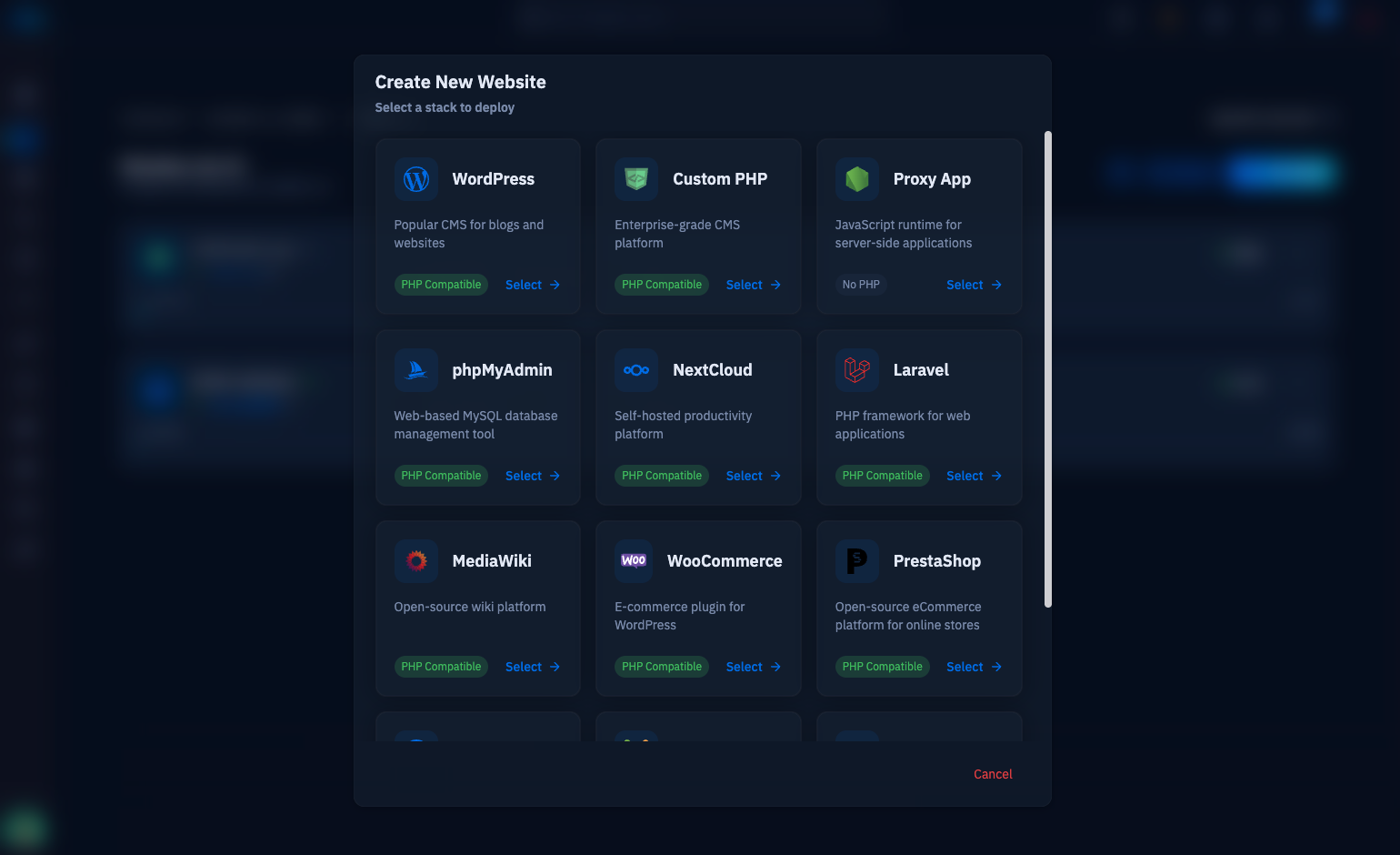
One piece remains: your app is listening on port 3000, and it should not face the internet directly. Bind it to 127.0.0.1 and put Nginx in front to terminate TLS on 443, set the proxy headers, and forward traffic to the app port — the full vhost, WebSocket upgrades included, is covered in our Nginx reverse proxy guide linked below. On a CloudStick-managed server this is the exact pattern the proxy web application type automates: create the site, point it at port 3000, and nginx-cs handles the vhost, the Let's Encrypt certificate, and the forwarding without you writing a line of config. Connecting the VPS takes a few minutes — the How to Deploy Your Own Server guide walks through it. CloudStick's Supervisord Management is also a full alternative to PM2 itself: define the program once in the dashboard and Supervisor keeps the Node process alive, restarts it on failure, and exposes its logs — no global npm package on the server at all.
Your checklist from here: reboot once to prove pm2 startup works, put Nginx (or a CloudStick proxy app) in front so nothing but 80 and 443 face the internet, script the pull–install–reload deploy, and watch pm2 status for a few days to see the app's real memory baseline before tuning anything. That is a production Node.js deployment — small, boring, and exactly as it should be.