How to Deploy WordPress on a VPS Without cPanel

%203.png&w=256&q=75)
Why Modern WordPress Deployments Skip cPanel
cPanel costs $30–$50/month at entry level and consumes 400–600MB of RAM before you deploy a single website. That's 40% of a 1GB VPS before WordPress even starts. It was designed for shared hosting environments where a single license serves dozens of customers — running it on your own VPS means paying for infrastructure that works against your server's performance, not for it.
The cPanel licensing model also changed in 2019 — pricing jumped 400% overnight, and the per-account billing structure punishes agencies who host many small sites. Developers and agencies running WordPress in 2026 are choosing purpose-built alternatives: Nginx + PHP-FPM + a lightweight management panel that adds a dashboard without adding hundreds of megabytes of unused shared-hosting software.
Without cPanel, you get three things: faster WordPress (more RAM for PHP-FPM), cheaper server (smaller VPS tier is sufficient), and full control (no cPanel processes competing for resources or overriding your Nginx config).
What You Need Instead of cPanel
A cPanel-free WordPress stack has three components: a web server (Nginx), a PHP runtime (PHP-FPM), and a database (MySQL 8.0). Optionally, add a lightweight server management panel like CloudStick to get a GUI for server operations without the cPanel overhead.
The resource comparison is stark: cPanel uses 400–600MB RAM idle. Nginx uses 20–30MB. PHP-FPM uses 30–50MB per worker. CloudStick's management agent uses under 50MB. The entire cPanel-free stack at idle fits in 200MB, leaving over 800MB free on a 1GB VPS for actual WordPress traffic.
Ubuntu 24.04 LTS VPS with at least 1GB RAM, sudo access, and a domain pointed to the server's IP address. This guide installs Nginx, MySQL 8.0, and PHP 8.3-FPM directly — no control panel required.
Setting Up the Server Stack
Install Nginx, MySQL, and PHP-FPM with all WordPress dependencies. PHP 8.3 is the current production-ready version as of 2026:
Nginx Configuration Without cPanel
cPanel generates Nginx configs for you, but they're bloated with compatibility shims. Writing your own config is 20 lines and gives you complete control. Create /etc/nginx/sites-available/yourdomain.com:
Enable the site and test the config: sudo ln -s /etc/nginx/sites-available/yourdomain.com /etc/nginx/sites-enabled/ && sudo nginx -t && sudo systemctl reload nginx
SSL and Basic Security
Free SSL from Let's Encrypt replaces the SSL management cPanel provided. Certbot installs in two commands and auto-renews via a systemd timer it configures itself:
Add a basic UFW firewall — something cPanel would configure for you but that you now own directly:
WordPress needs write access to wp-content/ for themes, plugins, and uploads, but the rest of the site should be read-only from PHP's perspective. Set find /var/www/yourdomain.com -type f -exec chmod 644 {} \; and find /var/www/yourdomain.com -type d -exec chmod 755 {} \; after installing WordPress.
CloudStick vs cPanel for WordPress Hosting
If you want a dashboard without the cPanel overhead, CloudStick is the purpose-built alternative. CloudStick charges $9/month per server — not per account, not per site. You can host unlimited WordPress sites on one server under one $9 plan, while cPanel charges per cPanel account plus the base license fee.
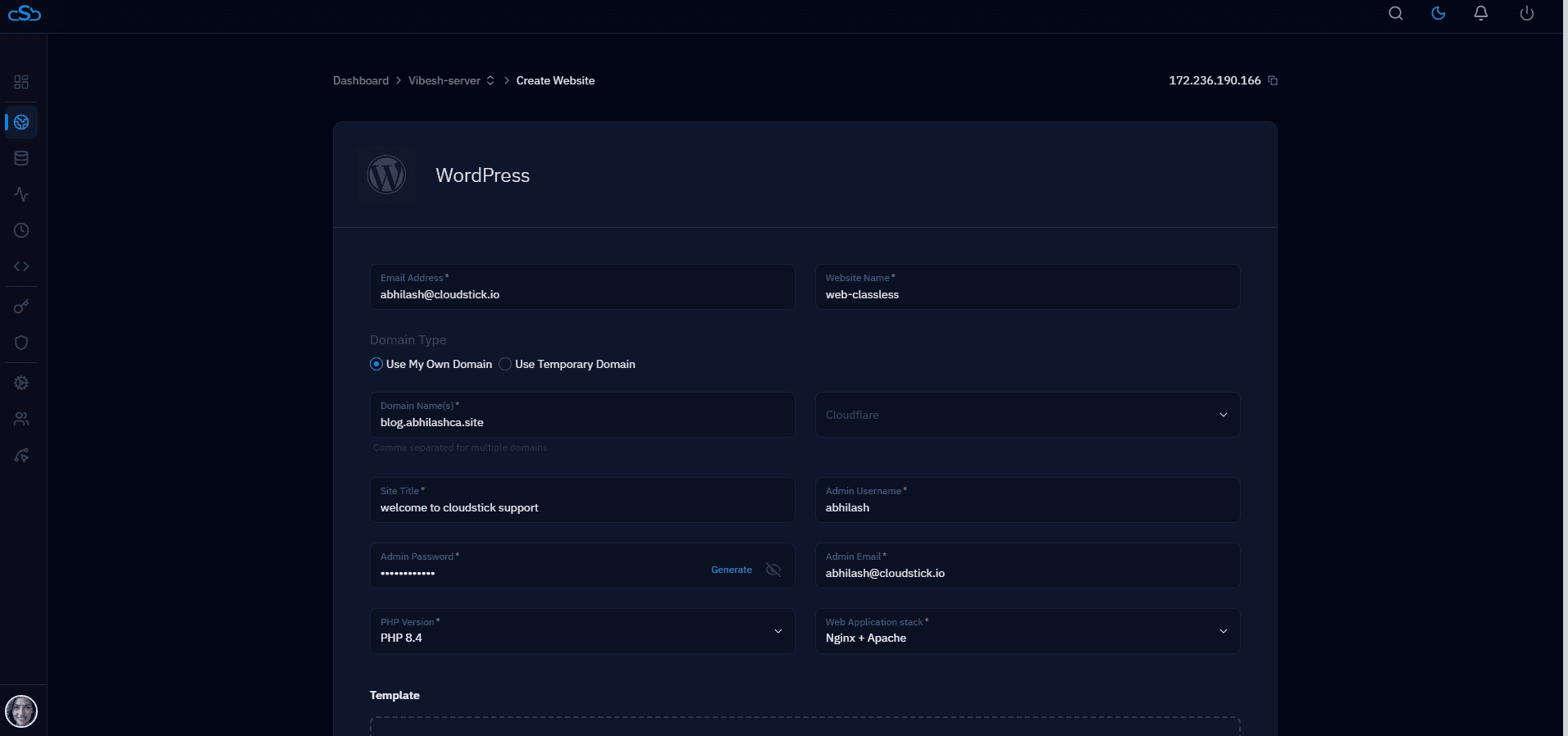
CloudStick installs the entire stack from this guide automatically — Nginx, PHP-FPM, MySQL, SSL, firewall — and adds one-click WordPress installation, per-site PHP version management, automated backups, and a team collaboration layer. The management agent uses under 50MB RAM, compared to cPanel's 400–600MB. You keep full root access and can run manual commands alongside the dashboard at any time — you're not locked into the tool.