How to Disable Root Login on a Linux Server

%203.png&w=256&q=75)
Why Disabling Root Login Matters
Every Linux server has a root account with the same username: root. Attackers know this. Automated brute-force bots spend their entire lives trying password combinations against the root account on port 22. If root SSH login is enabled and an attacker guesses or obtains the root password, they have immediate, unrestricted access to your entire server.
Disabling root login forces attackers to guess both a valid username and the corresponding password — significantly raising the difficulty. Combined with SSH key authentication (which removes password-guessing entirely), root restriction is a foundational hardening step that should be applied to every production server.
Create a Sudo User Before Locking Root
Before you disable root login, you must have an alternative account with sudo privileges. Locking root without this will cut your admin access permanently.
PREREQUISITE: Log in as root and complete the steps below before modifying SSH configuration.
Disable Root SSH Login
Open the SSH daemon configuration file and set PermitRootLogin to no:
WARNING: Keep your current session open. Open a new terminal and test that ssh root@your-server is now refused while ssh deploy@your-server still works before closing anything.
Note that PermitRootLogin prohibit-password is a softer option — it allows root login via SSH key but not password. For maximum hardening, use no to block root SSH entirely.
Lock the Root Account Locally
Disabling SSH root login still allows console root login (via cloud provider VNC or KVM). For a further layer of protection, lock the root account password so it cannot be used for local console auth either. You can still use sudo su from your sudo user to access root when needed.
To unlock the root account later if needed: sudo passwd -u root. With a locked root account, the only path to root privileges is via a sudo user — which is exactly the audit trail you want.
Test and Verify
Confirm your configuration is correct by testing both what should work and what should not:
CloudStick User and Access Management
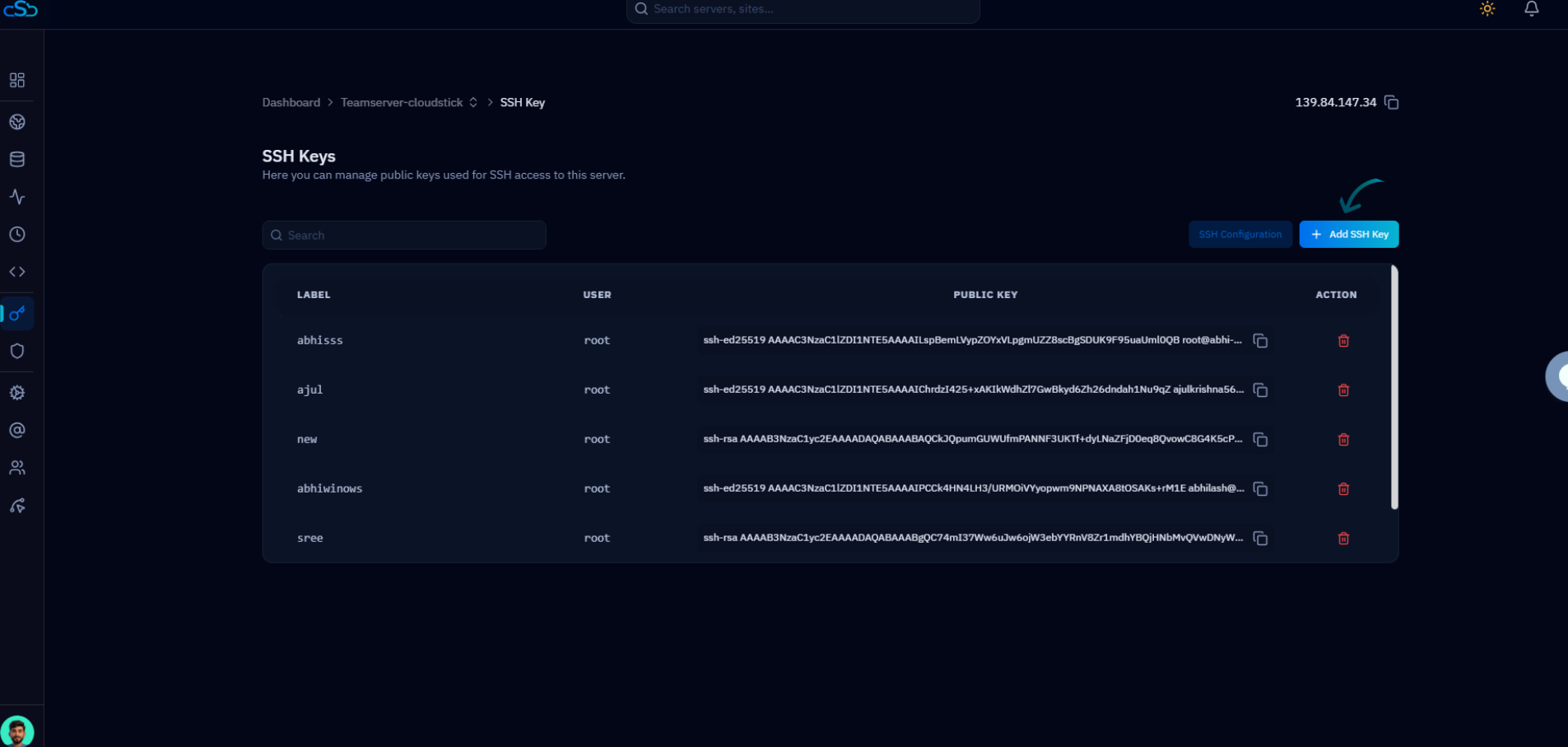
CloudStick's sudo and system user management feature lets you create, manage, and remove system users from the dashboard — no terminal required. When the agent is installed, root SSH login is disabled as part of the security baseline, and CloudStick manages server access through its own SSH vault rather than direct root credentials.
Team members added through CloudStick's team management panel get their own system user with appropriate permissions — no shared root passwords, no shared SSH keys. Each team member's access can be revoked independently from the dashboard when they leave a project.