How to Harden WordPress Security on the Server Level

%203.png&w=256&q=75)
Why Server-Level Hardening Matters
A security plugin scans files and blocks known attack signatures from inside the same PHP process it is trying to protect — once an attacker has code execution through a vulnerable plugin or theme, a plugin-based scanner is often too late to stop the damage. Server-level hardening closes the paths an attacker uses after that first foothold: a writable folder that will happily execute an uploaded PHP shell, a single system user shared across every site on the box so one compromised install can read every other site's database credentials, and file permissions loose enough that a dropped backdoor survives a cleanup and reinfects the site a week later.
None of this replaces keeping WordPress core, themes, and plugins updated. It sits underneath that layer, so that when — not if — a vulnerable plugin gets exploited, the blast radius is contained to a single site instead of the entire server. On a shared, poorly isolated server, a single outdated contact-form plugin on one client site can end with every other client's database credentials, uploaded files, and SSL keys exposed. Hardening the server is what turns "one site got hacked" into a contained, recoverable incident instead of a full-server breach that takes down every account on the box.
Disable Dangerous PHP Functions Per Site
Almost every WordPress web shell relies on a small set of PHP functions to do real damage — spawning a reverse shell, running arbitrary system commands, or writing new files outside the uploads directory. Disable them at the PHP-FPM pool level so they are unavailable to that site's PHP processes, regardless of what code runs:
Setting this globally in php.ini works too, but per-pool overrides let you keep one WordPress site locked down while a different site on the same server (a custom app that legitimately needs proc_open for a build step, for example) keeps working normally.
Isolate Each Site by System User and open_basedir
Every WordPress install should run as its own dedicated Linux system user, with its own PHP-FPM pool, and an open_basedir restriction scoped to that user's home directory — never a shared user like www-data across multiple sites. Without this, a single vulnerable plugin on one site gives an attacker read access to every other site's wp-config.php on the box:
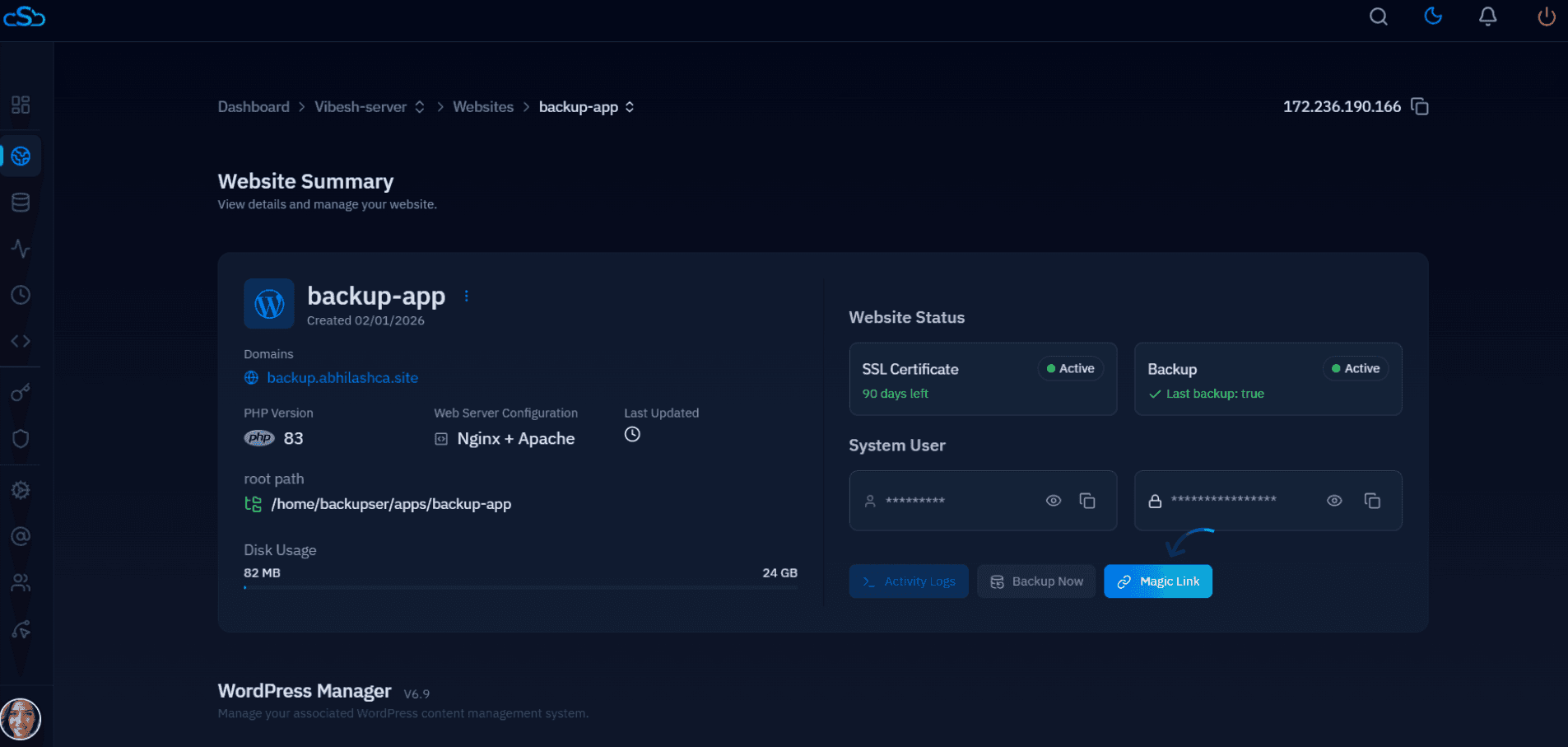
This is exactly how CloudStick provisions every WordPress site it manages: each site gets its own system user, its own isolated PHP-FPM pool and Unix socket, and an open_basedir restriction scoped to that user's home directory — with dangerous functions like exec, shell_exec, and system disabled in the pool by default. The CSF firewall is also preconfigured and SSL is issued automatically per site, so this isolation happens the moment a site is created rather than as a manual step someone has to remember.
Lock Down wp-config.php and File Permissions
wp-config.php stores your database credentials and secret authentication keys in plain text, so it should be readable only by the owning user, never group- or world-readable. The rest of a WordPress install follows the standard rule: directories at 755, files at 644 — enough for Nginx and PHP-FPM to read them, but not for other users on the same server to write to them:
Avoid 777 anywhere in the install, including wp-content/uploads. WordPress only needs the owning user to have write access — the PHP-FPM pool already runs as that same user, so 755/644 is sufficient for uploads, theme edits, and plugin updates to keep working.
Block PHP Execution and Directory Listing in Uploads
wp-content/uploads must stay writable for media uploads, which makes it the single most common place attackers drop a web shell through a vulnerable form or plugin. The fix is not to make it read-only — it is to make Nginx refuse to execute any PHP file inside it, and to turn off directory listing so an uploaded file can't be browsed and located:
Run nginx -t before reloading — a typo in a location block can take the whole site down, and you want to catch that before it's live.
Restrict wp-admin and wp-login.php at the Firewall
Most WordPress compromises that don't start with a vulnerable plugin start with a brute-forced or stuffed login on wp-login.php. If your admin team works from a known set of IPs, restrict access to those endpoints directly in Nginx rather than relying on WordPress plugins alone:
Layer CSF or UFW underneath this for the ports and services that don't need to be public at all — SSH restricted to known IPs, and the MySQL/MariaDB port never exposed beyond localhost in the first place. The Nginx rule handles the HTTP path-level restriction that a network firewall alone can't express.
Test IP-restricted wp-admin rules in a second browser session before closing your current one. If your office or home connection uses a dynamic IP, this rule will lock out your own admin team the next time their IP changes — keep a fallback method (like a VPN with a static exit IP) in place before relying on it.
Practical Hardening Checklist
Run through this list on every server running WordPress in production, and re-check it after adding any new site:
Doing all of this by hand across a fleet of servers is where most agencies fall behind — a site gets added under time pressure and the pool config never gets locked down. CloudStick applies this exact isolation (system user, open_basedir, disabled functions, PHP-FPM pool, CSF firewall, and SSL) at the moment a WordPress site is created, so the baseline holds even when nobody manually revisits it. Treat this checklist as a recurring audit, not a one-time task — run it again after every new site launch, every server migration, and every time a new team member gets admin access, since each of those events is a common point where a hardened default quietly gets undone.

