How to Host a Static Site on Your Own Server

%203.png&w=256&q=75)
Why a static site on a $5 VPS wins
A static site is the one workload where a $5 VPS outruns most paid hosting. There is no application to execute: Nginx maps the URL to a file, reads it — almost always from the kernel page cache, so effectively from RAM — and writes it to the socket. A single small instance sustains thousands of requests per second this way without breaking one percent CPU, which is more traffic than most sites see in a year.
The operational win is bigger than the speed win. There is no runtime to patch — no PHP version reaching end of life, no Node dependency with a CVE, no framework upgrade treadmill. Your attack surface is Nginx and SSH, both boring and well-audited. And because each site is nothing more than a folder plus a short server block, one server hosts dozens of sites: a portfolio, three client landing pages, documentation for every project you maintain, all on the same $5 box with room to spare.
A static site has no moving parts. If the files are on disk and Nginx is running, the site is up — every class of 500 error you have ever debugged, from a dead database to an exhausted worker pool, simply cannot happen.
Where the files live: ownership and permissions
Give each site its own directory under /var/www, owned by the user who deploys — not root, and not www-data. On Ubuntu 24.04 the Nginx workers run as www-data and only need to read the files, which the default permissions already allow: 755 on directories so the worker can traverse them, 644 on files so it can read them. The deploy user keeps write access because it owns everything; Nginx never needs it.
The extra public directory is deliberate: your deploy tooling can drop build metadata, previous releases, or notes next to it without ever exposing them to the web, because Nginx will point at public and nothing above it. If you ever feel tempted to chmod 777 to fix a permission error, stop — the correct fix is always ownership, and 777 hands write access to every process on the machine.
The minimal Nginx server block
Ten lines of configuration serve the whole site. Create /etc/nginx/sites-available/example.com with a root, a try_files rule, and a custom 404:
try_files does the routing: look for the exact file first, then a directory of that name (which serves its index.html — this is what makes /about/ work), and return 404 if neither exists. The error_page line swaps Nginx's bare 404 for your own page, and internal stops anyone requesting /404.html directly. Enable the site with ln -s /etc/nginx/sites-available/example.com /etc/nginx/sites-enabled/, then always run nginx -t before systemctl reload nginx — the test catches typos while the old config is still serving, so a mistake never takes the site down.
Gzip and cache headers for assets
Two additions make the fast site feel instant: compress text on the way out, and tell browsers to stop re-downloading assets that never change. Ubuntu's Nginx ships with gzip on for HTML only, so extend the types and add a long-lived cache rule for fingerprinted assets inside the server block:
The one-year expiry plus immutable is safe because static site generators fingerprint assets — main.css becomes main.8f3a2c.css, and any change produces a new filename, so a stale cache is impossible. immutable goes further than a plain expiry: it tells the browser not to even revalidate on refresh. Deliberately leave HTML out of that location block — pages keep their default headers so a deploy shows up on the next request, while the heavy assets they reference load from local cache in zero milliseconds. Skip compressing images: JPEG, PNG, and WOFF2 are already compressed, and gzipping them burns CPU to save nothing.
Free TLS with certbot
HTTPS costs nothing and takes two commands. With your domain's DNS already pointing at the server, install certbot with its Nginx plugin and let it do the rest:
The --nginx plugin proves domain ownership to Let's Encrypt, obtains the certificate, rewrites your server block to listen on 443, and adds the redirect from HTTP when you accept the prompt. Renewal is already automated: the package installs a systemd timer that renews any certificate within thirty days of expiry and reloads Nginx afterwards. The dry run confirms the whole chain works — run it once now rather than discovering a problem from an expiry warning email in ninety days.
Deploy with rsync — and ship from any generator
Deployment is one command, run from your laptop or the last step of a CI job:
rsync transfers only what changed, -z compresses in transit, and --delete removes remote files that no longer exist locally so stale pages cannot linger. The trailing slashes matter: source with a slash means "the contents of this directory," and dropping it would nest a second public inside the first. In CI the same command runs with a deploy key, giving you push-to-deploy without any hosting platform in the loop.
Notice what this article never asked: which generator you use. Hugo writes public/, Astro and Vite write dist/, Eleventy writes _site/, and hand-written HTML is already a folder. They all produce the same artifact — a directory of files — and everything above serves any of them unchanged. Swapping generators later means changing one path in the rsync command, nothing on the server.
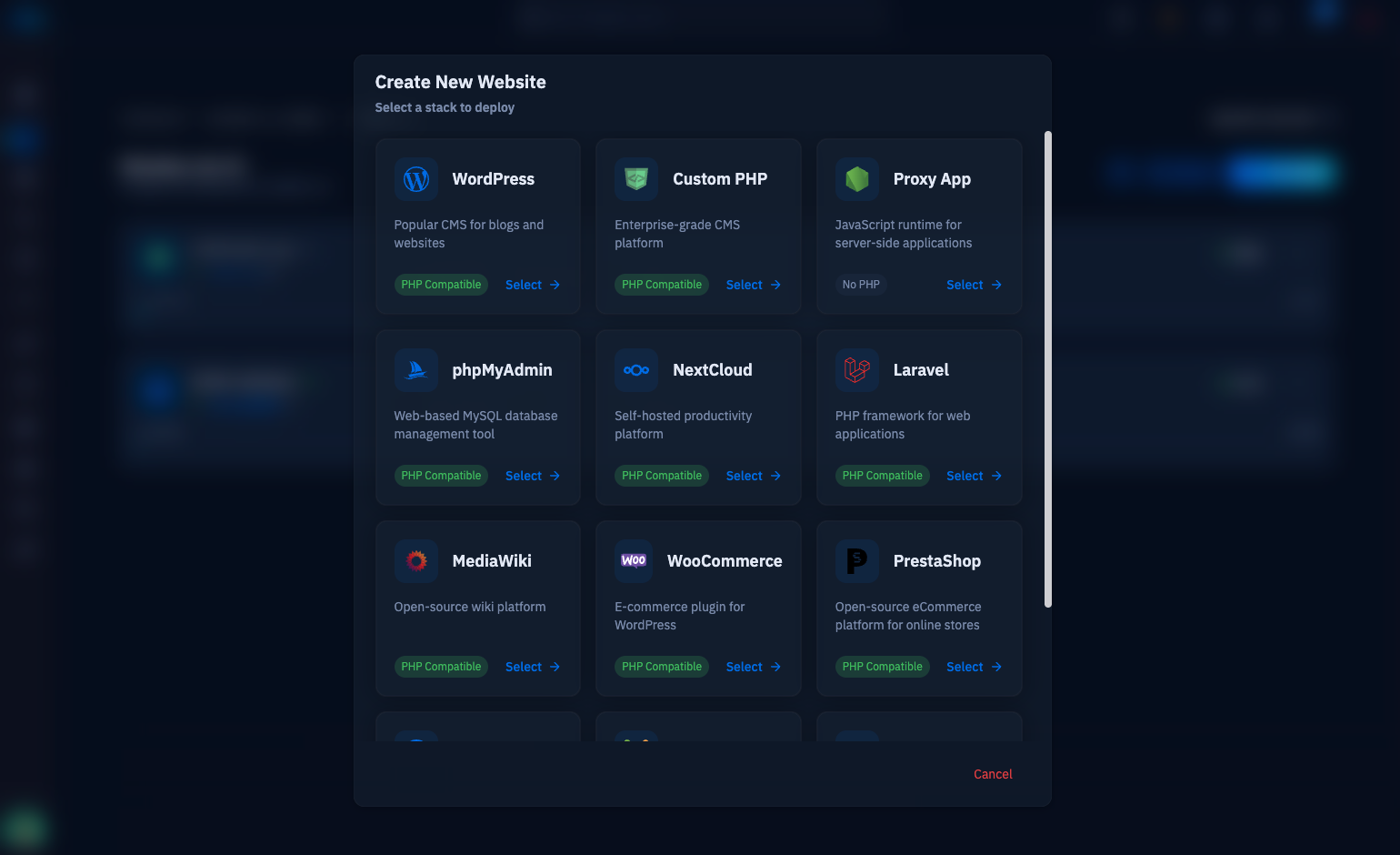
If the server runs CloudStick, the manual steps collapse into the dashboard: create a static/HTML web application and nginx-cs writes the vhost with sane defaults, upload your build through the Advanced File Manager or over SFTP, and the Let's Encrypt certificate is issued and auto-renewed without touching certbot. Either way, the next step is the same: point a spare domain at your VPS, drop an index.html in place, and work through the sections above in order — you will have a production site with TLS and one-command deploys inside half an hour.

