How to Run Multiple Apps on Different Ports Behind Nginx

%203.png&w=256&q=75)
One public face, many private ports
One VPS can host as many applications as its RAM allows, because only one process ever needs ports 80 and 443: Nginx. Every application — the Node API, the Next.js frontend, the Python dashboard — binds to 127.0.0.1 on its own private port, invisible from the internet. Nginx receives every request on the public ports, reads the Host header, and hands the request to whichever localhost port owns that domain. This is name-based virtual hosting, and it is how a single IP address serves ten products.
The security property falls out of the architecture for free: the apps themselves are unreachable except through the proxy. TLS, rate limits, access logs, and headers all live in exactly one place. What remains is bookkeeping — which app owns which port, and which server block routes to it.
Pick a port convention and write it down
Port collisions are the multi-app server's most common failure: two apps configured for 3000, and whichever starts second crashes with EADDRINUSE. The cure is a convention chosen once: give Node apps the 3000s, Python apps the 8000s, Go binaries the 9000s, and record every assignment in a PORTS.md at the server root. Each app reads its port from an environment variable rather than hardcoding it:
The ss audit is worth running after every new deployment: it shows every listener, its port, and its process, so drift between the document and reality never survives long.
Route by domain: two server blocks
The cleanest routing is one domain per app, one server block per domain. Nginx matches the incoming Host header against server_name and proxies accordingly:
Keep each block in its own file under /etc/nginx/sites-available/ with a symlink into sites-enabled/, run sudo nginx -t, and reload. Each domain gets its own Let's Encrypt certificate — certbot handles multiple domains on one server without complaint. This per-site file layout is exactly what CloudStick automates: every web application you create in the dashboard gets its own isolated system user and its own nginx-cs vhost, so ten apps on one server stay separated by construction — a misbehaving app can neither read another's files nor steal its config.
Route by path on one domain
Sometimes the product wants one domain with the API mounted under a path — example.com/api/ backed by one app and everything else by another. Nginx does this with location blocks in a single server block:
Mind the trailing slashes — they change the URL the backend sees. With proxy_pass http://127.0.0.1:3000/ (trailing slash), a request for /api/users reaches the backend as /users; without it, the backend receives /api/users intact and must route that prefix itself. Neither is wrong, but the app and the proxy must agree. Path routing also means shared cookies and CORS scope across both apps, which is sometimes the point and sometimes a bug factory — when in doubt, subdomains stay simpler.
Keep each app alive and isolated
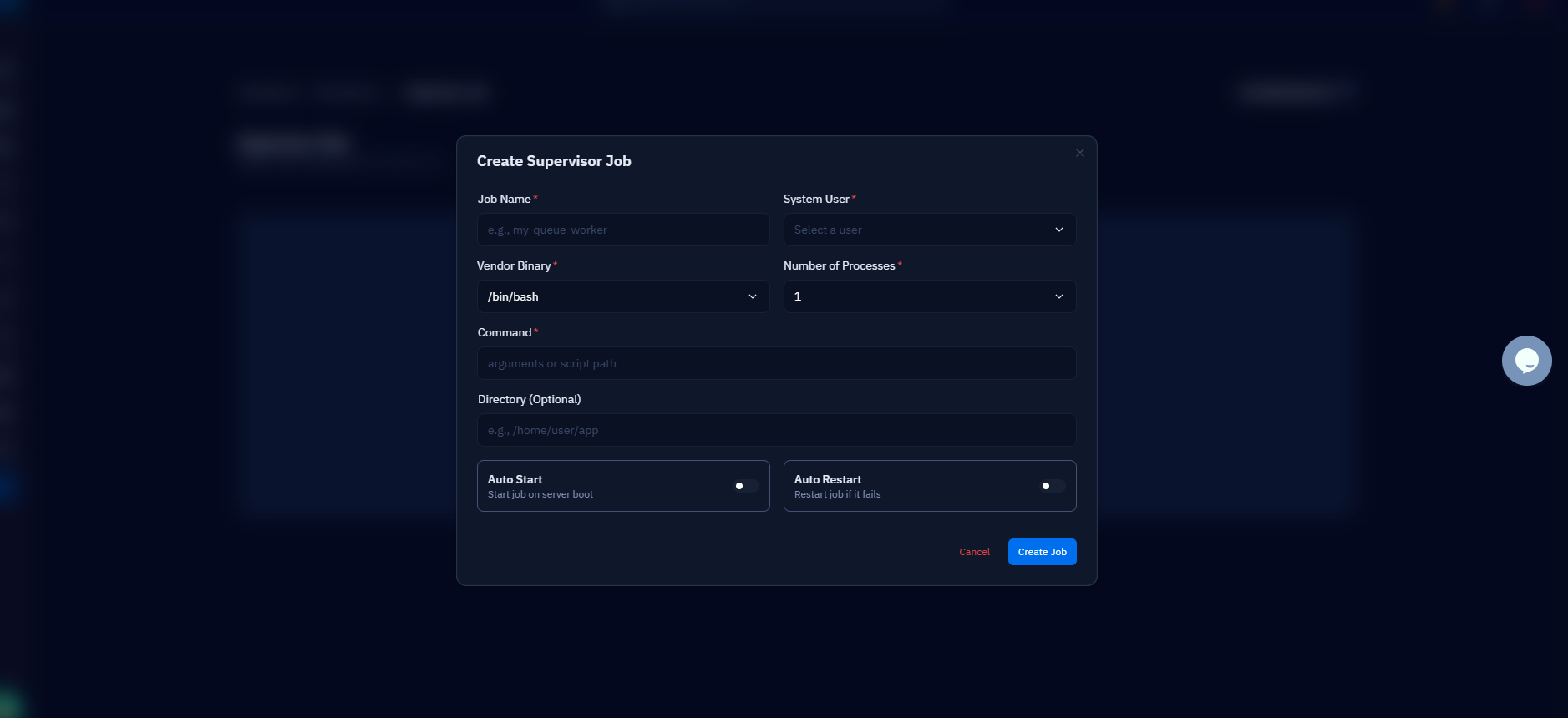
Every app needs its own supervisor so one crash never cascades: PM2 for the Node processes, systemd units or Supervisor for Python and everything else. Just as important is user isolation — run each app as its own system user so a compromise or a runaway script in one app is contained to one home directory. If an app dies, Nginx keeps answering for the others and returns 502 Bad Gateway only for the dead one, which makes diagnosis instant: the site that 502s is the process that stopped, and its name is in your PORTS.md.
Budget memory before adding the next app: a Next.js server idles around 150–300 MB, a Gunicorn worker set similar, and the sum has to fit under what the VPS has after Nginx and the database take their share. free -h before and after each addition tells you when the server is one app past full.
Close the side doors and go live
The whole model rests on the apps being unreachable except through Nginx, so verify it: every app bound to 127.0.0.1 (not 0.0.0.0), and the firewall allowing only 22, 80, and 443 in. With ufw that is three allow rules and a default deny; on a CloudStick server the pre-configured CSF firewall ships closed by default and you manage the allow list from the dashboard.
Never open application ports in the firewall to "test something quickly." An app on 0.0.0.0:3000 with port 3000 allowed is a second, unencrypted, unlogged front door that bypasses every control you built into Nginx — no TLS, no rate limits, no access log. If you can curl http://your-ip:3000 from your laptop, so can everyone else.
The go-live loop for every new app is the same five minutes: claim a port in PORTS.md, start the process bound to localhost under its supervisor, drop in a server block, nginx -t and reload, issue the certificate. Verify from outside with curl -I https://newapp.example.com and with a port scan of your own IP to confirm nothing but 22, 80, and 443 answers. Repeat until the server runs out of RAM, not out of ports.

