How to Keep Your Server Patched Automatically

%203.png&w=256&q=75)
Why Automatic Updates Matter
The gap between a vulnerability being disclosed and attackers actively exploiting it is measured in hours, not days. Manually patching servers works for a single machine you actively monitor, but it breaks down at scale — a team managing 10 servers cannot realistically apply security updates within hours of disclosure across all of them manually.
Automatic security updates solve this: your server applies critical patches as soon as they appear in the Ubuntu security repository, without requiring manual intervention. The tradeoff — occasional unexpected reboots — is managed by scheduling reboots during low-traffic windows.
Configure Unattended Upgrades
Ubuntu 24.04 ships with unattended-upgrades pre-installed. Enable and configure it:
Edit the configuration at /etc/apt/apt.conf.d/50unattended-upgrades to control what gets updated:
The -security origin is the critical one — it contains CVE patches. The base distro_codename origin includes general package updates, which are lower risk but still valuable to apply regularly.
Schedule Automatic Reboots
Some kernel and security updates require a reboot to take effect. Configure automatic reboots during a low-traffic window — typically early morning in your server's timezone:
TIP: For production web servers, use a cron job to add REBOOT REQUIRED to your monitoring dashboard when /var/run/reboot-required exists, so you can schedule reboots during your preferred maintenance window rather than letting them happen automatically.
Monitor What Was Patched
Unattended upgrades logs what it applied and when. Check these to confirm the service is working and to audit what has been changed:
Kernel Live Patching with Livepatch
Canonical offers Livepatch — a service that applies kernel security patches without requiring a reboot. It is free for up to 5 machines under the Ubuntu Pro subscription. For servers where downtime is costly, this eliminates the reboot requirement for most kernel CVEs.
CloudStick Security and Third-Party Updates
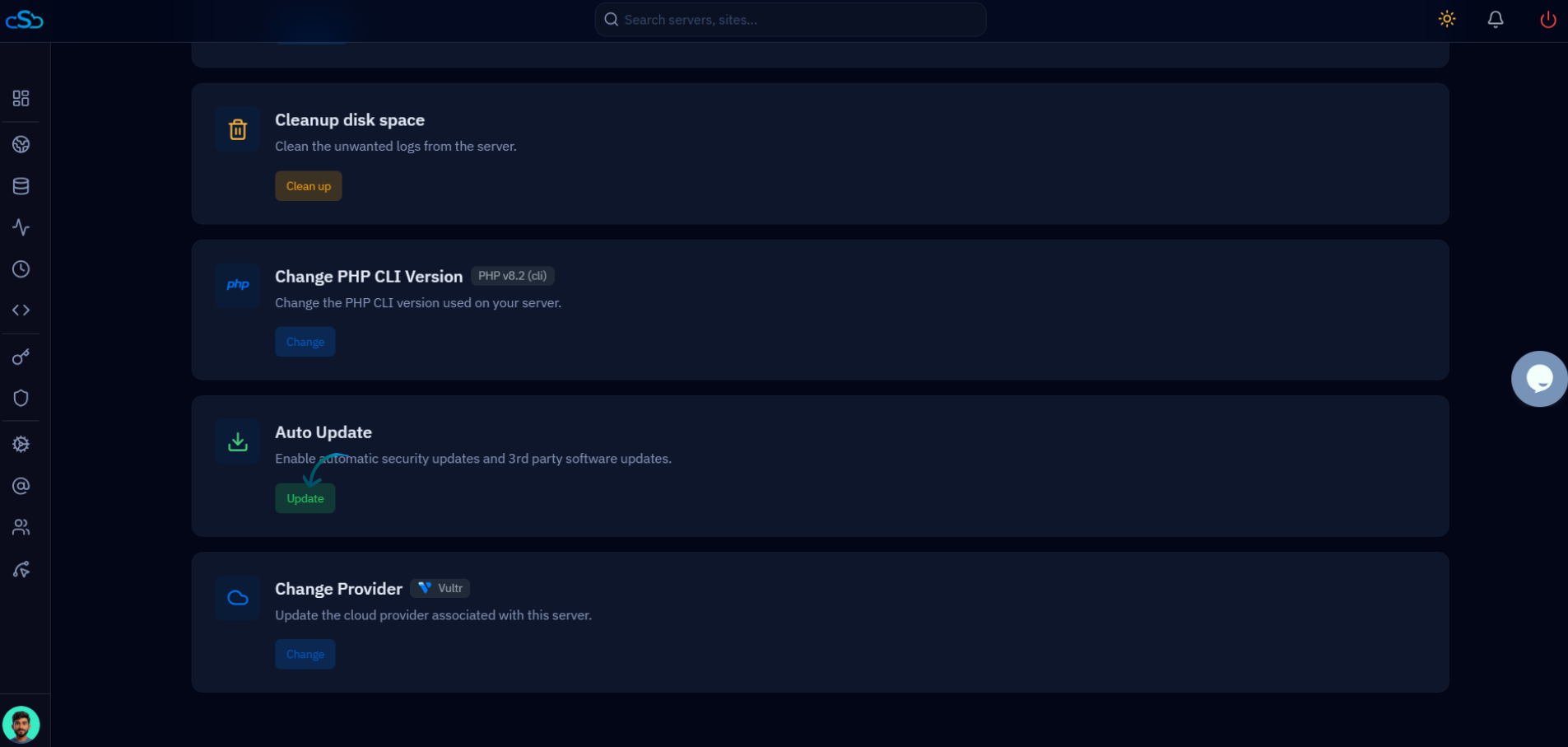
CloudStick includes a Security & Third-party Updates panel in the server management dashboard. It shows pending security updates for installed packages and lets you apply them with one click — without needing to SSH into the server.
For teams managing multiple servers, this centralizes patch status visibility — you can see at a glance which servers have pending updates across your entire fleet, and apply them in bulk from the same dashboard where you manage websites and backups.