How to Optimize Images for a Faster WordPress Site


%203.png&w=256&q=75)
Why Images Slow Sites Down
Images are typically the heaviest assets on any WordPress page — often accounting for 50–80% of total page weight. A single unoptimized hero image uploaded at 4MB from a DSLR will dominate your Time to Largest Contentful Paint (LCP) score more than almost any other factor. The browser has to download, decode, and paint that file before the visitor considers the page usable.
The problem compounds because WordPress, by default, stores whatever you upload. If an editor drops a raw PNG exported from Figma or a TIFF from a photo library into the media uploader, that file goes to disk as-is. WordPress generates several thumbnail sizes automatically, but none of them are compressed beyond the basic quality setting baked into the theme — and they are never re-encoded into modern formats unless a plugin or server-side process intervenes.
The cascade of consequences: high LCP, poor Core Web Vitals scores, reduced organic ranking, higher bounce rates on mobile where connections are slower. Image optimization is not a cosmetic improvement — it is the single highest-leverage performance change most WordPress sites can make.
Choose the Right Format
Format selection determines the ceiling on how small an image can get at a given quality level. WebP delivers 25–35% smaller files than JPEG at equivalent perceptual quality. AVIF goes further — often 40–50% smaller than JPEG — but browser support, while now broad, can still trip up older Android WebViews and some enterprise environments. The practical answer in 2026: serve WebP as the default and AVIF as a progressive enhancement via the HTML <picture> element.
For illustrations, logos, and icons with flat color areas, SVG is the correct format — it scales to any resolution with zero quality loss and is typically a few kilobytes. PNG should be reserved for images requiring lossless transparency that SVG cannot represent, and even then, run it through a lossless crusher like oxipng or pngquant.
A 1200×630 JPEG hero image at 90% quality typically sits around 350–500 KB. The same image in WebP at equivalent quality is 180–280 KB. In AVIF it drops to 120–180 KB. At scale across hundreds of page views, that difference is the gap between a fast site and a slow one.
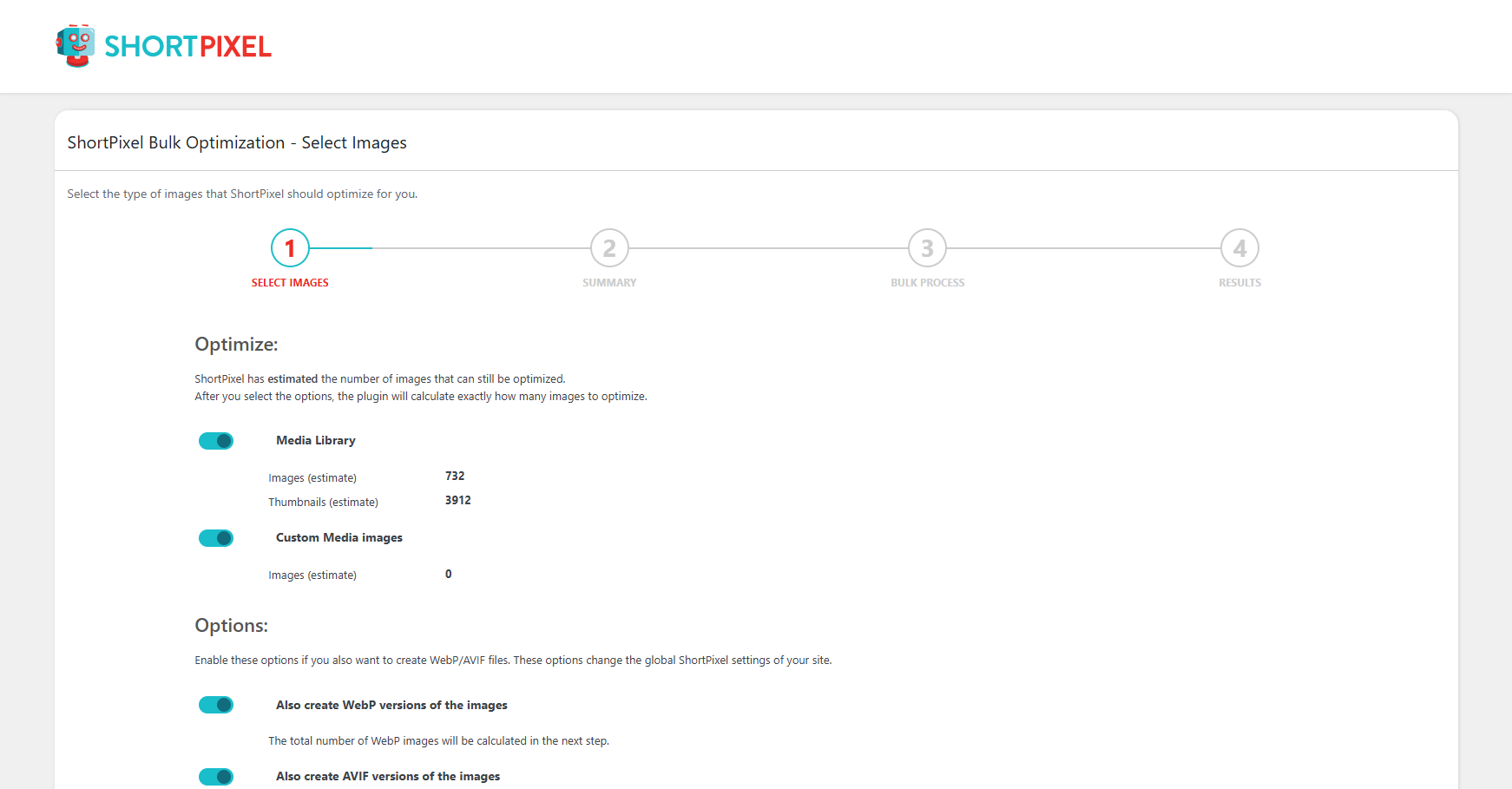
On the server side, the webp PHP extension handles on-the-fly conversion when enabled via CloudStick's EasyPHP panel. Plugins like Imagify or ShortPixel call into that extension during upload, storing optimized variants alongside the originals. You can verify the extension is active by checking the PHP info page or running php -m | grep webp from the shell.
Compression Without Quality Loss
Lossy compression removes data the human eye rarely detects. The goal is finding the threshold where file size drops sharply but the image still looks identical on screen. For most photographic content, a WebP quality setting of 82–85 is that threshold — below it, artifacts appear on gradients and skin tones; above it, you pay file size with no visible return.
You can batch-process an entire WordPress uploads directory on your Ubuntu 22.04 server using cwebp and find:
This is a one-time operation for existing uploads. Going forward, configure your chosen optimization plugin to compress automatically on upload — ShortPixel, Imagify, and Smush all support this mode and integrate with the WebP extension when it is available on the PHP build.
Lazy Loading and Responsive Images
Lazy loading defers the download of off-screen images until the user scrolls near them. WordPress has added loading="lazy" to images automatically since version 5.5, but the implementation requires careful review. The above-the-fold hero image must never carry a loading="lazy" attribute — doing so delays LCP and tanks your Core Web Vitals score. WordPress correctly skips lazy loading for the first image in the content, but some page builders and themes override this behavior.
Responsive images are equally important. WordPress generates the srcset attribute automatically using the intermediate sizes defined in your theme. Check that your theme calls add_image_size() for sensible breakpoints and that the sizes attribute on <img> tags matches the actual rendered width. A 400px-wide card using a 1200px image because the sizes hint is wrong costs three times the bandwidth it should.
After adding or changing image sizes in your theme, run wp media regenerate --yes via WP-CLI to rebuild all thumbnails at the new dimensions. Without this step, older images continue serving the old sizes regardless of your theme changes.
The combination of correct srcset, accurate sizes, and lazy loading on below-the-fold images routinely cuts mobile data transfer by 40–60% compared to a site relying on a single full-size image in a fixed-width container.
Serve Images Via CDN
Even a fully compressed, perfectly sized WebP image is slow if a visitor in Tokyo is downloading it from a server in Frankfurt. A CDN caches your images at edge nodes distributed globally, so the file travels a few milliseconds from a nearby node rather than traversing the world on each request.
Cloudflare is the most straightforward CDN to integrate with a WordPress site running on any CloudStick-managed server. Because CloudStick exposes your server's DNS and Cloudflare integration from the dashboard, you can proxy your domain through Cloudflare without touching Nginx config manually. Once the proxy is active, static assets including images receive Cloudflare's cache by default — and Cloudflare's Polish feature can re-compress and convert images to WebP or AVIF at the edge, even if your origin server serves JPEG.
Set your Cache-Control headers for images to at least one year: max-age=31536000, immutable. Images with versioned filenames (WordPress appends a query string on regeneration) are safe to cache indefinitely at the edge.
Nginx-Level Image Caching
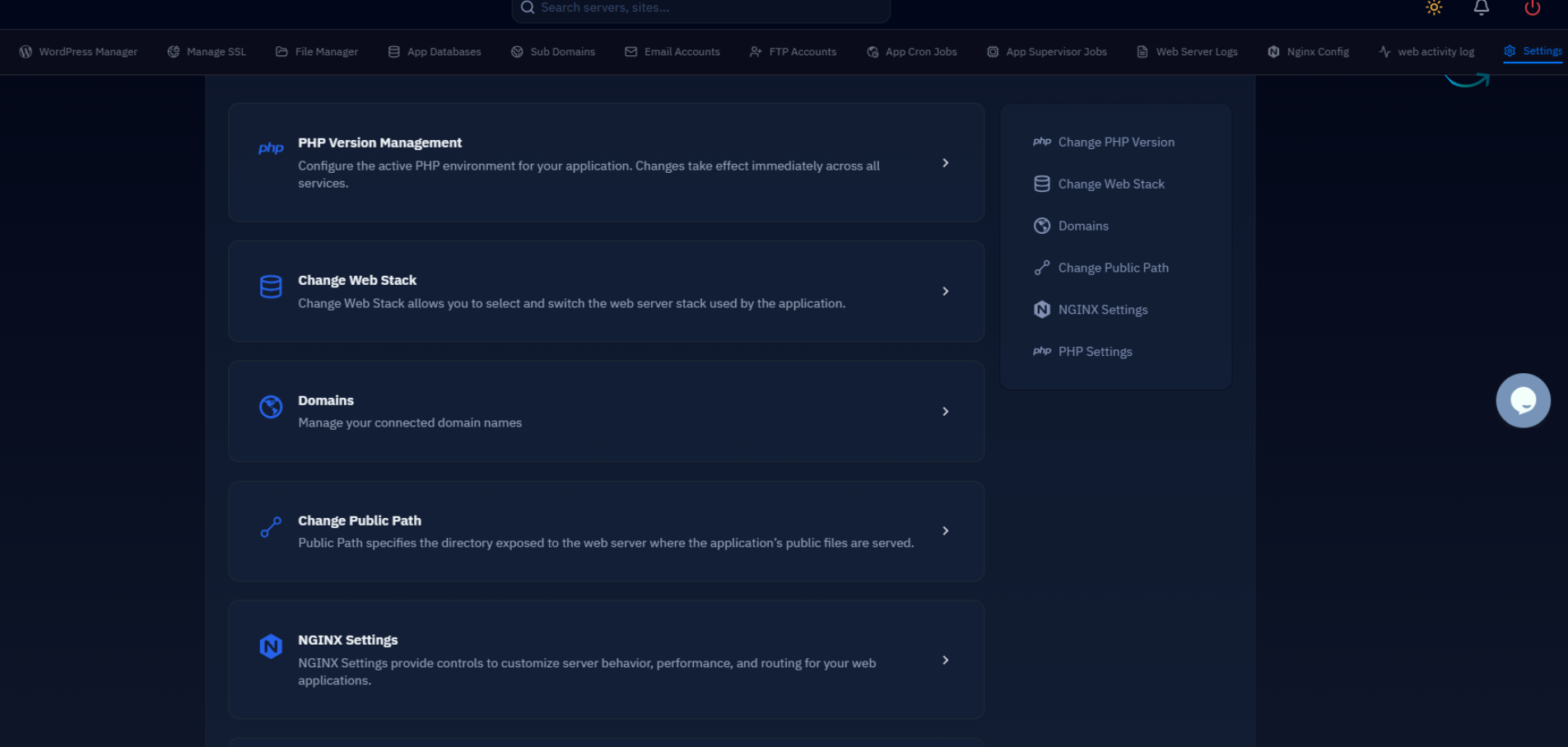
When you are not using a CDN, or want an additional caching layer in front of one, configure Nginx to set aggressive cache headers for image assets directly. On a CloudStick server, Nginx acts as the frontend proxy (the nginx-cs service) and forwards dynamic PHP requests to Apache running on port 81 (apache2-cs). Static files — including all images in wp-content/uploads — are served by Nginx directly without touching PHP, which is both faster and the right place to attach cache headers.
Add the following block to your site's Nginx configuration in CloudStick under the custom Nginx rules section of your site settings:
The Vary: Accept header is critical when serving WebP conditionally. It tells downstream caches — Cloudflare, Varnish, browser — that the response varies by the Accept request header, preventing a cached WebP from being served to a browser that only accepts JPEG.
The open_file_cache directives keep file descriptors open in memory for frequently accessed images, reducing kernel syscalls on sites with large media libraries under sustained traffic.
Next Steps
Work through this sequence to cover all the ground above without doubling back:
- Audit first. Run your homepage through WebPageTest or PageSpeed Insights and filter results to image issues only. Note the exact assets responsible for the largest LCP and highest transfer sizes.
- Batch-compress existing uploads using the
cwebpandpngquantcommands from Section 3, then regenerate thumbnails via WP-CLI. - Install an optimization plugin (Imagify or ShortPixel) with auto-optimize on upload and WebP conversion enabled. This handles all future uploads without manual intervention.
- Add the Nginx cache block to your CloudStick site's custom Nginx rules and reload the service. Verify headers with
curl -I https://yoursite.com/wp-content/uploads/example.webp. - Enable Cloudflare Polish if you are proxying through Cloudflare — it adds format negotiation at the edge with zero server-side changes.
- Re-audit. Run the same WebPageTest or PageSpeed test and compare. For most unoptimized WordPress sites, this sequence moves LCP from 3–6 seconds to under 2 seconds and drops total page weight by 40–60%.
Image optimization is the foundation, not the ceiling. Once images are no longer the bottleneck, the next lever is server-level caching — Redis object caching, full-page cache, and PHP-FPM tuning — all of which are covered in the related articles below.

