How to Use a CDN with WordPress for Global Speed

%203.png&w=256&q=75)
Your origin server can only be in one place. A visitor in Tokyo hitting a server in Frankfurt waits for every TCP handshake, TLS negotiation, and byte transfer to cross roughly 9,000 kilometres of fibre — adding 200–350 ms of latency before a single pixel renders. A Content Delivery Network solves this by replicating your static assets at edge nodes distributed worldwide, so that cached responses are served from a location close to the visitor, often within single-digit milliseconds. For WordPress, which generates HTML pages, loads dozens of assets, and makes frequent database queries, deploying a CDN correctly is one of the highest-leverage performance moves available.
What a CDN Actually Does
A CDN acts as a reverse proxy that sits in front of your origin server. Incoming requests hit the CDN's nearest edge node first. If that node has a valid cached copy of the resource, it serves it directly — the origin never sees the request. If no cache exists (a cache miss), the edge node fetches the asset from your origin, stores a copy, and returns it to the visitor. Subsequent visitors to the same edge region get the cached copy.
For WordPress, this divides neatly into two categories of content:
- Static assets — images, CSS, JavaScript, fonts, PDFs. These are ideal CDN targets: they change rarely, can carry long
Cache-ControlTTLs, and account for the majority of page weight. - HTML pages — dynamically generated by PHP-FPM and WordPress. These can be cached at the edge too, but require careful invalidation so users never see stale content after a post update or plugin change.
Modern CDNs like Cloudflare go further, offering DDoS protection, HTTP/3 support, image optimisation at the edge, and Web Application Firewall rules — all without requiring any changes to your server configuration beyond pointing your DNS records.
Choosing the Right CDN
The right CDN depends on your audience geography, budget, and how much control you want over caching behaviour. Here is how the leading options compare for WordPress:
| CDN | Free Tier | PoPs | HTML Caching | Best For |
|---|---|---|---|---|
| Cloudflare | Yes | 300+ | Yes (APO) | Most WordPress sites |
| BunnyCDN | No ($1/mo min) | 120+ | Pull zone only | Budget-conscious global |
| KeyCDN | No | 40+ | Pull zone | Developer-friendly |
| AWS CloudFront | Limited | 600+ | Yes (custom) | Enterprise / AWS stacks |
Cloudflare is the default recommendation for self-hosted WordPress: the free plan covers unlimited bandwidth, the network is vast, and the Automatic Platform Optimisation (APO) add-on can cache entire WordPress HTML pages at the edge for $5/month — a cost that pays for itself immediately in reduced origin load. This guide uses Cloudflare for concrete examples, but the Nginx configuration patterns apply regardless of which CDN you choose.
Integrating Cloudflare with WordPress
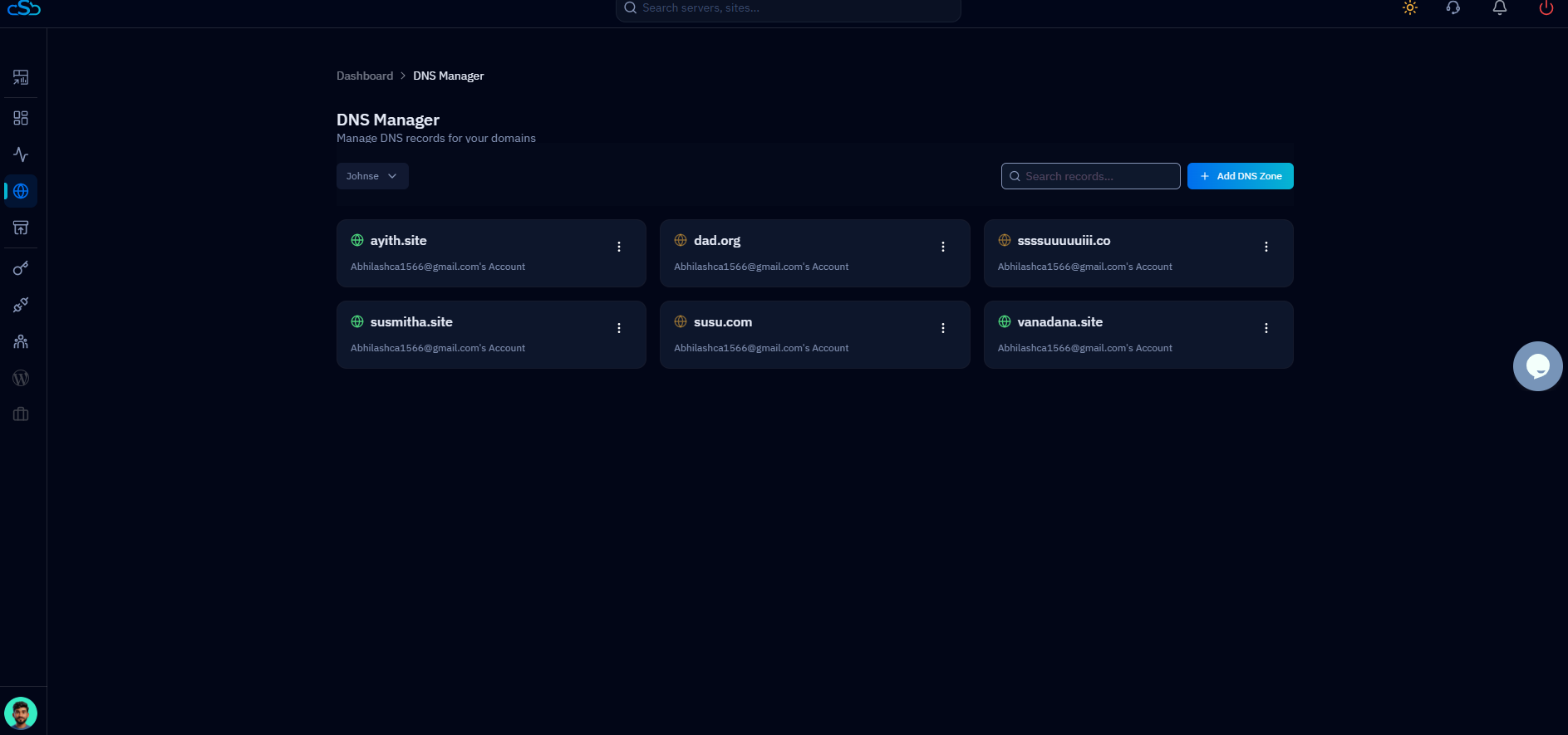
Your domain must be delegated to Cloudflare's nameservers before any of these steps take effect. Log into Cloudflare, add your site, and update your registrar's NS records to the two Cloudflare nameservers shown in the dashboard. DNS propagation typically completes within 30 minutes.
Once Cloudflare is active on your domain, the default configuration proxies all traffic through Cloudflare's network (the orange cloud icon in the DNS tab). This alone activates DDoS mitigation and enables HTTP/2. For WordPress specifically, take the following steps to maximise performance:
1. Set SSL/TLS to Full (Strict). In SSL/TLS → Overview, choose Full (Strict). This encrypts traffic from Cloudflare to your origin using a valid certificate. CloudStick provisions Let's Encrypt certificates automatically from its SSL panel — once that certificate is installed on your server, Full (Strict) will work without any manual configuration.
2. Enable Cloudflare APO. Under Speed → Optimization → Automatic Platform Optimisation, enable APO for WordPress. Install the official Cloudflare WordPress plugin and authenticate it with your API token. APO bypasses PHP-FPM entirely for logged-out visitors, serving cached HTML from Cloudflare's edge and reducing TTFB to under 50 ms globally.
3. Create a Page Rule for static assets. In Rules → Page Rules, add a rule matching example.com/wp-content/* with Cache Level: Cache Everything and Edge Cache TTL: 1 month. This ensures images, CSS, and JS files are aggressively cached at the edge.
4. Bypass cache for authenticated users. Add another Page Rule for example.com/wp-admin/* and example.com/wp-login.php with Cache Level: Bypass. Cloudflare APO handles this automatically for cookie-based sessions, but an explicit bypass rule is belt-and-braces protection.
Nginx Cache-Control Headers
The CDN respects the Cache-Control and Expires headers your origin sends. If Nginx does not send explicit caching directives, many CDNs will either cache conservatively or not at all. On a CloudStick server, Nginx runs as the frontend proxy (nginx-cs service) on port 443/80, with Apache handling PHP on port 81. Add the following server block configuration to instruct both the CDN and the browser how long to cache each asset type.
Open your site's Nginx configuration — typically found at /etc/nginx-cs/conf.d/your-site.conf — and add the following location blocks inside the primary server block:
The immutable directive in the static asset rule tells the browser not to revalidate a cached asset even when the user performs a hard refresh, provided the URL does not change. WordPress and most caching plugins append a version query string (e.g., ?ver=6.5.4) when a file changes, so cache busting is handled automatically. The s-maxage directive on HTML pages instructs the CDN (but not the browser) how long to cache the response, giving you edge-level HTML caching even without APO.
CDN and WordPress Caching Plugins
WordPress caching plugins and a CDN are complementary, not alternatives. The plugin handles server-side page caching (writing PHP output to disk or Redis so PHP-FPM is not invoked on every request), while the CDN distributes those cached responses globally. The two layers must be configured to cooperate.
WP Rocket is the most CDN-aware caching plugin available. Under CDN → CDN Base URL, enter the CDN pull zone URL (e.g., https://cdn.example.com). WP Rocket will rewrite all static asset URLs in the generated HTML to point to the CDN rather than the origin — this is critical. If asset URLs still point to your origin domain, visitors must establish a connection to your server for every CSS and JS file, defeating the purpose of the CDN for those resources.
W3 Total Cache has a dedicated CDN tab where you configure your provider, access credentials, and which file types to rewrite. For Cloudflare users, W3TC integrates directly via API key and can purge the Cloudflare cache on post save.
LiteSpeed Cache — while designed for LiteSpeed servers — can still manage CDN URL rewriting on Nginx stacks via its CDN settings panel. It also integrates natively with Cloudflare to trigger cache purges.
CloudStick's WordPress manager includes one-click cache management from the dashboard. After installing a caching plugin via the WordPress manager, you can purge the server-level page cache and trigger a Cloudflare cache purge in a single action — without touching the command line. This is particularly useful when deploying theme or plugin updates that affect cached HTML.
Cache Invalidation Strategy
Stale content is the most common CDN problem on WordPress sites. A visitor reads a post that was updated two hours ago, but the CDN is still serving the version from yesterday. A reliable invalidation strategy prevents this.
Event-driven purging is the gold standard. When a post is published, updated, or deleted, WordPress fires the save_post and transition_post_status hooks. Caching plugins hook into these events to call the CDN API and purge only the affected URLs — the post permalink, the homepage, any archive pages the post appears on, and associated RSS feeds. Purging only what changed is faster and cheaper than a blanket purge.
Surrogate keys / Cache tags (Cloudflare Enterprise, Fastly) allow you to tag a cached response with multiple identifiers — post ID, taxonomy term, author ID — and purge all responses sharing a tag in a single API call. This is overkill for most WordPress sites but eliminates edge cases where a post appears in multiple locations.
Short TTLs as a fallback — if event-driven purging is not configured, set s-maxage on HTML responses to a value you are comfortable with as a maximum staleness window. One hour (s-maxage=3600) is a reasonable default for most editorial sites. News sites may want five minutes; sites updated monthly can afford 24 hours.
Never run a blanket "purge everything" on every page load or on a cron schedule. CDN purges are rate-limited by providers, and blanket purges eliminate the warming benefit of previously cached content, spiking origin load each time. Purge surgically by URL or cache tag.
Next Steps
With your CDN delivering cached static assets globally and your Nginx headers configured correctly, you have removed the biggest latency source from your WordPress stack. The sequence to complete a production-ready setup:
- Verify headers are correct — use
curl -I https://example.com/wp-content/themes/your-theme/style.cssand confirmCache-Control: public, max-age=31536000, immutableappears in the response. Check for aCF-Cache-Status: HITheader on the second request to confirm Cloudflare cached the asset. - Measure before and after — run WebPageTest with a test location in a different continent from your origin and compare TTFB and total load time. A correctly configured CDN should halve TTFB for remote visitors and reduce asset load time dramatically.
- Enable Cloudflare APO — if you are on Cloudflare, enabling APO for $5/month is the single highest-impact step for HTML delivery. Measure the TTFB improvement for logged-out visitors; a 200 ms origin TTFB typically drops to under 30 ms from edge cache.
- Pair with image optimisation — CDN delivery of unoptimised images still wastes bandwidth. Compress, resize, and convert images to WebP or AVIF before they hit the CDN edge. See the image optimisation guide linked below for the full workflow.
- Check Core Web Vitals — once CDN caching is working, run a Lighthouse audit or check your Search Console Core Web Vitals report. LCP (Largest Contentful Paint) and FID/INP typically improve directly as a result of faster asset delivery and reduced TTFB.
A CDN is not a silver bullet — it cannot compensate for slow database queries, unoptimised PHP, or an undersized server. But for reducing latency for geographically distributed visitors, no other single infrastructure change delivers as consistent a gain. Combined with server-side Redis object caching and a well-tuned PHP-FPM pool, a CDN completes the three-layer caching stack that separates a fast WordPress site from a genuinely global one.

