How to Scale WooCommerce for High-Traffic Sales Events

%203.png&w=256&q=75)
Load Test First, Not on Sale Day
Run a synthetic load test against your actual checkout flow at least a week before the event, because the first time your server sees Black-Friday-level concurrency should never be the day of the sale itself. A homepage-only test tells you almost nothing — WooCommerce's real cost is in cart, checkout, and order creation, where every request writes to wp_woocommerce_sessions and touches the database instead of being served from a static cache.
Use a tool like k6 or Locust to script a realistic journey: browse a category, view a product, add to cart, and complete checkout with a test payment method. Run it against a staging clone that has the same PHP version, PHP-FPM pool limits, and MariaDB configuration as production — testing against a bigger, differently-tuned box gives you numbers that mean nothing on the real server. Ramp concurrent virtual users gradually and watch where the first errors appear: PHP-FPM request queueing, MariaDB "too many connections," or disk I/O wait on the database. That bottleneck is exactly what you tune in the next two sections.
Give PHP-FPM Room to Breathe
Temporarily raising pm.max_children lets PHP-FPM accept more simultaneous requests instead of queueing shoppers behind a handful of busy workers, which is the single most common cause of checkout timeouts during a spike. The safe ceiling is available RAM ÷ average PHP process size — for a typical WooCommerce site with a few dozen plugins active, each worker eats 40-80MB, so a server with 8GB free for PHP can reasonably run 100-160 children.
Raise pm.start_servers and pm.min_spare_servers too, so the pool doesn't spend the first minute of the sale spawning new workers on demand. On CloudStick, each site runs its own isolated PHP-FPM pool at fpm-pools.d/<site>.conf under /etc/php<ver>cs/, so raising limits for your storefront during the event never affects PHP-FPM capacity on other sites hosted on the same server.
Raise MariaDB's Connection Ceiling Before You Raise PHP-FPM's
Bumping PHP-FPM's pm.max_children without also raising MariaDB's max_connections just moves the bottleneck one layer down — every extra PHP worker opens its own database connection, and once MariaDB hits its ceiling it starts refusing new ones outright. Size max_connections to comfortably exceed the sum of every site's pm.max_children on that server, plus headroom for WP-Cron, admin sessions, and any backup jobs still running.
Check current usage before you touch anything, so you're raising a real number instead of guessing:
Running out of database connections is the most common way a WooCommerce store goes down mid-sale, and it fails ugly: shoppers see a blank page or a raw "Error establishing a database connection" message right at checkout, orders in progress can be lost, and every retry from panicking customers adds more load to a database that is already refusing connections. Raise max_connections and restart MariaDB gracefully before the event window opens, not after the first failures show up in your logs.
Add a Waiting Room Only If You Truly Need One
A queueing or waiting-room pattern only makes sense when your backend genuinely cannot absorb peak concurrency even after tuning PHP-FPM and MariaDB — most WooCommerce stores never reach that point. Waiting rooms exist to smooth demand for events with hard, artificial scarcity: a single flash drop of a limited-quantity product, a ticket sale, or a restock announced to a mailing list that all hits the site in the same 60 seconds.
If that describes your event, a service like Cloudflare Waiting Room (or a simple Nginx-level holding page that admits a fixed number of sessions per interval) is far cheaper than trying to provision hardware for a 60-second traffic wall. For a normal sitewide sale spread across several hours, though, a waiting room adds complexity, a worse customer experience, and a new system to misconfigure — for that case, tuned PHP-FPM, a raised connection limit, and Redis object caching for repeated catalog queries will carry the load without turning shoppers away at the door.
Turn Off Everything That Isn't Selling
Every plugin that isn't part of the browse-cart-checkout path is competing for the same PHP-FPM workers and database connections during your busiest hour, so deactivate it for the event window. SEO plugins that recalculate readability scores on save, image-optimization plugins polling for new uploads, and marketing pixels that make synchronous outbound API calls on every page load all add milliseconds per request that compound under load.
Reschedule anything that hits the database hard — full-site backups, product-catalog exports, related-products recalculation — to run well before or after the sale window, not during it. Move WP-Cron off its default pseudo-cron trigger (which fires on page load) to a real system cron hitting wp-cron.php on a fixed schedule, so scheduled tasks like stock-hold cleanup don't pile onto an already-busy request queue at the worst possible moment.
Watch the Event in Real Time, Not After It
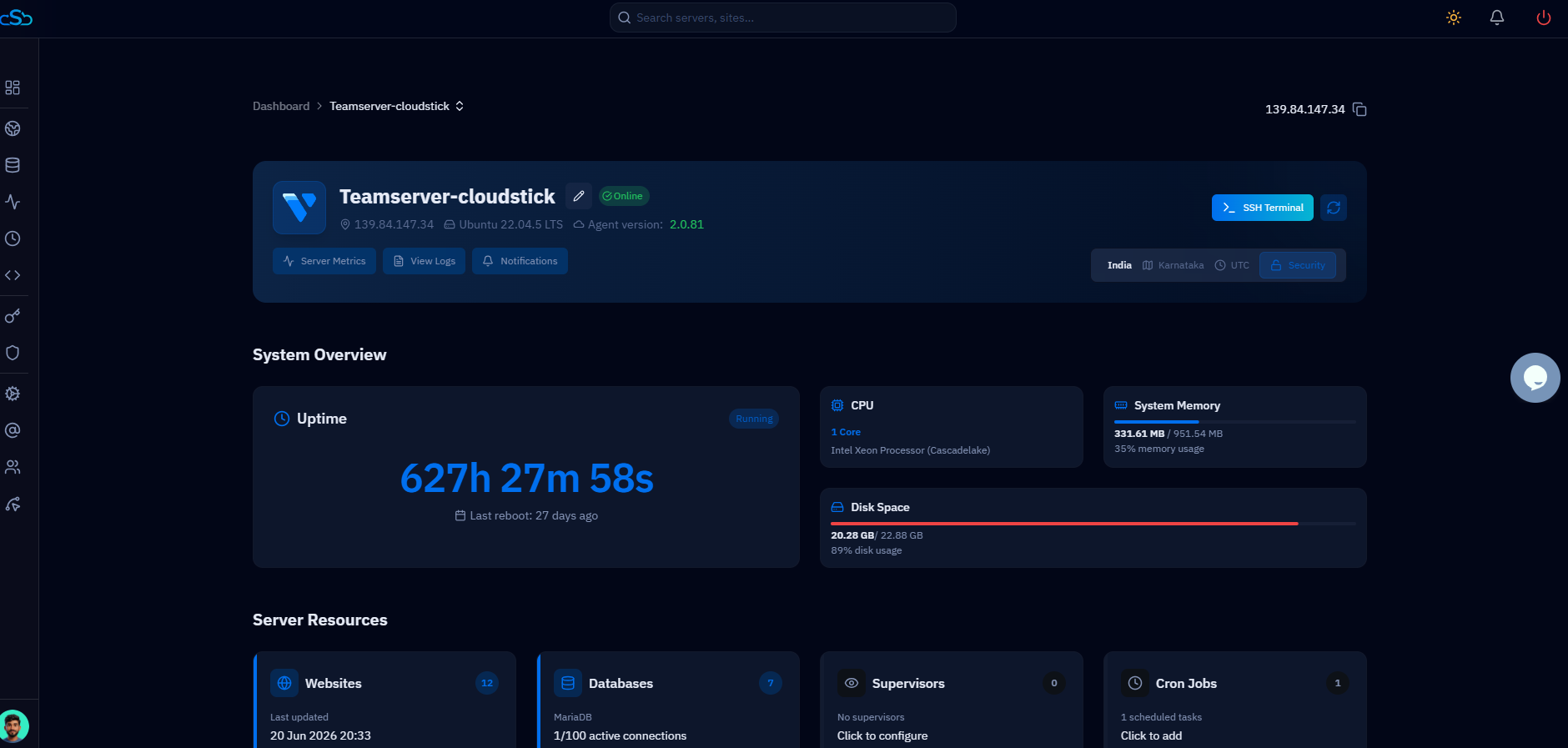
Keep a dashboard open showing PHP-FPM active/idle workers, MariaDB's Threads_connected, and overall server load throughout the sale so you can react within minutes instead of discovering the outage from a customer complaint. CloudStick's server resource graphs surface CPU, RAM, and connection trends for the box without needing an SSH session open during the busiest hour of your year, which matters when every minute of downtime during a sale is lost revenue.
Once the event ends and traffic drops back to normal, revert pm.max_children and max_connections to their usual values — leaving them inflated wastes memory that idle PHP-FPM workers and MariaDB connection buffers will otherwise sit on indefinitely. Treat the whole exercise as a checklist you run before every major sale: load test, tune PHP-FPM, raise the database ceiling, disable the non-essentials, and watch the numbers while the sale is live.