How to Schedule Automatic Database Backups with Cron

%203.png&w=256&q=75)
Cron for Database Backups: What You Need to Know
Cron is the standard Linux task scheduler — it runs commands at fixed times with no user intervention. For database backups, it is the simplest way to get a reliable dump running without external dependencies. You write a cron expression, point it at a script, and the backup runs whether you remember to or not.
Cron expression format: minute hour day-of-month month day-of-week command
A Production-Ready Database Backup Script
This script dumps multiple databases, compresses the output, and logs success/failure:
The script uses the ~/.my.cnf credentials file so no password appears in the script. Credentials are stored in /root/.my.cnf with chmod 600 permissions. See the mysqldump article for the credential file setup.
Automatic Rotation to Manage Disk Space
Alert on Backup Failure
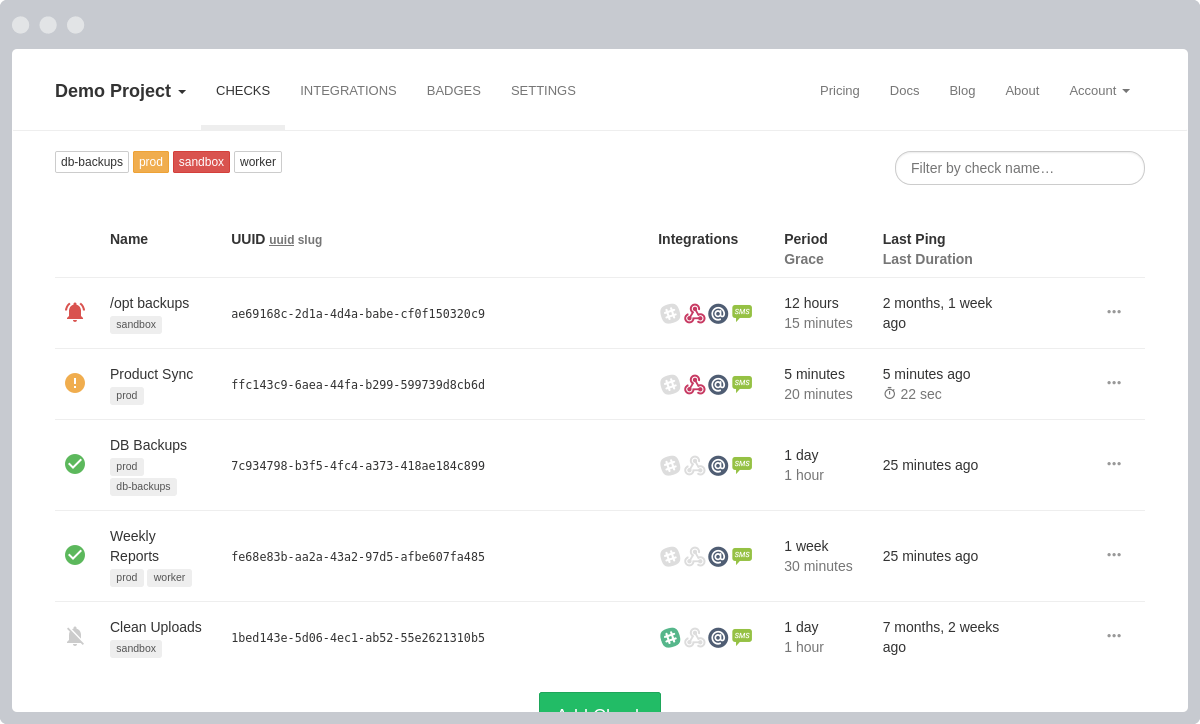
A backup that silently fails is worse than no backup at all — it gives you false confidence. Add a dead man's switch using a free monitoring service like healthchecks.io:
You will receive an alert if the script fails, if the server is down and cron doesn't run, or if the schedule changes and the job stops firing. This one addition turns a silent failure mode into a monitored process.
CloudStick Handles Scheduling and Rotation Automatically
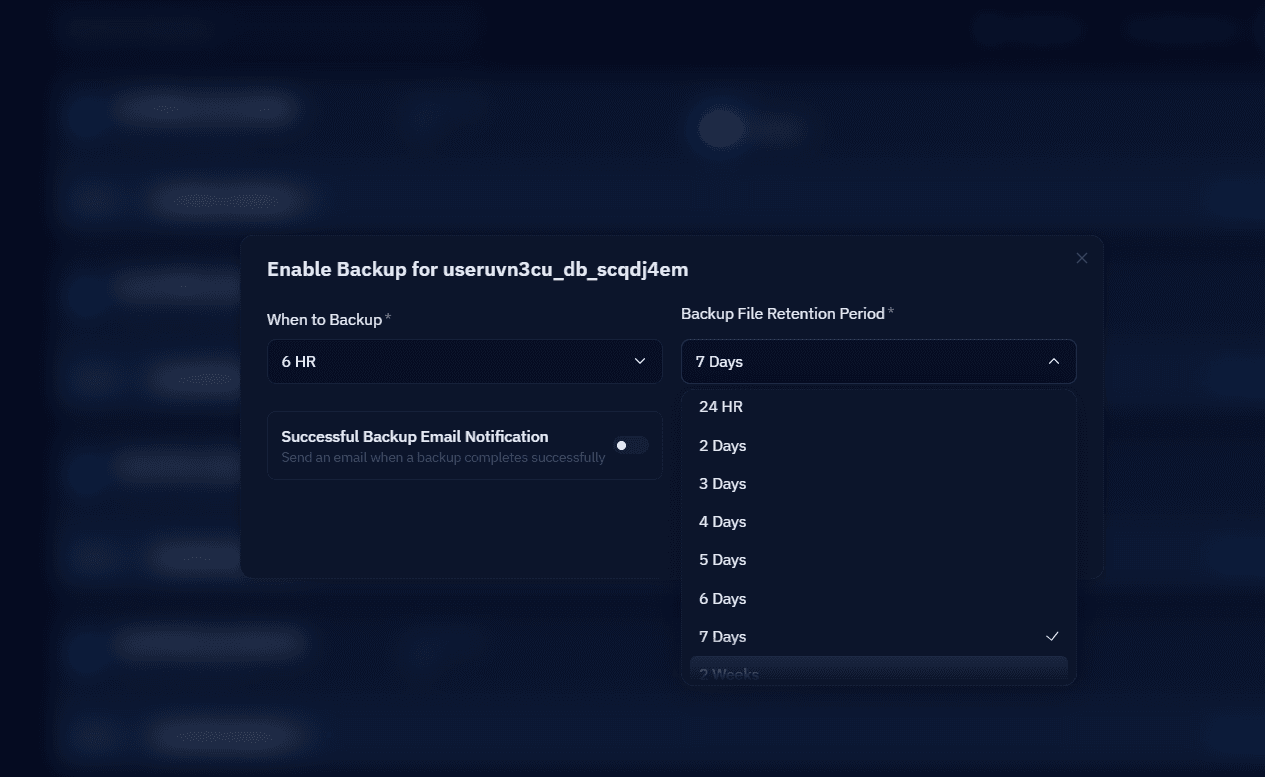
CloudStick's Database Backups feature lets you configure schedule and retention per database from the dashboard, with no script writing required. See the CloudStick knowledge base: How to Enable Database Backup for the step-by-step walkthrough of enabling backup per database, setting the schedule, and configuring the retention period.