How to Set Up a Web Application Firewall for WordPress

%203.png&w=256&q=75)
What a WAF Actually Does
A web application firewall inspects every HTTP request before it reaches WordPress and blocks the ones that match known attack patterns — SQL injection, cross-site scripting (XSS), local file inclusion (LFI), and remote code execution attempts — using signature rules and behavioral heuristics rather than relying on WordPress or PHP to reject the request on its own.
WordPress specifically benefits because most WordPress compromises don't come from WordPress core — they come from the plugin and theme ecosystem. A single vulnerable plugin with an unauthenticated SQL injection flaw can expose a database even if core and the theme are fully patched, and the average WordPress site runs a dozen or more third-party plugins that the site owner did not audit line by line. A WAF sitting in front of the request pipeline catches the exploit payload — a crafted UNION SELECT in a query string, a <script> tag in a comment field, a ../../../ path traversal string — before it ever reaches the vulnerable plugin code, regardless of whether that plugin has been patched yet.
Two Ways to Add a WAF
There are two practical, production-grade ways to put a WAF in front of a WordPress site, and they sit at different layers of the stack.
The first is self-hosted ModSecurity with the OWASP Core Rule Set (CRS) running as an Nginx module on the server itself. Every request is inspected on-box before Nginx hands it to PHP-FPM. You control the rule set, the paranoia level, and every exception — but you also own the maintenance, rule updates, and false-positive tuning.
The second is a hosted WAF at the edge, such as Cloudflare's WAF and firewall rules, which sit in front of the server entirely — traffic is filtered before it ever reaches your origin IP. CloudStick doesn't ship a built-in WAF product itself, but it does provide the CSF firewall and the Nginx layer that either approach sits on top of, and its real Cloudflare integration for DNS and CDN makes routing traffic through Cloudflare's edge WAF a practical, low-effort option for sites already managed on a CloudStick server.
Installing ModSecurity for Nginx on Ubuntu 24.04
Ubuntu does not ship a prebuilt ModSecurity connector for Nginx, so it has to be compiled against libModSecurity and your installed Nginx version. Start by building libModSecurity itself and its build dependencies:
Next, build the Nginx connector module and compile it against the exact Nginx source version running on your server (check yours with nginx -v):
Load the module and enable it in your Nginx config, pointing to a rules file that will include the OWASP CRS in the next step:
Never flip SecRuleEngine straight to On on a live WordPress site. Start with DetectionOnly, review the audit log for a few days to see which legitimate requests would have been blocked, and only switch to blocking mode once you've added exceptions for your own admin and checkout flows. Going straight to blocking mode is the single most common cause of WordPress sites suddenly returning HTTP 403 errors on login or checkout.
Enabling the OWASP Core Rule Set
ModSecurity by itself is just an inspection engine — it does nothing without a rule set. The OWASP Core Rule Set (CRS) is the standard, actively maintained rule set that covers SQLi, XSS, LFI/RFI, PHP injection, session fixation, and protocol violations. Clone it and wire it into the rules file you referenced above:
Then assemble /etc/nginx/modsec/main.conf — the file your modsecurity_rules_file directive points to — so it loads the base engine config first, then CRS setup, then the CRS rule files themselves:
Reload Nginx (sudo nginx -t && sudo systemctl reload nginx) and tail the ModSecurity audit log at /var/log/modsec_audit.log while you browse the site and log into wp-admin, so you can see exactly which rule IDs fire on normal WordPress traffic before you turn on blocking.
Tuning False Positives (admin-ajax.php and Beyond)
The most common false positive on any WordPress install is wp-admin/admin-ajax.php. Because it accepts arbitrary POST payloads for dozens of plugin AJAX actions, the request bodies routinely look like SQL injection or XSS to CRS's generic pattern rules — rule IDs in the 942xxx (SQLi) and 920xxx (protocol anomaly) ranges are the usual offenders. Rather than disabling those rules site-wide, scope the exception to the specific endpoint using an inline location-level rule:
Only remove the specific rule IDs your audit log shows firing — copy the exact ID from the [id "..."] field in the log entry rather than guessing. The same pattern applies to the block editor's REST API endpoint (/wp-json/) and WooCommerce checkout, which also submit rich, script-like content that CRS's XSS rules can flag.
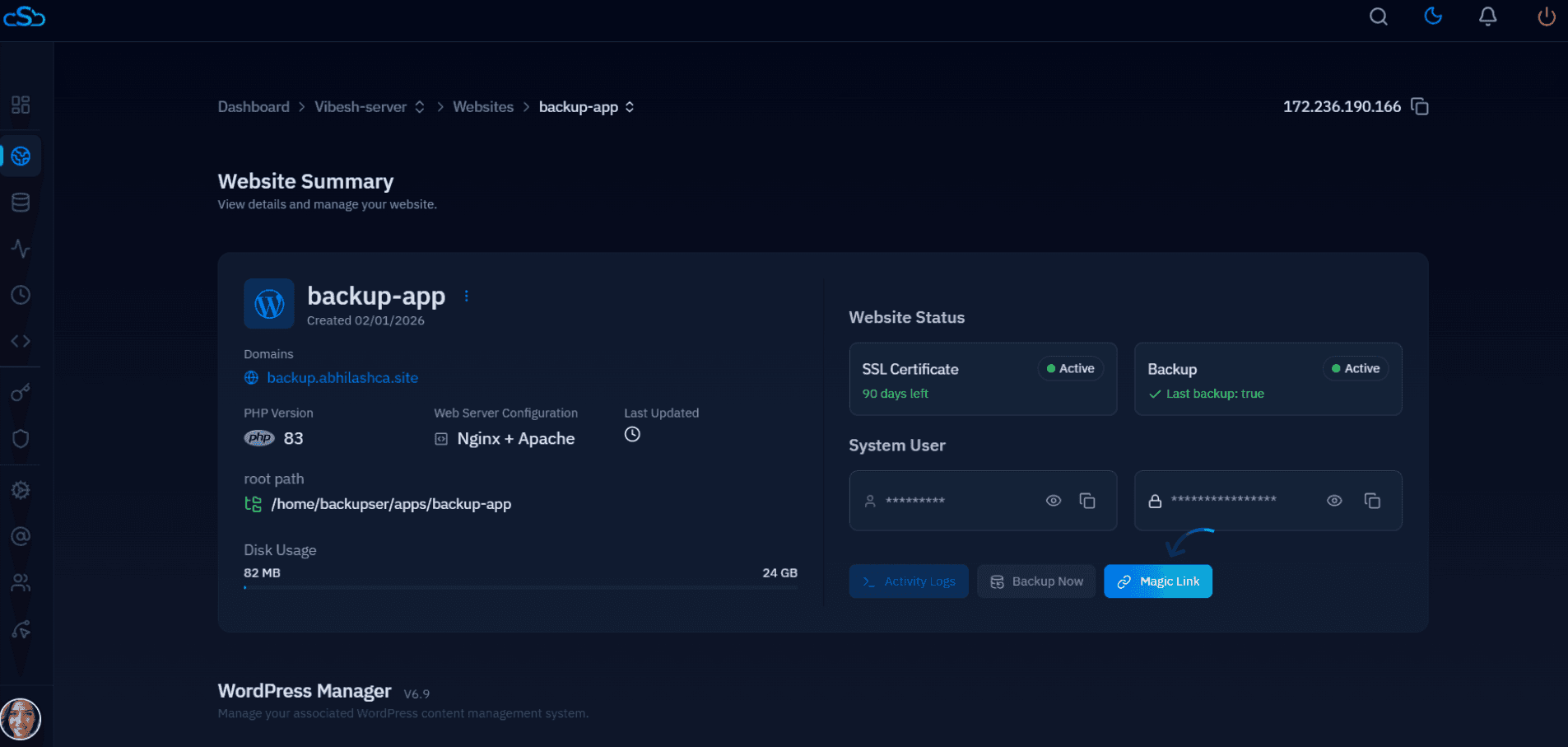
A CloudStick-managed server makes this diagnostic step faster in practice — the dashboard's web application log viewer lets you pull Nginx access and error logs for a site without SSHing in, so cross-referencing which requests a plugin update or a customer complaint corresponds to against the ModSecurity audit log is a much shorter loop than tailing files by hand on each server.
Using Cloudflare's WAF in Front of a CloudStick Server
Cloudflare's WAF filters requests at the edge, before they ever hit your server's IP address, which removes the CPU overhead of request inspection from the origin entirely and adds DDoS mitigation as a side effect. The managed ruleset covers the same OWASP-style attack categories as CRS, and custom firewall rules can target specific paths — for example, rate-limiting or challenging requests to wp-login.php and xmlrpc.php without touching Nginx configuration at all.
This is where CloudStick's real Cloudflare integration matters: since CloudStick already manages DNS through Cloudflare for sites that opt into it, proxying a domain through Cloudflare (the orange cloud) to pick up its WAF and firewall rules doesn't require a separate DNS migration — it's a toggle on infrastructure that's already in place. The trade-off is that the managed ruleset and custom firewall rules beyond the free tier require a paid Cloudflare plan, and you're trusting a third party to terminate and inspect TLS traffic before it reaches your origin.
Choosing Self-Hosted vs Cloudflare: A Decision Checklist
Pick self-hosted ModSecurity + OWASP CRS if any of these apply: you need rule-level control for a compliance requirement, your traffic can't be routed through a third party for legal or contractual reasons, your server already has CPU headroom, or you want inspection logs living entirely on infrastructure you control.
Pick Cloudflare's WAF if any of these apply: the domain is already proxied through Cloudflare for DNS or caching, you want DDoS protection bundled with request filtering, you'd rather not maintain rule updates and false-positive tuning yourself, or the site is under active attack right now and you need edge-level mitigation today rather than after a multi-hour ModSecurity build and tuning cycle.
The two aren't mutually exclusive — many production WordPress setups run Cloudflare in front for volumetric attacks and bot traffic, with ModSecurity and CRS still active on the origin as a second layer for anything that reaches the server directly. Whichever you choose, start in detection/logging mode, watch real traffic for at least a few days, and only move to blocking once you've confirmed your own admin, checkout, and REST API traffic passes clean.