How to Set Up a WordPress Staging Environment

%203.png&w=256&q=75)
Why Staging Exists
A staging environment is a private copy of your live site — same code, same database structure, same PHP version — that you can break without consequences. The single biggest cause of WordPress disasters is testing a plugin update, theme change, or PHP upgrade directly on production; staging exists to move that risk somewhere nobody but you can see.
Staging only works if it's a faithful copy. A staging site running a different PHP version, or with stale content from three months ago, will pass tests that then fail on production because the environments never actually matched. Rebuild staging from production regularly, not just once at setup.
Clone Production to Staging
Create a subdomain like staging.example.com pointing at the same server or a separate one, then copy files and database across exactly as you would for a full migration:
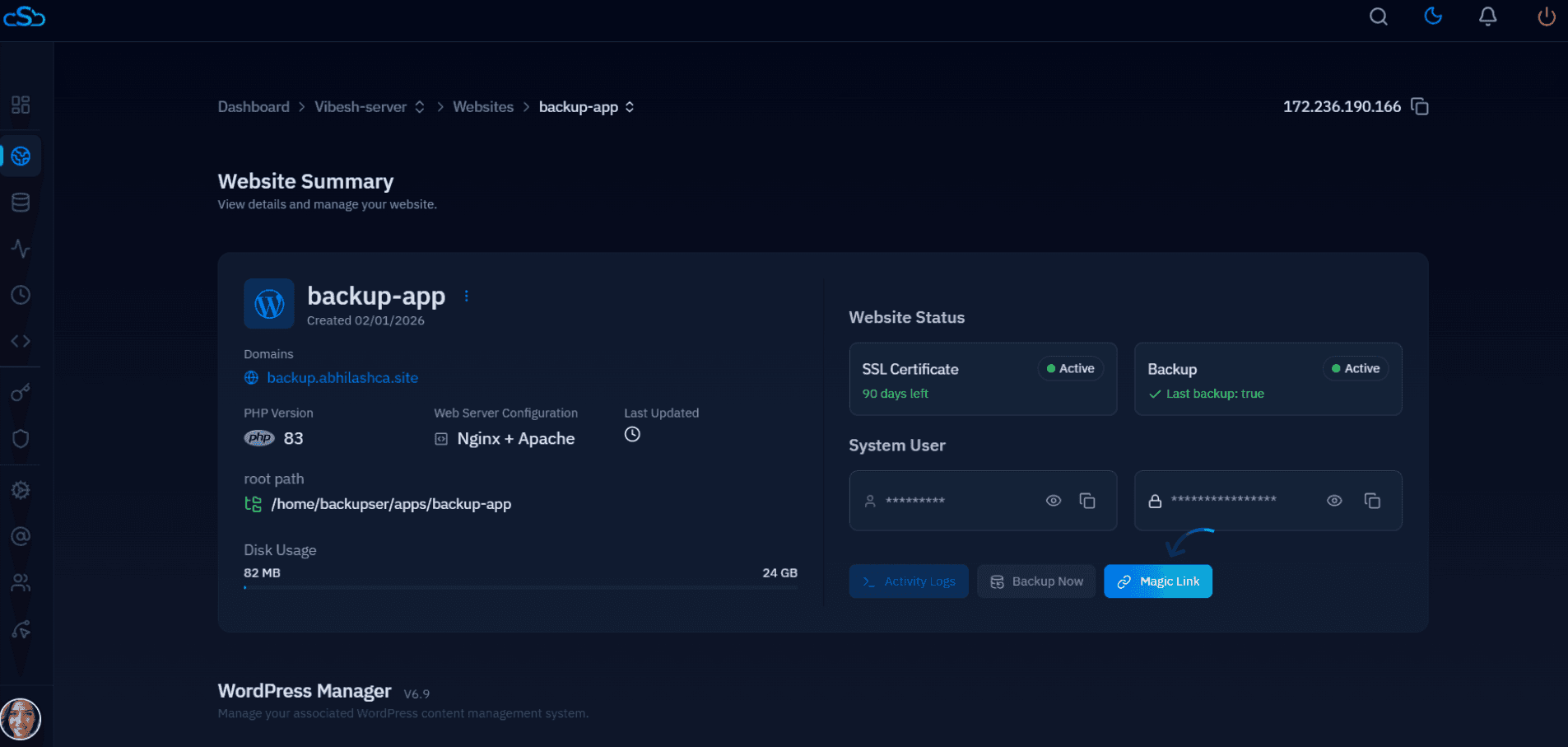
CloudStick's WordPress manager has a one-click staging clone that automates this exact sequence — file copy, database export/import, and search-replace — directly from the site dashboard.
Isolate Staging from Search Engines
Never leave a staging subdomain publicly indexable. Add a site-wide X-Robots-Tag: noindex header in Nginx, and password-protect the subdomain with HTTP basic auth so search engines and casual visitors can't reach it at all.
Keep Staging in Sync
A staging environment that hasn't been refreshed in months is worse than no staging at all — it gives false confidence. Re-sync files and the database from production on a fixed schedule (weekly is reasonable for most sites), or right before any significant change you plan to test.
Workflow Going Forward
Once staging exists, the rule is simple: nothing touches production directly except emergency fixes. Plugin updates, theme changes, and PHP version bumps all go to staging first, get tested against real content, and only then get replicated to production using the push-live process covered in the next guide.

