How to Set Up Automatic Deployments from GitHub

%203.png&w=256&q=75)
Three ways to deploy on push
Automatic deployment means one thing: git push to main, and the server updates itself. There are three honest ways to get there, and they differ in who initiates the conversation. GitHub Actions over SSH — the pipeline connects to your server and runs your deploy script — is the most capable and the one this article builds. A webhook receiver inverts it: GitHub calls an endpoint on your server, which pulls. And a pull-based cron job has the server check for new commits on a schedule, initiating nothing from GitHub's side at all.
Actions wins for most teams because the deploy lives next to CI — tests run first, and the deploy step only fires if they pass — and every deploy has a log page someone can read six months later. The other two earn their place when Actions minutes are constrained or the server cannot accept inbound SSH from the internet.
You need a working manual deploy before automating one: the app already cloned on the server, building and restarting cleanly by hand. Automation replays your known-good steps — it cannot invent them. You also need admin access to the GitHub repository to add secrets and deploy keys.
Set up the keys and secrets
Two separate key pairs do two separate jobs, and conflating them is the classic setup mistake. The first lets GitHub Actions SSH into your server: generate it, put the public half in the deploy user's authorized_keys, and paste the private half into a repository secret. The second lets the server pull from a private repository: a read-only deploy key, generated on the server, with its public half added under the repo's Settings → Deploy keys.
Add SERVER_HOST and SERVER_USER as secrets alongside the private key. Use a dedicated deploy user that owns the app directory and can restart the app — not root. If PM2 or systemd needs elevated restart rights, grant that one command in sudoers rather than handing the pipeline a root shell.
The GitHub Actions workflow
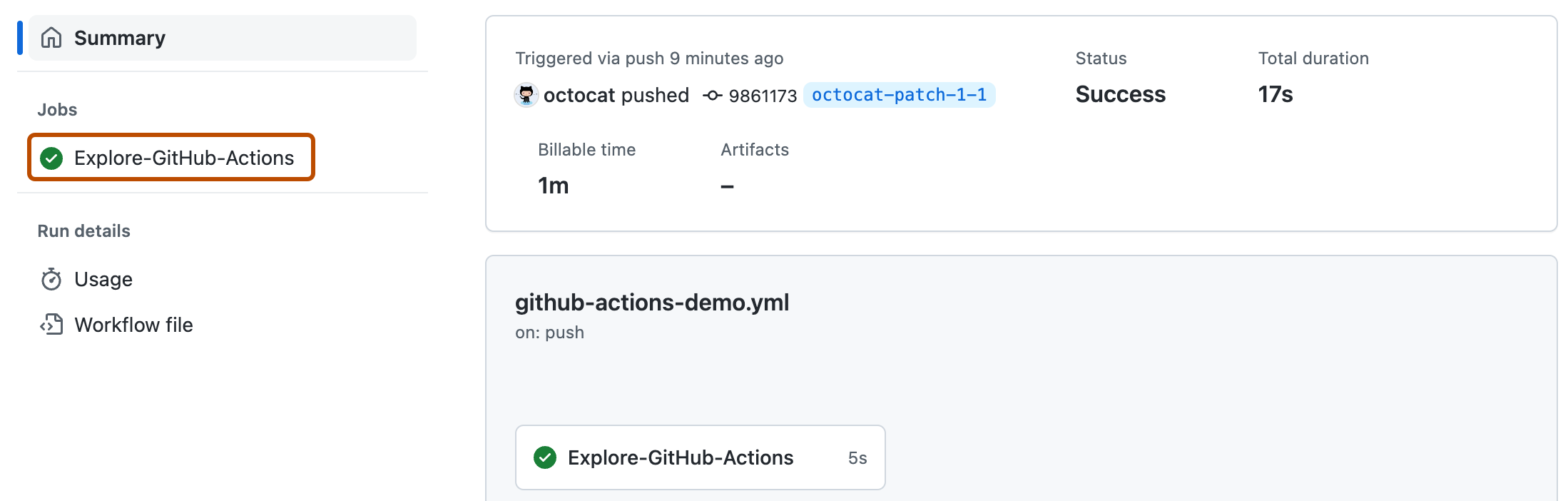
One file in the repository turns every push to main into a deploy. The workflow SSHes in and runs the deploy script that already lives on the server:
Add your test job before the deploy job with a needs: dependency and a broken build can never reach the server. The workflow's only job is transport and logging; the actual deploy logic stays in one script on the server, which means you can still deploy by hand with the same command when GitHub is down — and the pipeline and the human always do exactly the same thing.
A deploy script that fails safely
The script's contract is simple: stop at the first error, build before touching the running app, restart last. That ordering means a failed build leaves the old version serving traffic untouched:
set -euo pipefail is the line that makes the rest trustworthy — without it, a failed npm ci flows straight into reloading an app whose dependencies are now half-installed. git reset --hard keeps the server an exact mirror of main rather than accumulating drift from hotfixes made over SSH; anything worth keeping belongs in a commit. Swap the last two lines for your stack: migrate and collectstatic then a systemd restart for Django, queue:restart for Laravel.
Webhooks and pull-based alternatives
The webhook route runs a tiny HTTP listener on the server that GitHub calls on every push. It must verify the X-Hub-Signature-256 header against your webhook secret before running anything — an unverified webhook endpoint is a remote-execution invitation — and Nginx should proxy it like any other small app. It works well, but you now operate one more always-on service whose failures look like "deploys silently stopped."
Pull-based is the bluntest tool: a cron entry every few minutes compares the local and remote HEAD and runs the deploy script when they differ. Latency is the polling interval and GitHub needs no access to your server at all — the right shape for locked-down networks.
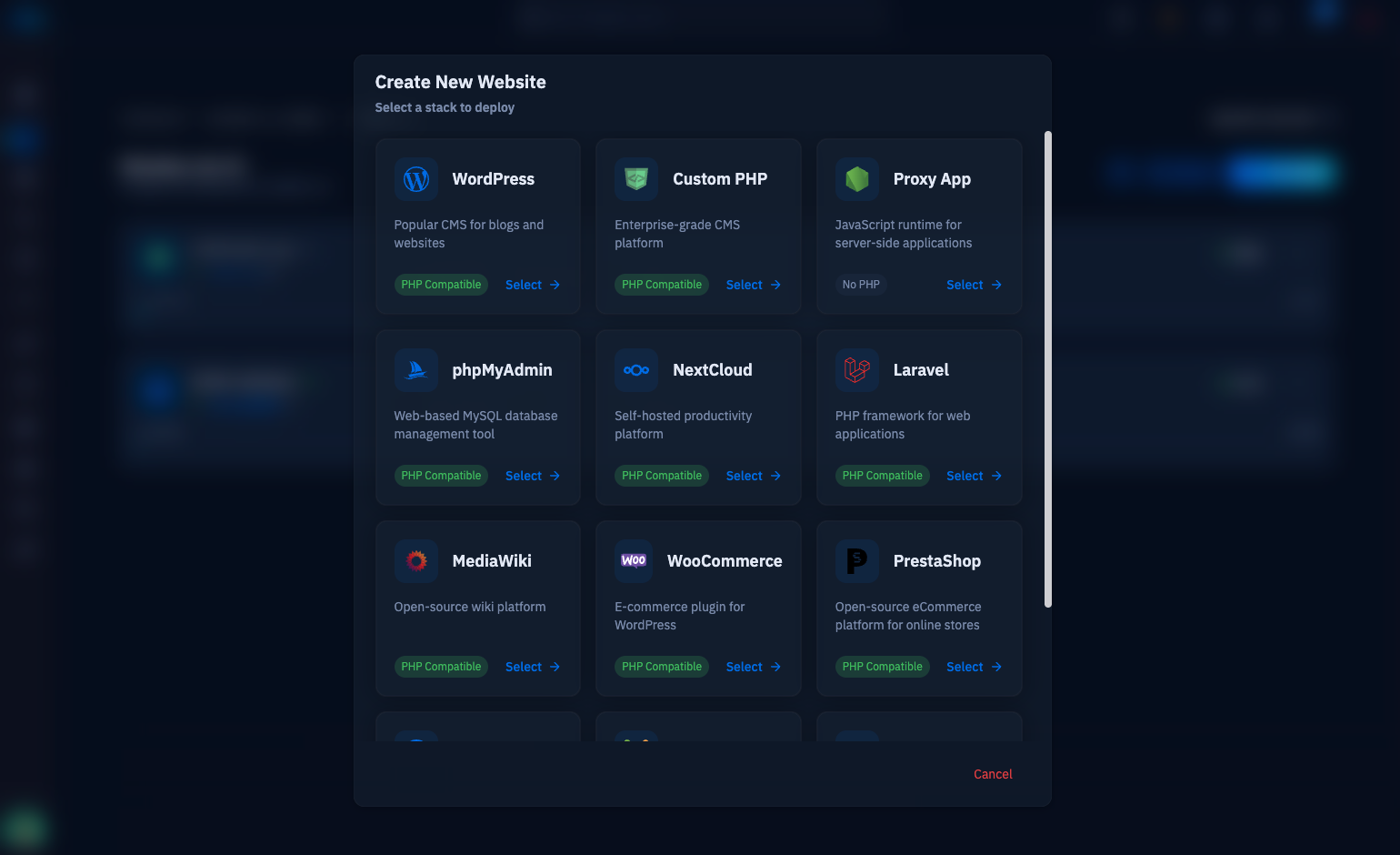
And sometimes the right amount of plumbing to own is none: CloudStick's built-in Git Deployment connects a repository to a web application from the dashboard and pulls on push, with the deploy key exchange and webhook wiring handled for you — the whole first half of this article as a form with two fields. The Actions pipeline earns its keep when you need tests gating the deploy or custom build steps; for a straightforward pull-and-restart, the built-in integration is the same result with none of the maintenance.
Rollbacks and what to do next
A rollback is just a deploy of an older commit. Because the script deploys whatever origin/main points at, the fastest rollback is git revert of the bad commit and a push — the pipeline ships the fix the same way it shipped the bug, and history stays honest. For belt-and-braces, tag each release in the workflow; then a rollback is checking out the previous tag and running the script by hand.
Prove the pipeline before you trust it: push a trivial change and watch the Actions log, then push a commit that fails the build and confirm the server never flinched. Add a health-check curl to the end of deploy.sh so the log's last line tells you the site actually answered 200 after restart. From there the upgrades are incremental — a Slack notification step, a staging branch that deploys to a staging server, zero-downtime release directories when reload gaps start to matter. The core habit is already in place: main is the only way code reaches production.

