The True Cost of Not Having Server Backups


%203.png&w=256&q=75)
Direct Financial Cost: Lost Revenue and Emergency Recovery Bills
For any transactional site, downtime has a direct revenue cost. A WooCommerce store doing $500/day loses $21 per hour of downtime — plus the cost of recovering it. Without a backup, the recovery path is painstaking: comb through server logs, hunt for file fragments, try to reconstruct a database from partial data. This takes days, not hours, and usually involves hiring a specialist at $150–$300/hour.
Professional data recovery services (when the disk itself is recoverable) cost $300–$1,500 for a standard engagement. If the server was provisioned from a cloud provider that snapshotted nothing, the data is simply gone. There is no professional service that can recreate a dropped MySQL table from scratch.
Ransomware attacks on web servers have increased sharply since 2023, with small businesses and agencies being common targets. A ransomware payload that reaches your server will encrypt all files and any locally stored backups. Without an offsite backup, the only options are paying the ransom (with no guarantee of recovery) or rebuilding from scratch.
Time Cost: What Recovery Without a Backup Actually Looks Like
With a recent backup: provision a new server → install stack → restore files → restore database → update DNS → verify. For an experienced developer, this takes 2–4 hours.
Without a backup: install WordPress from scratch → reinstall all plugins manually → rewrite theme customizations from memory → ask the client to export their content from web archive or email threads → manually re-enter customer orders → discover three integrations no longer work because their API keys were in the database. For a medium-complexity WooCommerce site, this is 30–80 hours of work — weeks, not days.
Reputational Cost: Client and User Trust
For agencies and freelancers managing client sites, a data loss incident without a recovery path ends client relationships. The question is not whether the incident was preventable — it's whether the professional responsible had basic infrastructure hygiene in place. A client who loses two years of blog posts or three months of order history does not separate "the server failed" from "our developer failed."
For public-facing businesses, extended downtime damages search rankings. A site that is down for 48+ hours loses the cached indexing Google has for it. Recovery in search can take 4–12 weeks after a rebuild — meaning the revenue impact of a backup failure extends far beyond the incident itself.
What Backups Actually Cost
A proper backup strategy for a small web server costs less than $10/month:
- Amazon S3 Standard: $0.023/GB/month — 20 GB of backup archives costs $0.46/month
- Backblaze B2: $0.006/GB/month — 80% cheaper than S3 for archive storage
- CloudStick Basic plan: 4 GB managed backup storage included
- Healthchecks.io monitoring: free tier covers unlimited check-ins
Compare that to the cost of a single unrecoverable incident: $300–$1,500 in professional recovery, 30–80 hours of developer time, client relationship damage, and 4–12 weeks of SEO recovery. Backups are not an optional infrastructure cost — they are the cheapest insurance you will ever buy.
CloudStick Includes Managed Backup Storage on All Paid Plans
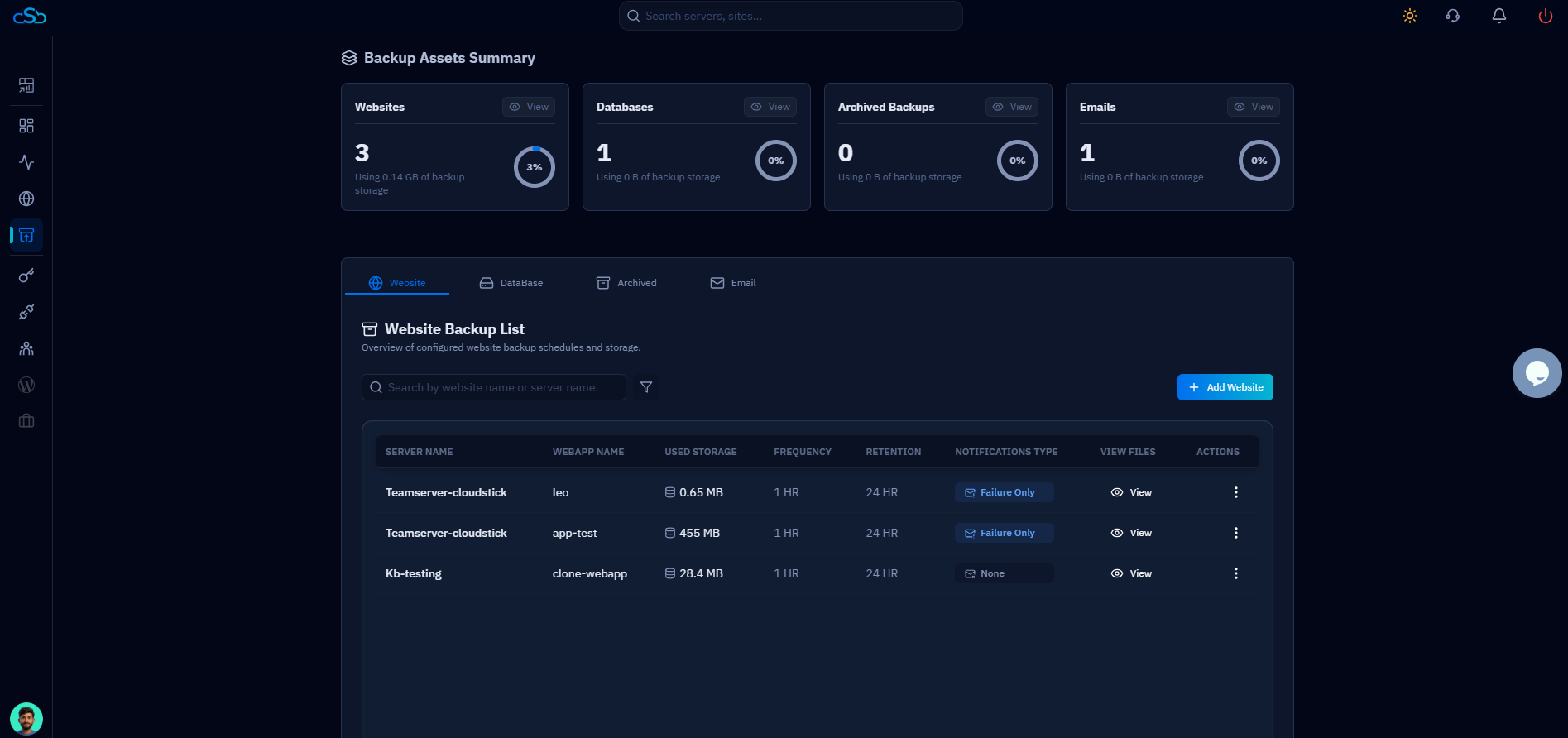
CloudStick's Basic plan ($9/month per server) includes 4 GB of managed offsite backup storage — enough for several weeks of daily database dumps for most WordPress or WooCommerce sites. Pro includes 10 GB, Business includes 40 GB. Additional storage is available if needed. The backup system handles scheduling, compression, offsite transfer, and retention automatically, eliminating every excuse for running a server without backups.